

Have you seen a microphone with autofocus for your voice?
Enter the Lewitt Ray, featuring groundbreaking Aura technology—a hardware-based autofocus for your voice built right into the microphone. As a voice actor for video games, animation, and character work, I think this could be a game-changer!
Is the autofocus a gimmick or the real deal? There’s only one way to find out.
Disclaimer: Lewitt provided the Ray for review, but all opinions in this blog are my own.
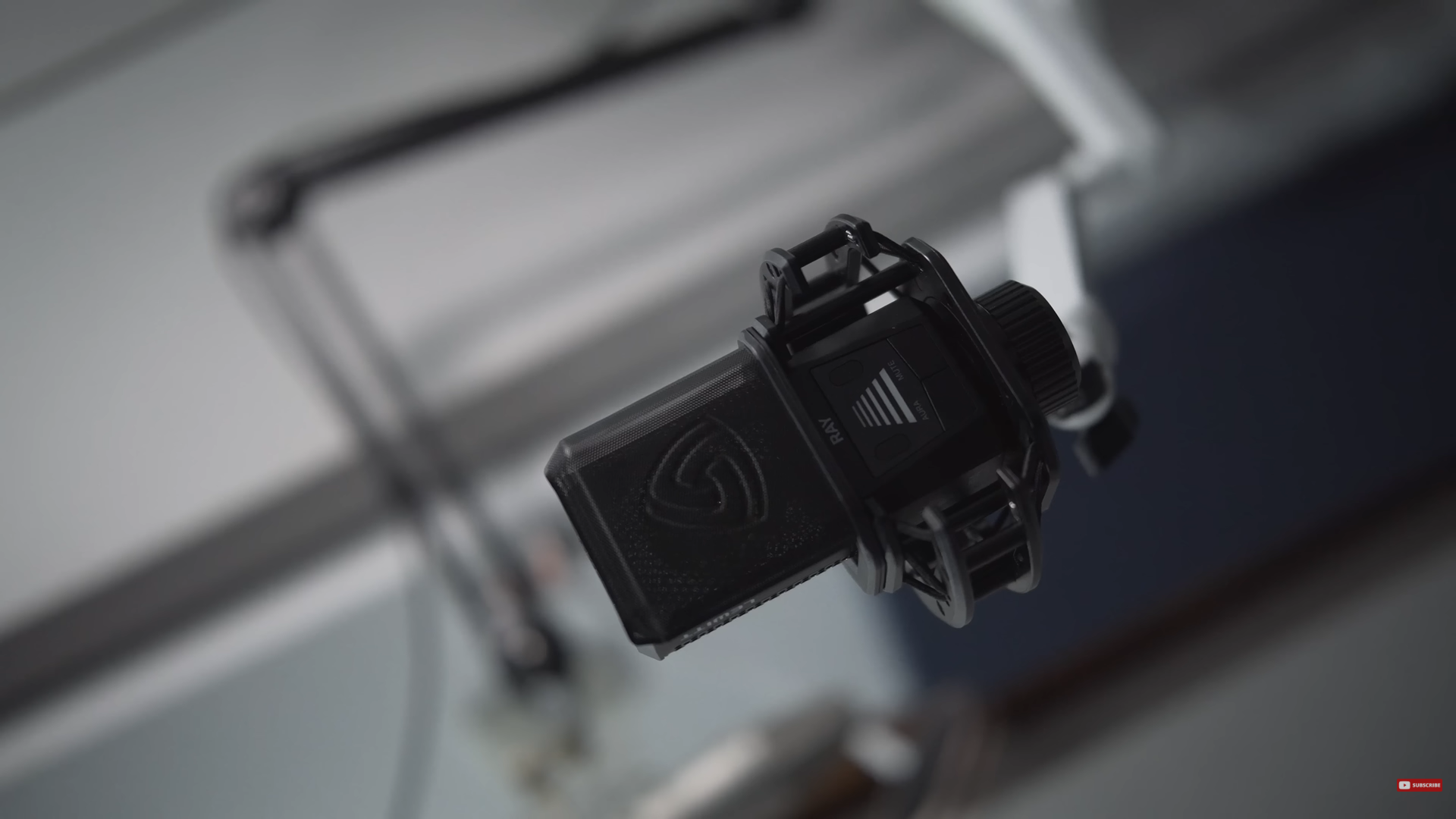
The Lewitt Ray
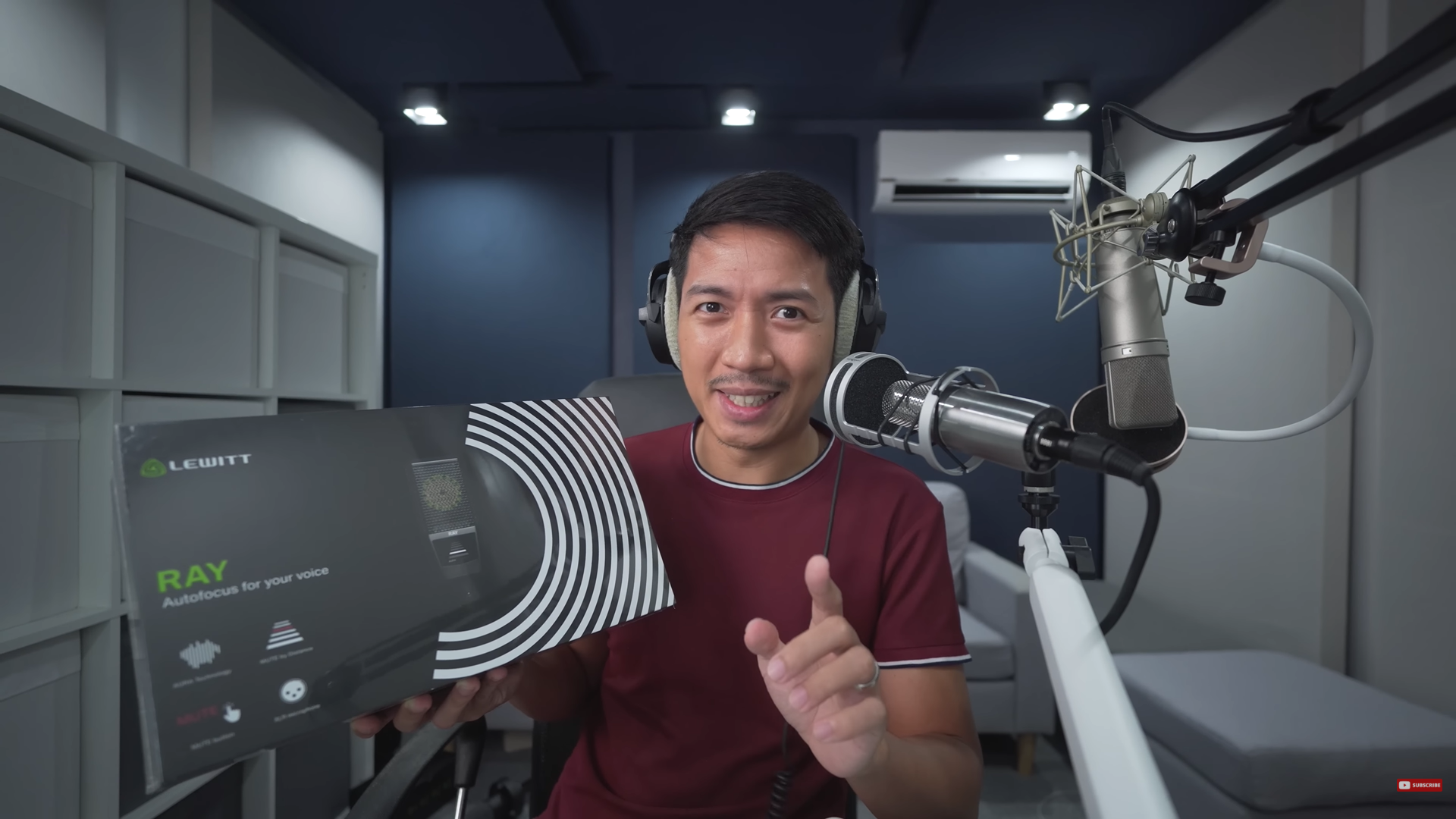
Unboxing the Lewitt Ray
I’ll be unboxing the Lewitt Ray, showcasing its components, and sharing my honest thoughts about it.
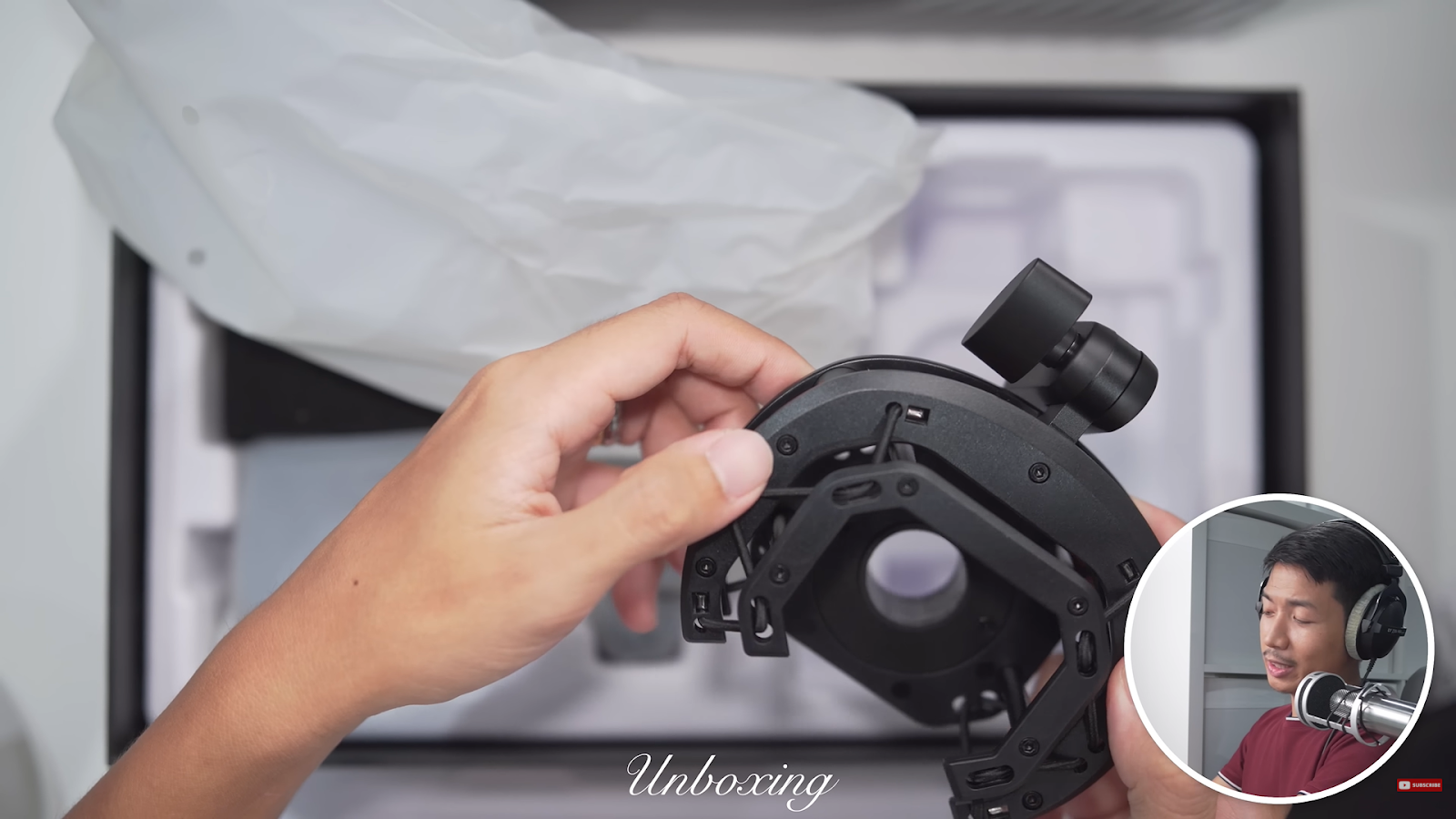
The shock mount. It looks pretty sturdy with high-quality plastic. It does come with a 3/8″ to 5/8″ thread adapter.
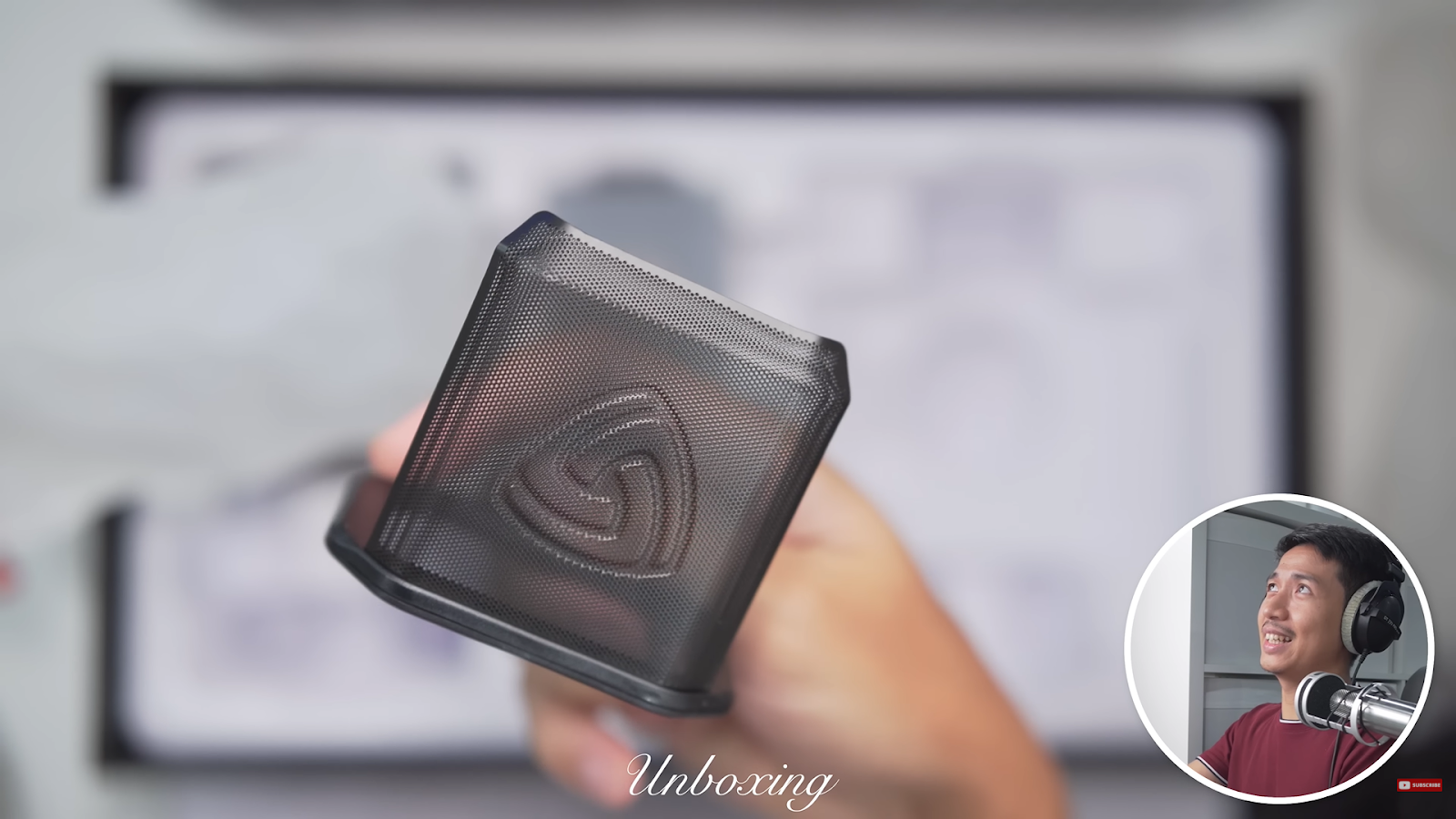
The grill pop filter.
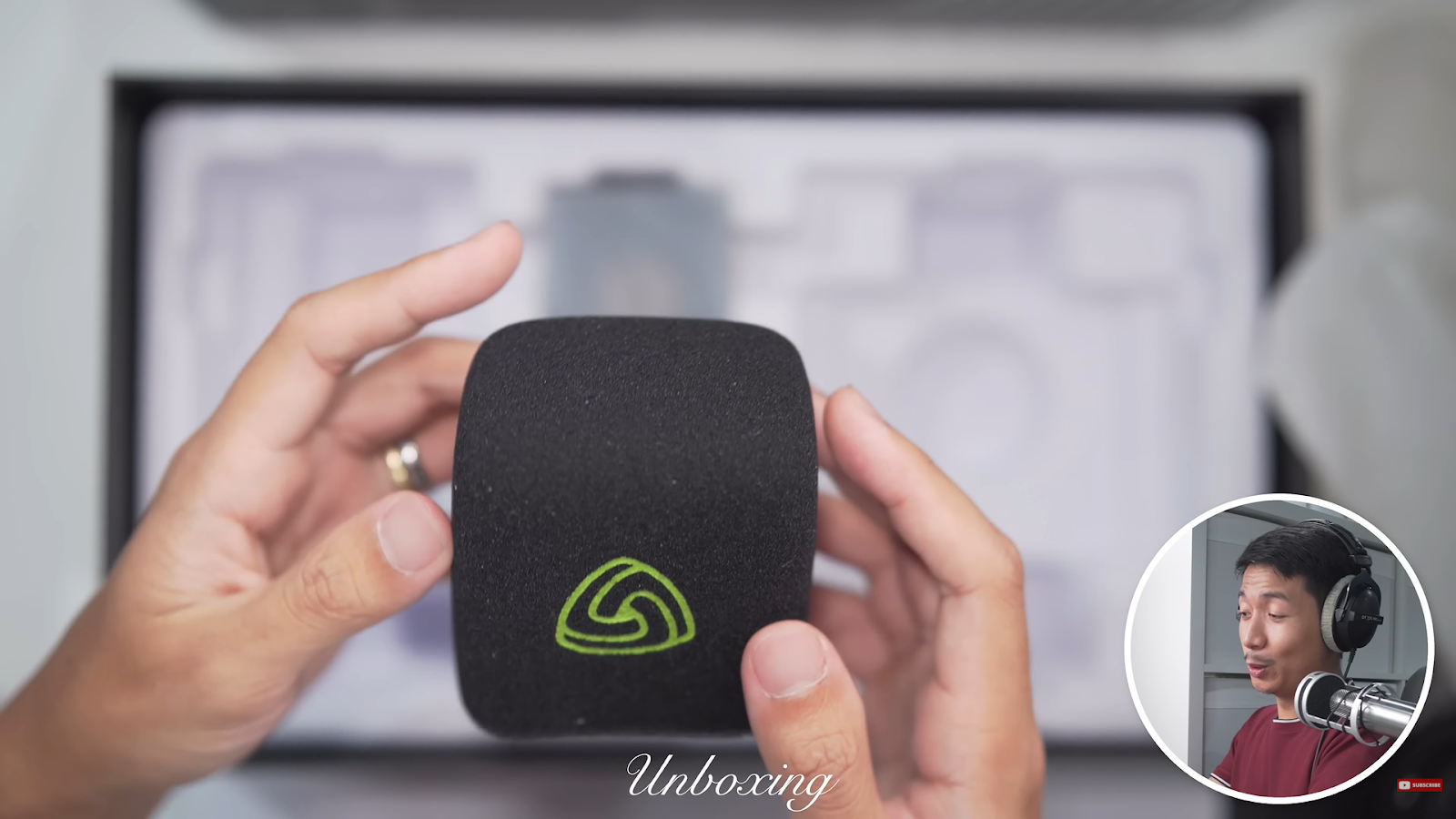
The Lewitt-branded foam pop filter. It seems dense enough. With a torch, some of the light does pass through. I actually like that because that’s better for the high frequencies.
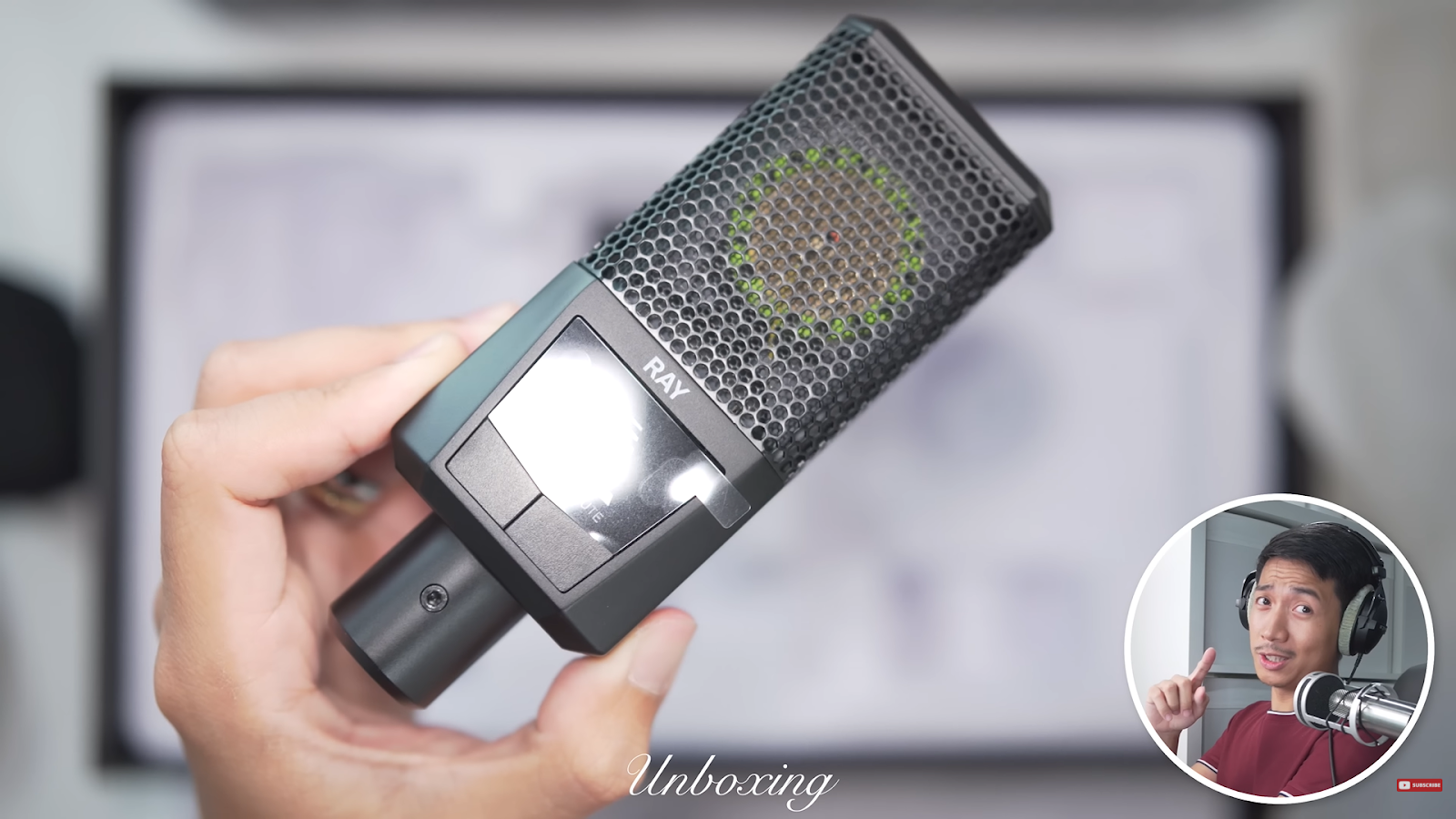
And of course, the microphone itself, the Lewitt Ray! For the price, it actually feels very premium. The Lewitt Ray weighs 329 g. That’s a fairly balanced weight considering this is just the microphone with no shock mount, stands, or anything, just enough weight to signify quality without being too heavy.
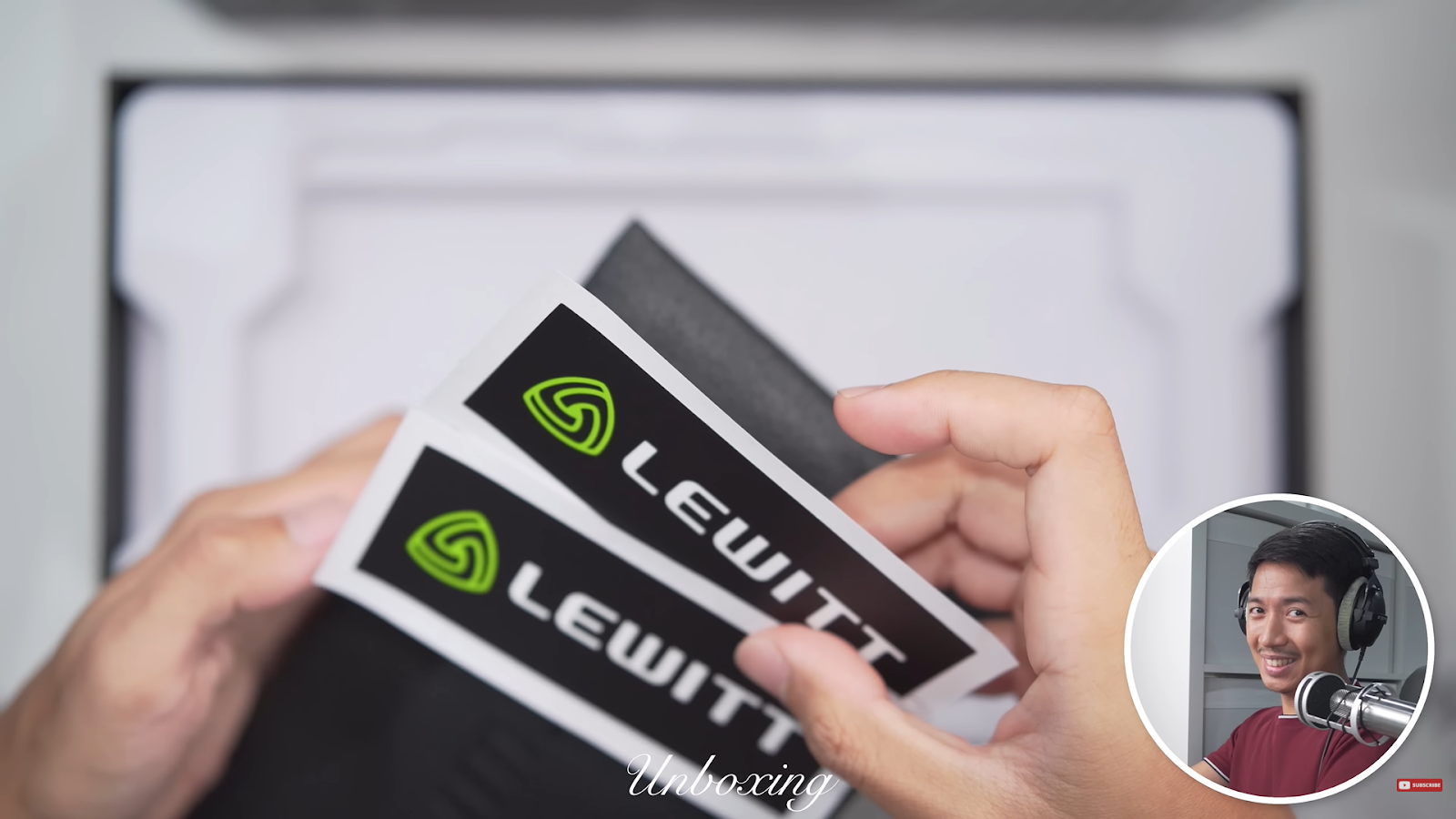
It also comes in a nice pouch that has a nice velvety texture. The pouch has stickers inside.
Testing it out
In the following section, I performed a series of audio tests with the Lewitt Ray microphone — timestamps are included below to help you navigate the YouTube video.
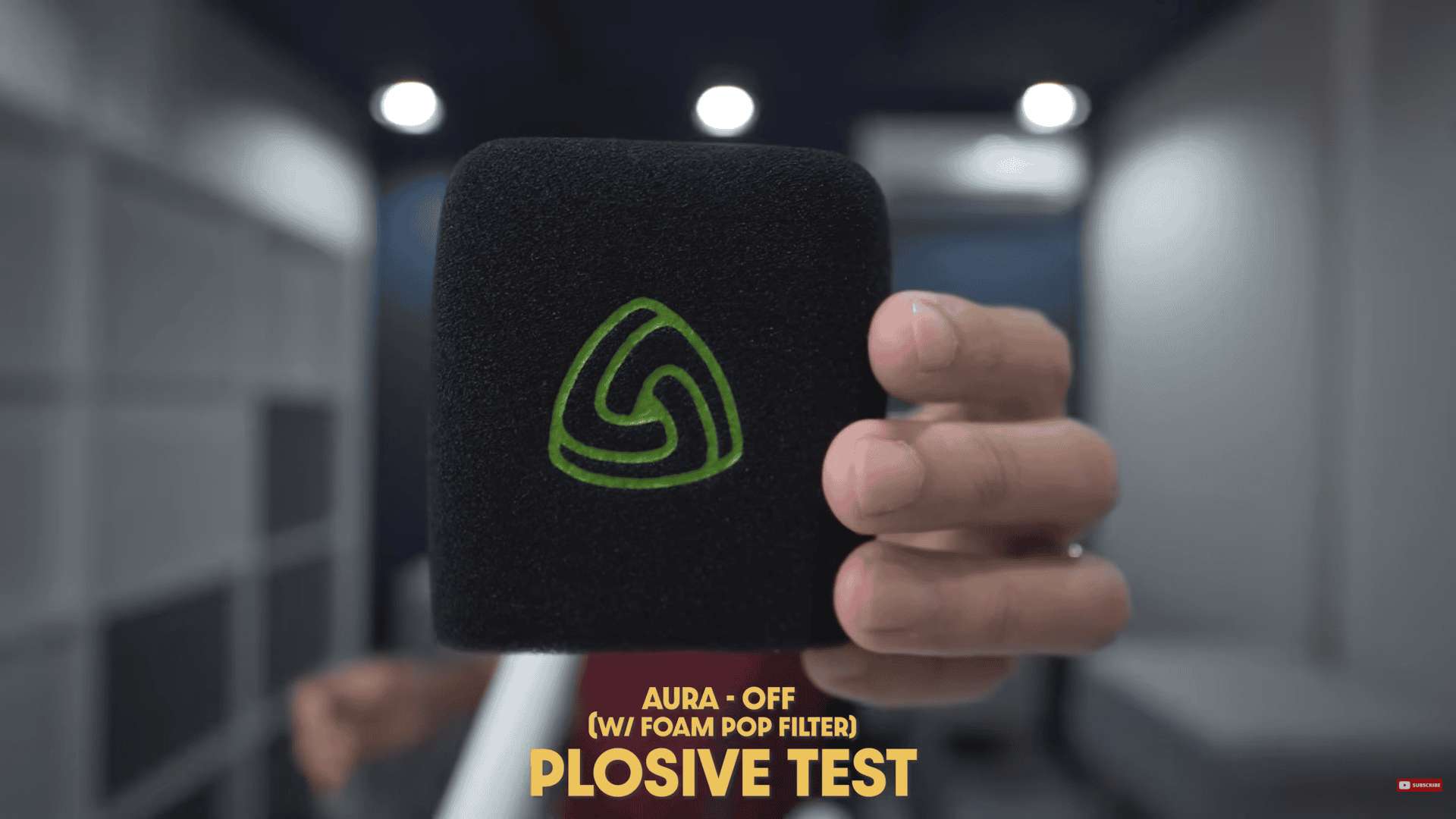
Plosive
What it is: Those “boom/puff” hits on P/B sounds when air slams the mic.
Why it matters: Buries words and makes compressors pump.
How I test: “Pesky Ps…” at varying distances; no filter → foam → metal.
What to listen for (simple + tech): Big thumps (mostly under ~150 Hz), sudden level jumps, or clipping on P’s.
Watch here: (4:25 – 5:35)
Sibilance
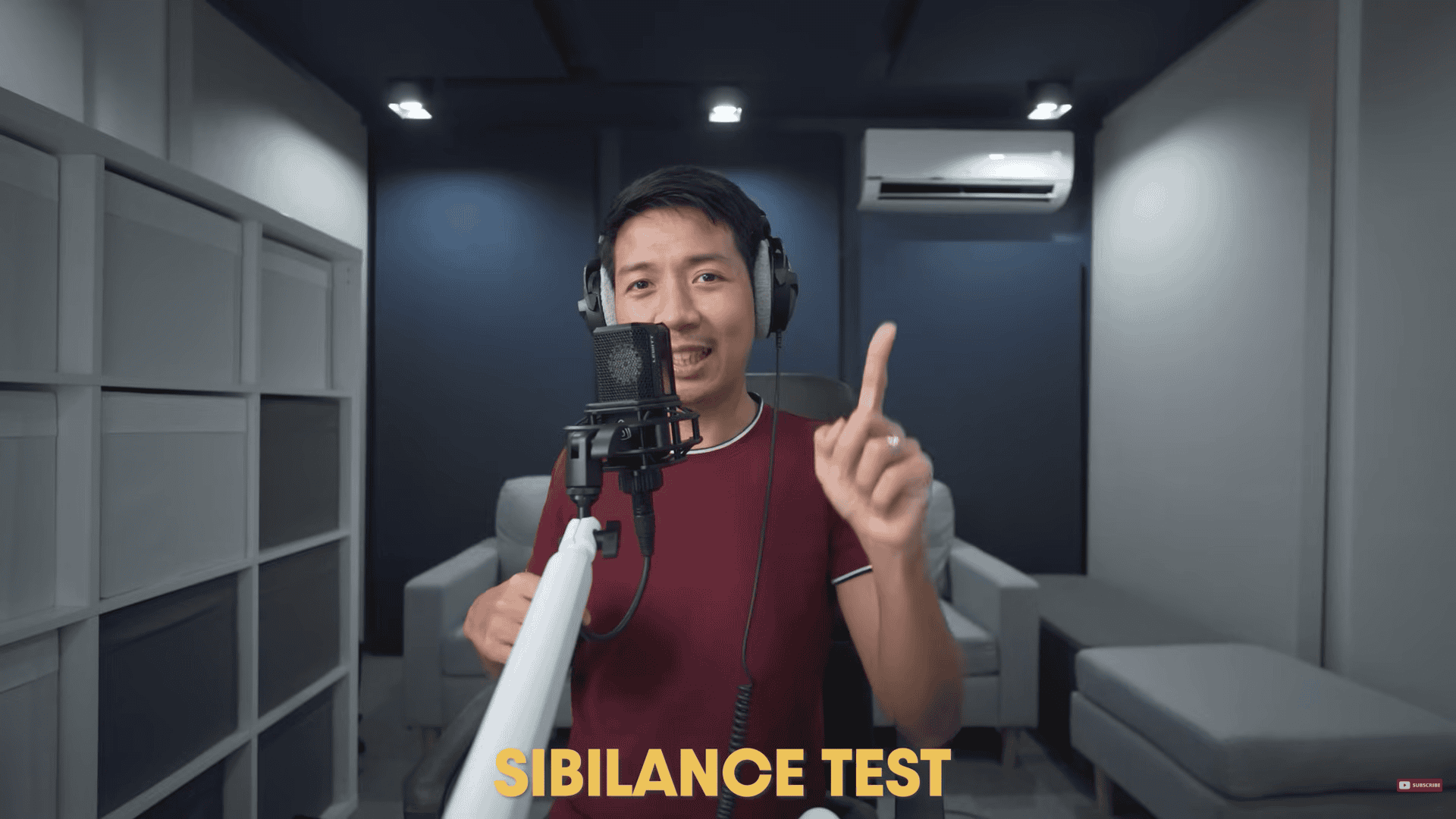
What it is: Sharp “S/SH/CH/T” brightness.
Why it matters: Fatiguing highs; often needs a de-esser.
How I test: S-heavy lines at the same volume.
What to listen for: Smooth vs. hissy top end (roughly 5–10 kHz); does “S” stab the ear or sit naturally?
Watch here: (5:35 – 5:51)
Distance
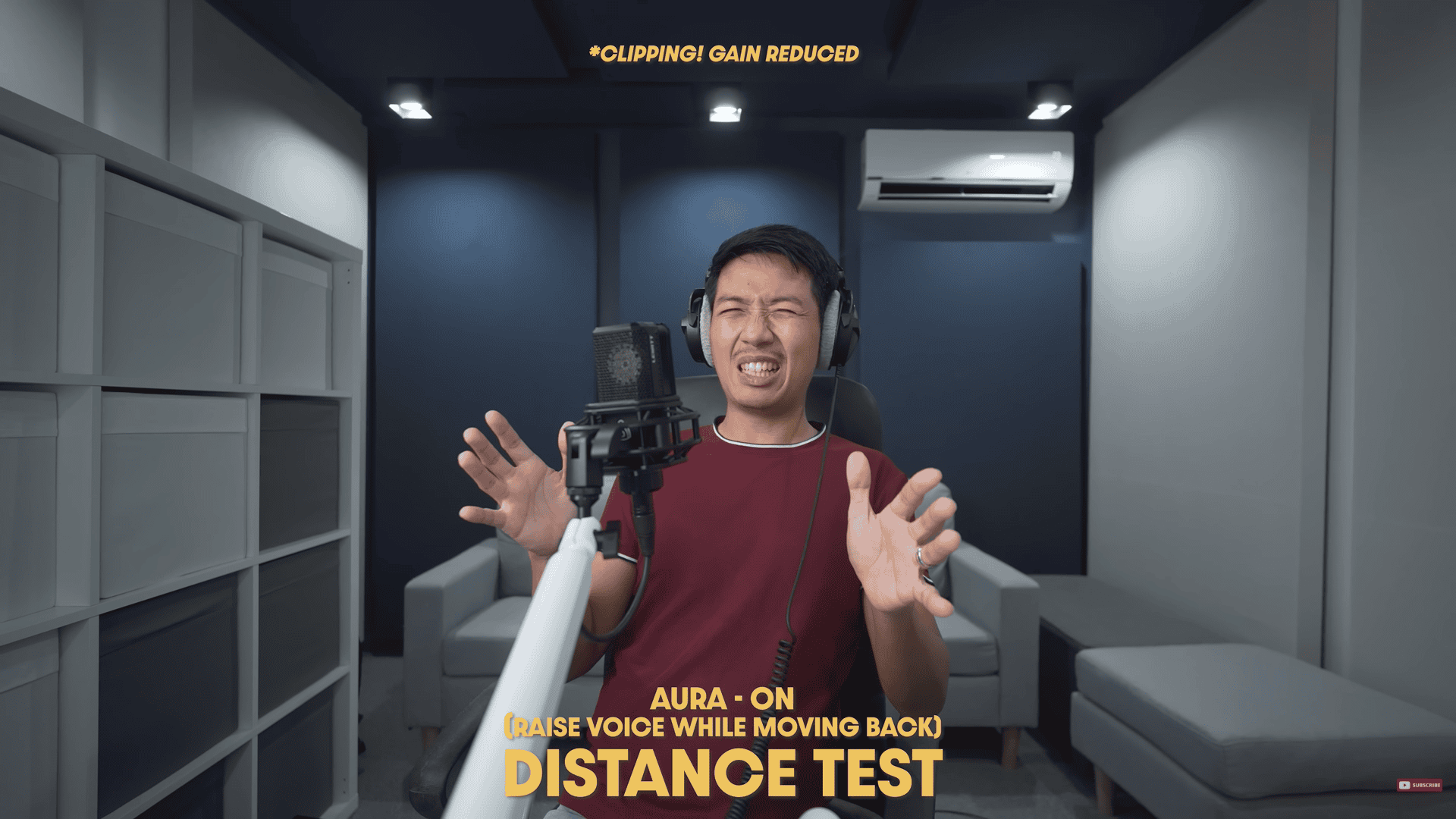
What it is: How tone changes from close (2″) to medium (6″) to far (12″+).
Why it matters: Balances warmth, consistency, and room sound.
How I test: Same line at varying “finger distances”.
What to listen for: Bassy/proximity while close, and how thin it gets as I get farther.
Polar Pattern
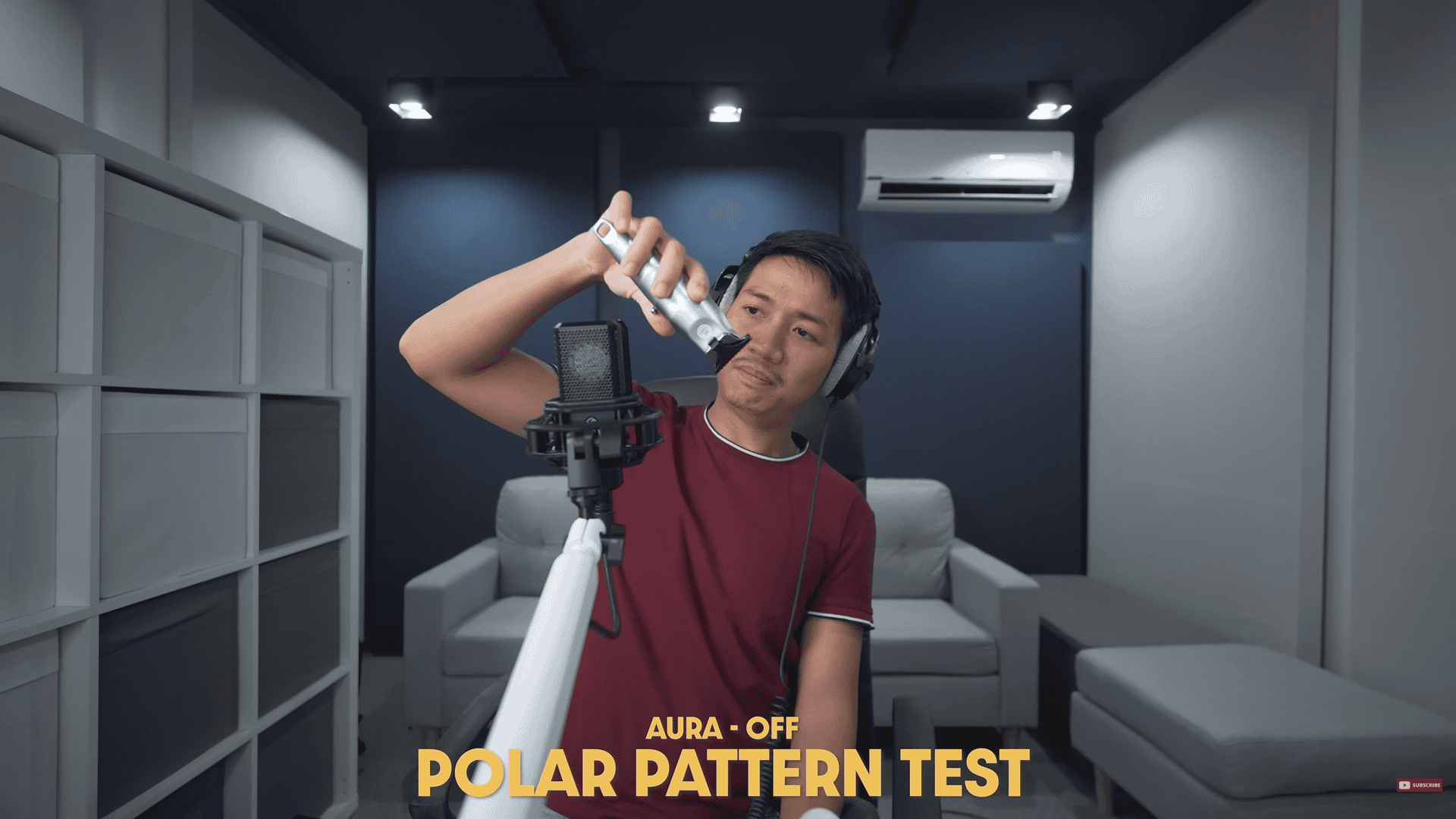
What it is: Where the mic “hears” best (cardioid/supercardioid/omni/fig-8).
Why it matters: Controls how much room and side noise you pick up.
How I test: Screaming around the mic, or using a shaver.
What to listen for: Volume and tone drop off-axis; highs often roll off when you move sideways.
Watch here: (7:19 – 7:46)
Noise Rejection
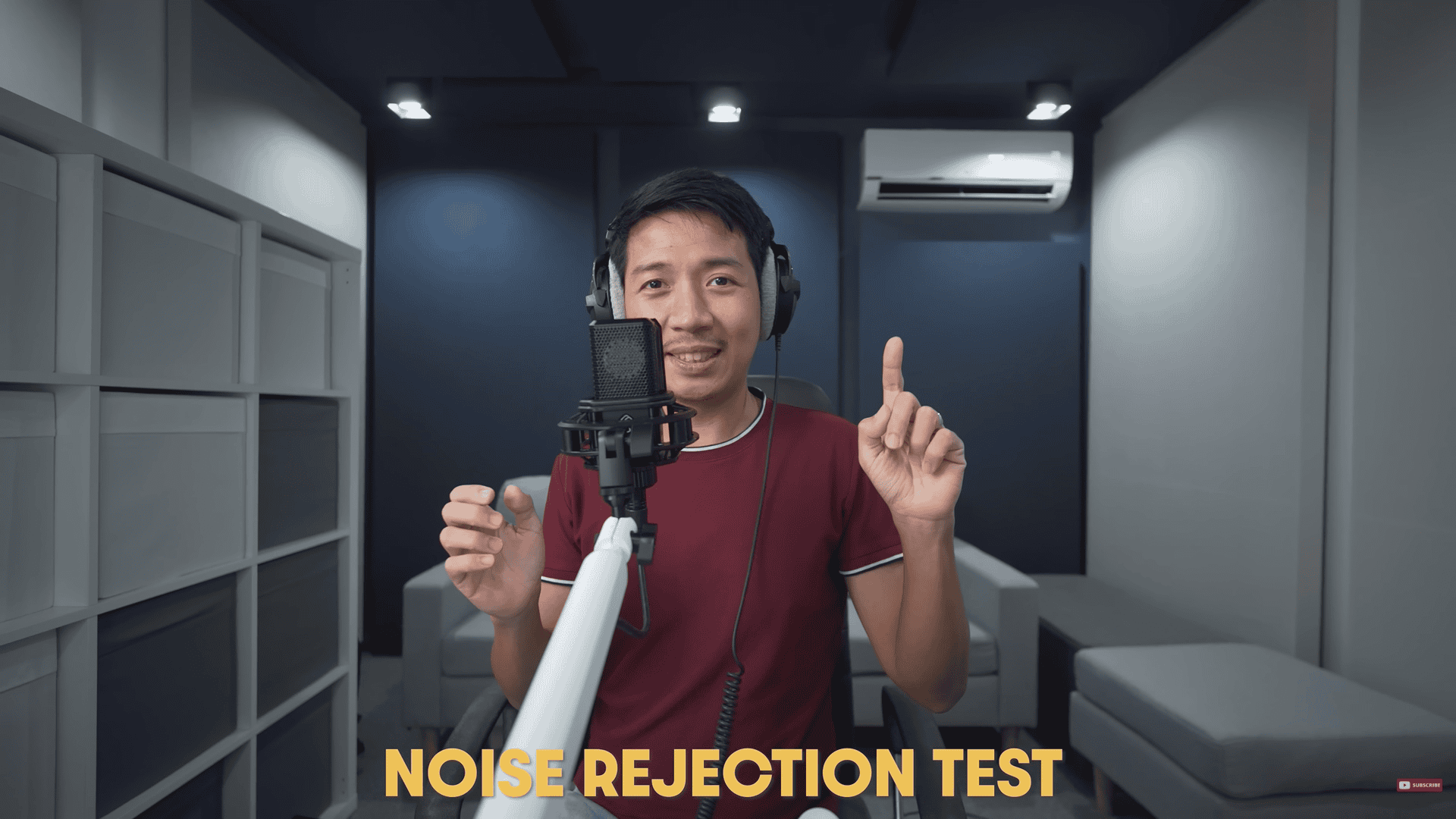
What it is: How well the mic ignores sound you don’t want (room, keyboard, fan).
Why it matters: Cleaner tracks in real rooms.
How I test: Voice vs a steady background (fan/typing) at set angles.
What to listen for: Voice stays clear up front while the background stays tucked back.
Watch here: (7:46 – 8:09)
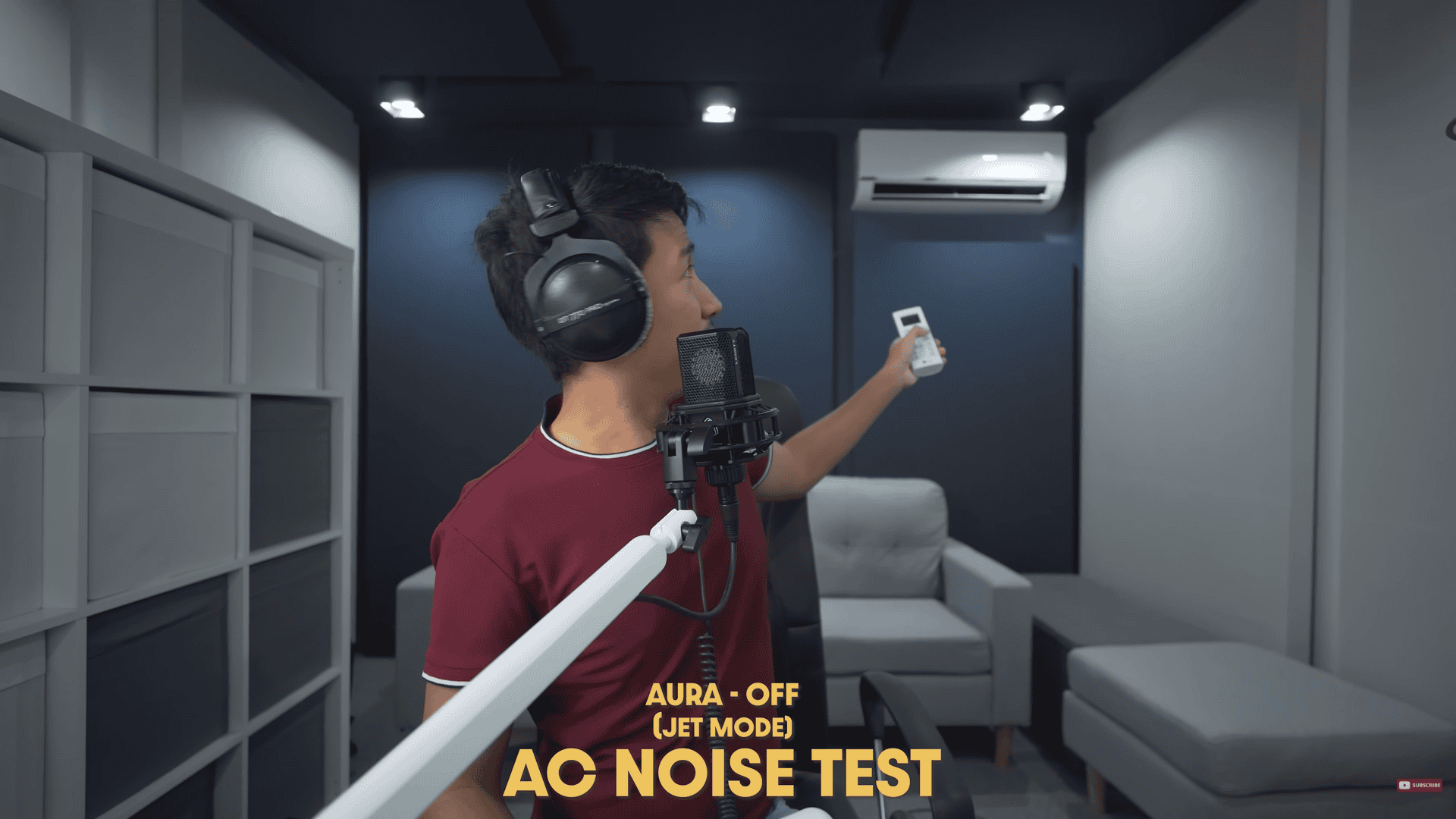
AC (Air-con / Fan)
What it is: Sensitivity to steady HVAC/fan noise.
Why it matters: Home-studio reality check.
How I test: AC on a fixed setting while speaking normally.
What to listen for: Low hum/hiss sneaking into quiet phrases and fade-outs.
Watch here: (8:47 – 9:08)
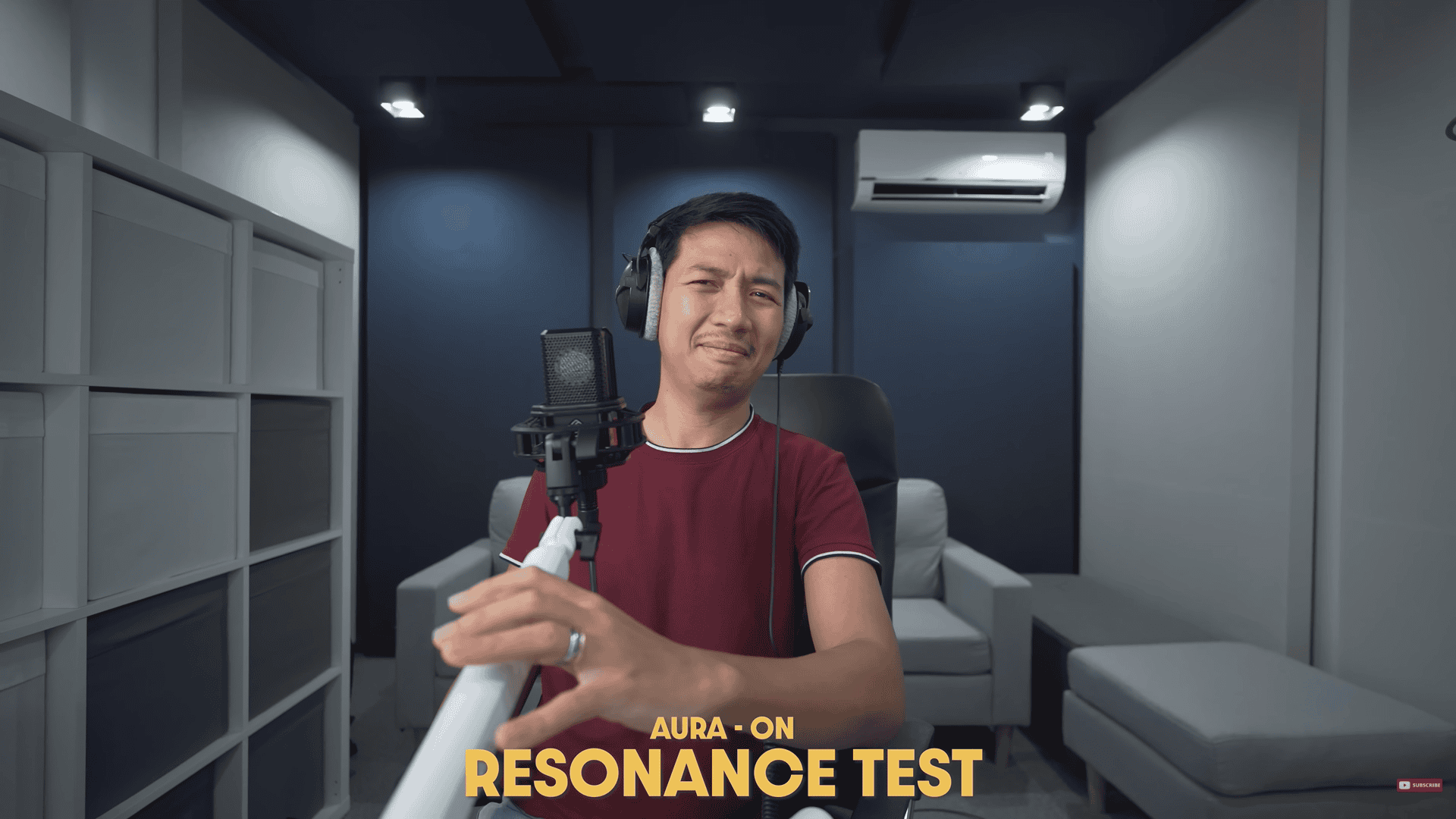
Resonance / Mic Arm
What it is: Vibrations traveling through your desk/arm/stand into the mic.
Why it matters: Thumps and ringy overtones print into the recording.
How I test: Light desk/arm taps; move the arm; repeat.
What to listen for: Low “thuds” and “boing” rings that linger under speech.
Watch here: (8:09 – 8:47)
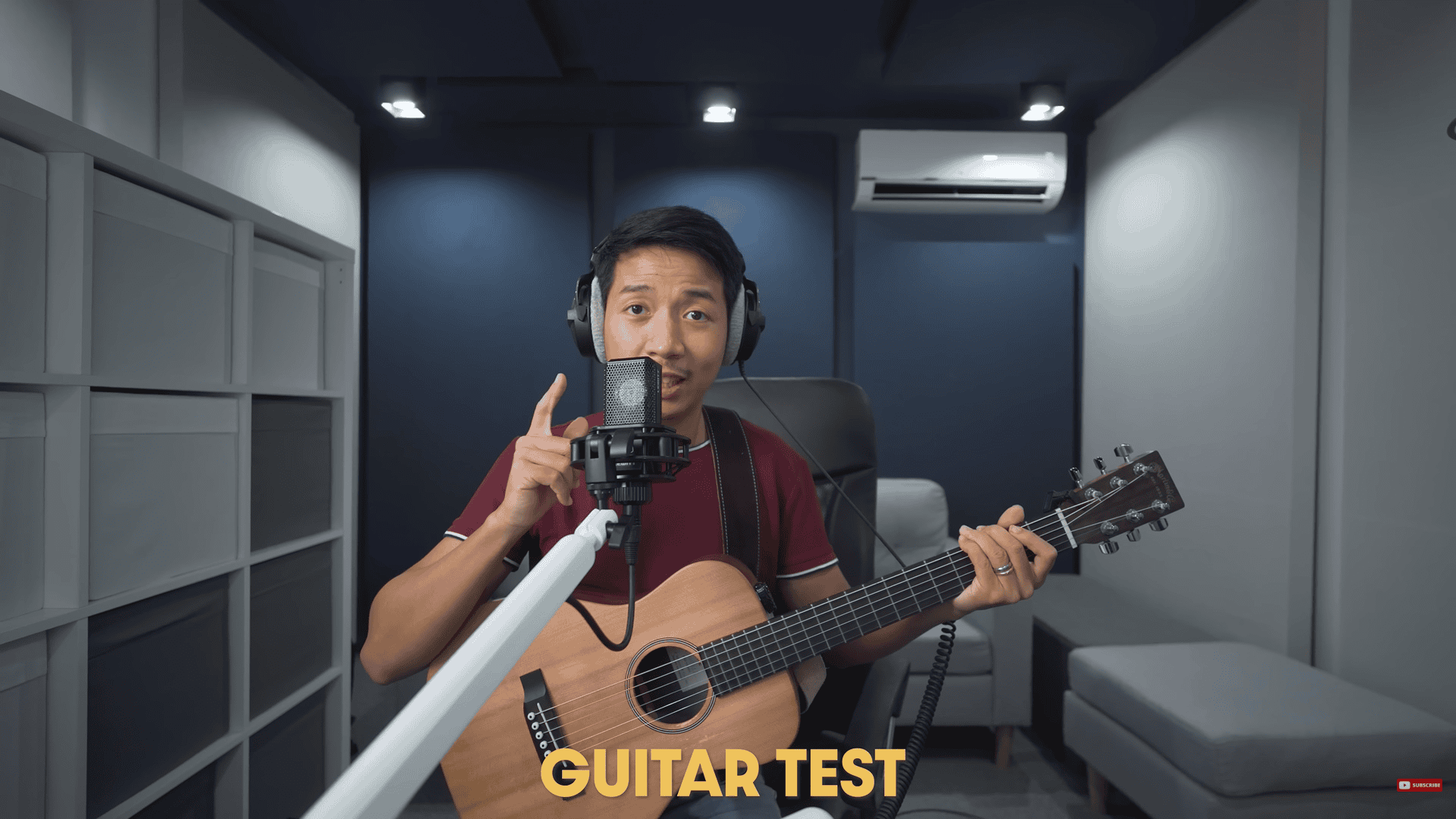
Guitar
What it is: Mic on acoustic guitar only.
Why it matters: Shows pick attack, body warmth, and string detail.
How I test: Short strum + fingerstyle, matched loudness.
What to listen for: Clear attack, musical body (100–300 Hz), sparkle without fizzy top.
Watch here: Aura OFF (9:07 – 9:19) Aura ON (9:28 – 9:37)
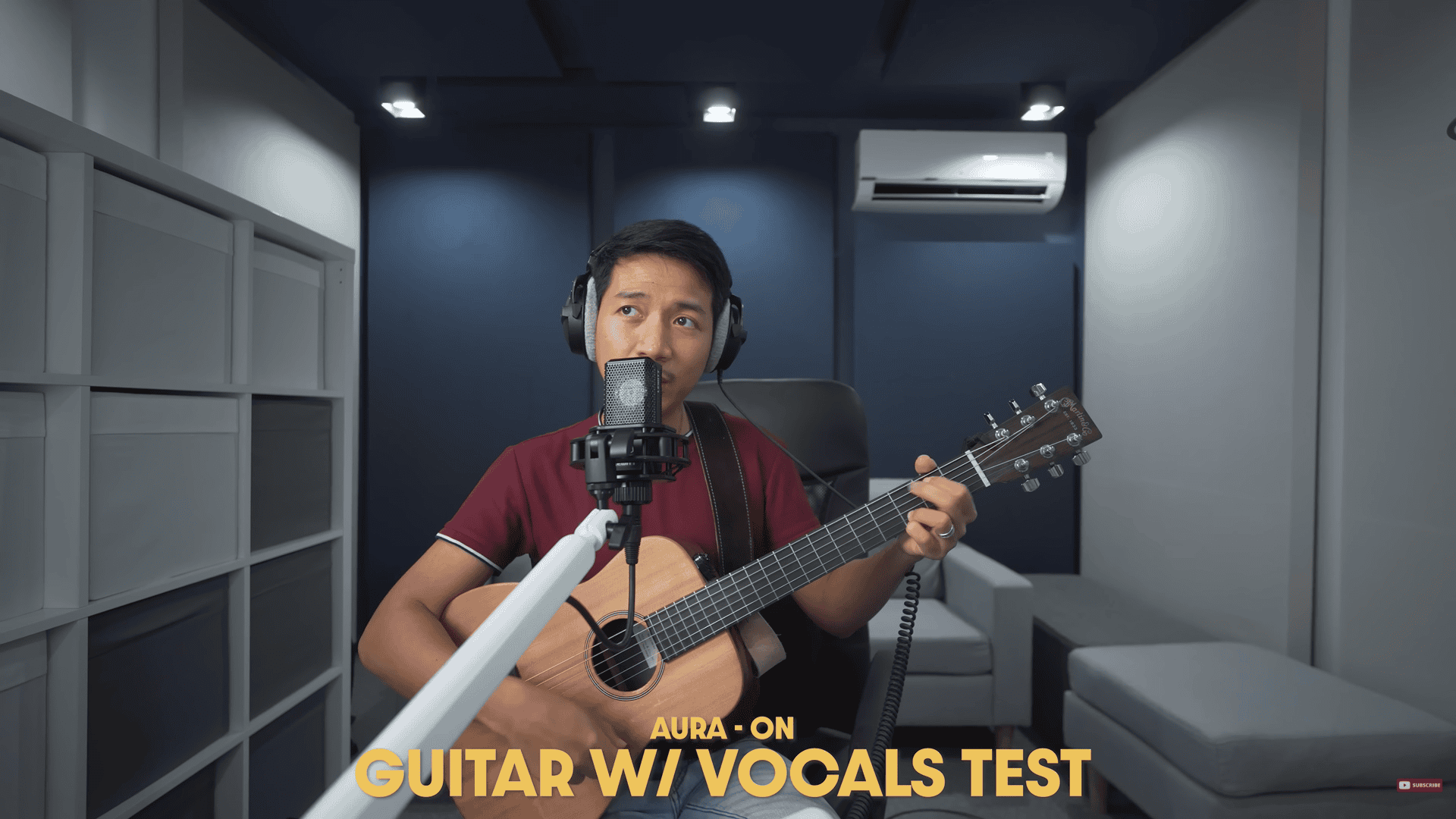
Guitar + Vocals
What it is: One mic capturing voice and guitar at the same time.
Why it matters: Real singer-songwriter setup; bleed and balance are key.
How I test: Short verse/chorus at a practical distance.
What to listen for: Can you understand lyrics without the guitar booming? Does the blend feel natural?
Watch here: Aura OFF (9:19 – 9:27) Aura ON (9:37 – 9:49)
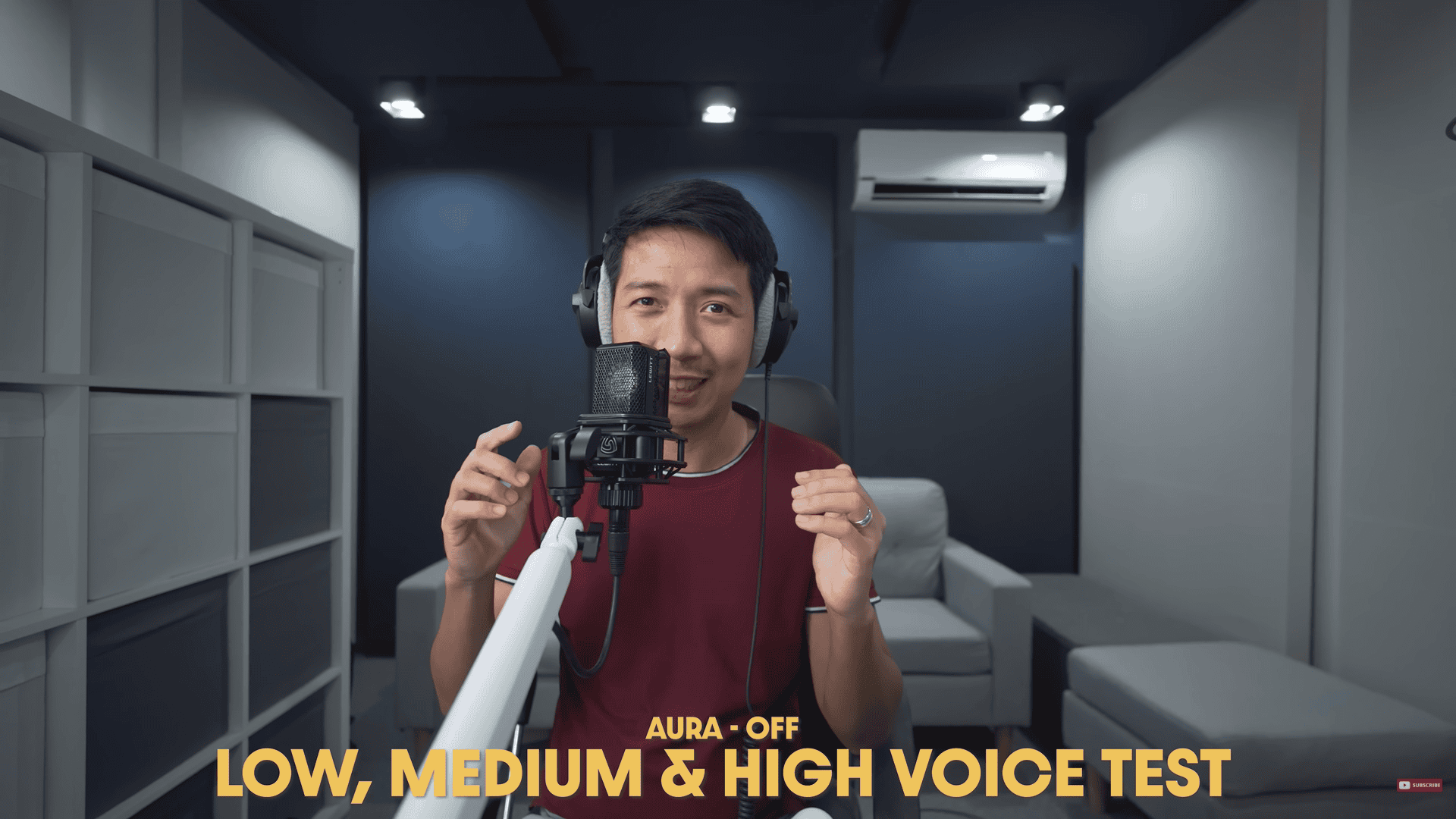
Low Voice
What it is: Baritone/bass delivery.
Why it matters: Tests warmth vs mud.
How I test: Deep phrases at normal volume.
What to listen for: Solid body without muffling; low-cut needed or not.
Watch here: (9:49 – 10:41)
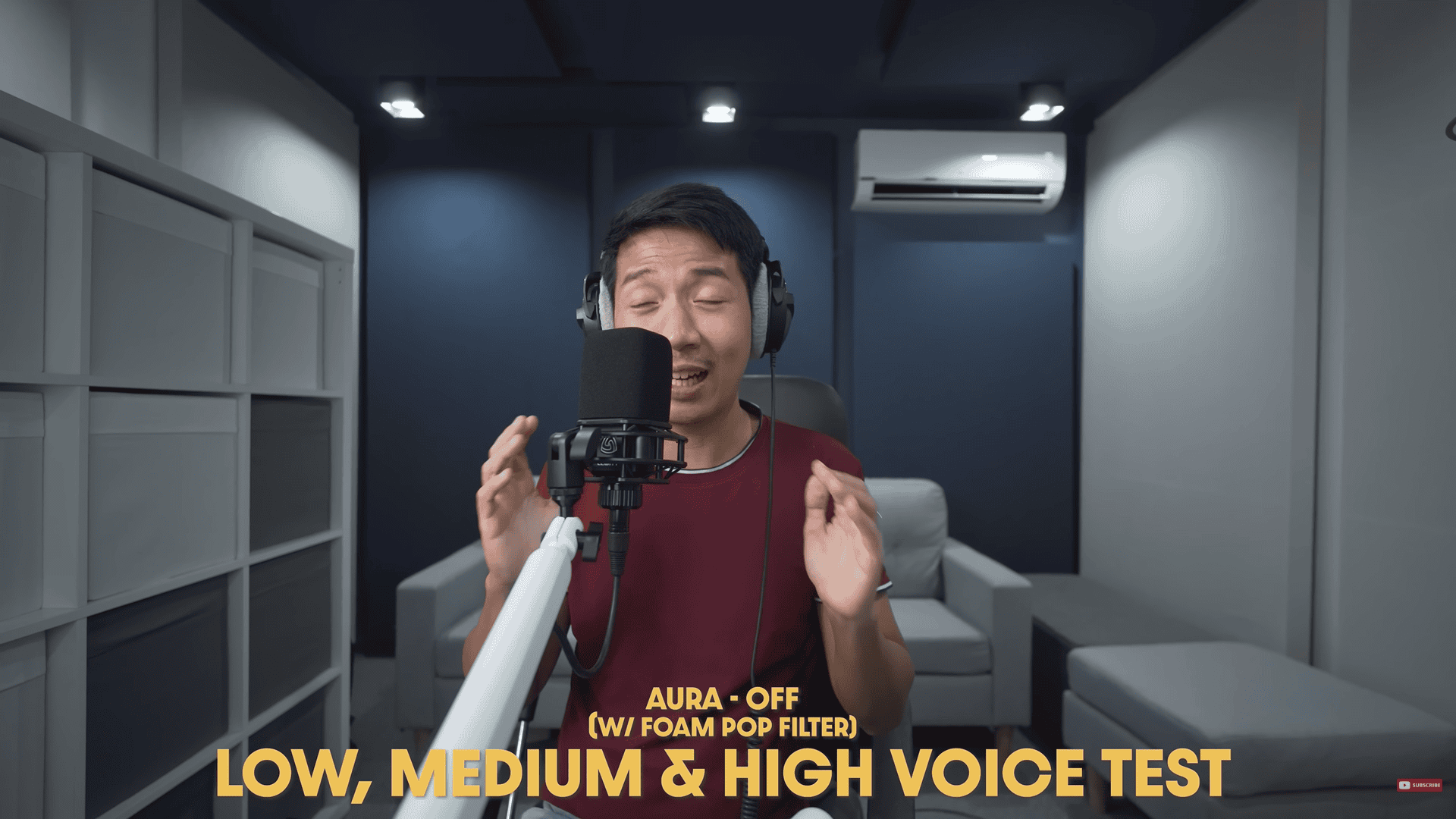
Medium Voice
What it is: Average speaking range.
Why it matters: “Most people” scenario.
How I test: Neutral script at conversational level.
What to listen for: Natural mids, clear words, no harsh edges.
Watch here: (9:49 – 10:41)
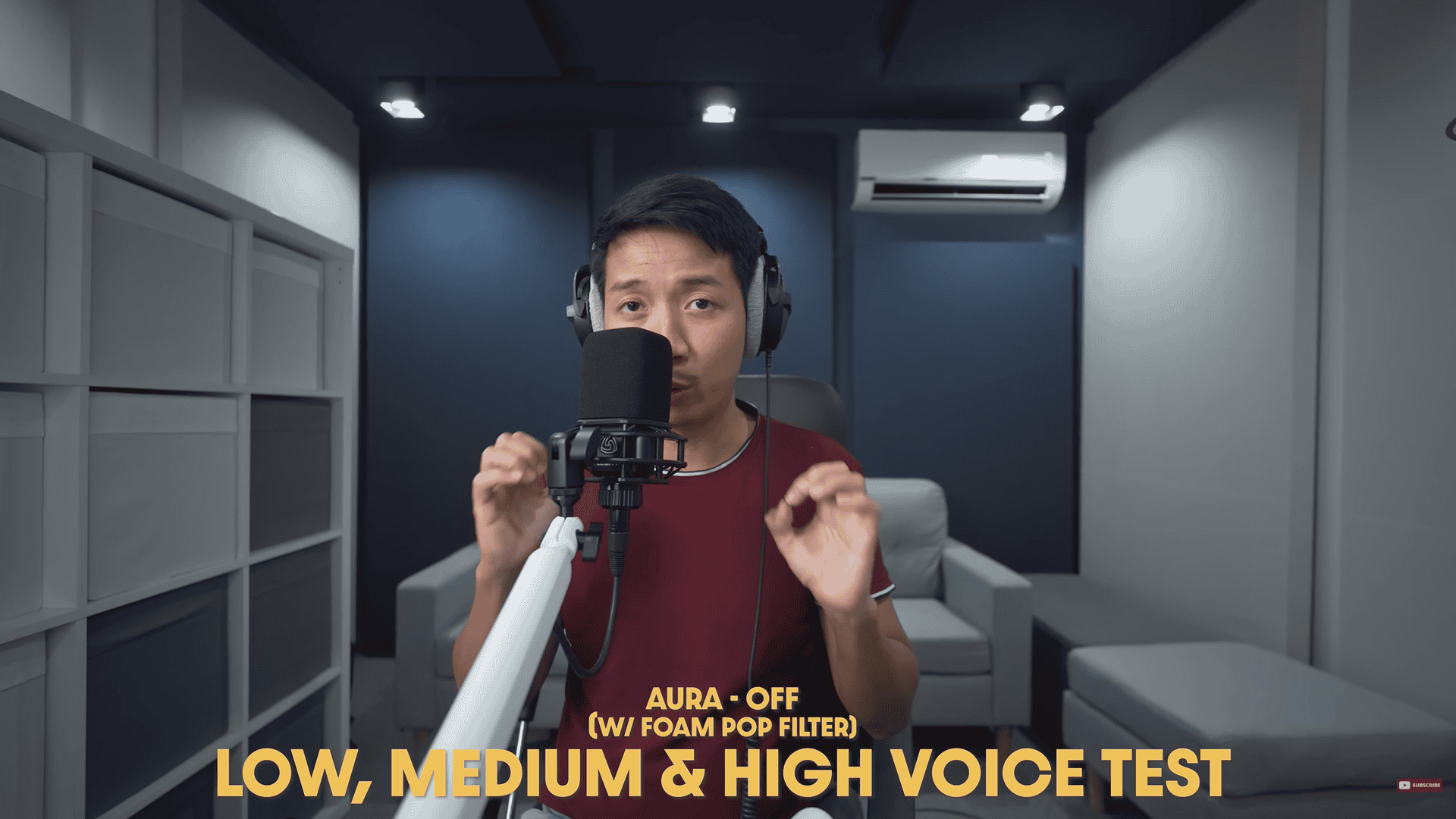
High Voice
What it is: Bright tenor/soprano or animated read.
Why it matters: Exposes sibilance and edgy upper-mids.
How I test: A short sentence at conversational level.
What to listen for: Controlled esses, brightness without glassiness.
Watch here: (9:49 – 10:41)
Pros and Cons of the Lewitt Ray Microphone
The Lewitt Ray is packed with innovative features, but like any mic, it has trade-offs. Here are five standout pros and four cons to consider:
Pros
1. Exceptional Sound Clarity
The Lewitt Ray cuts through mixes with a strong 4-6 kHz presence, ensuring crisp articulation for voice-over work. Even with the foam filter, it maintains clarity, saving EQ time in post-production.
2. Generous Accessories
It includes a foam pop filter, reliable shock mount, magnetic pop filter, and built-in Aura tech — all at no extra cost, offering great value.
3. Packed with Features
Beyond Aura tech, it offers a manual mute button and distance-based auto-mute, ideal for dynamic recordings like interviews.
4. Consistent Tone and Volume
Aura tech keeps your voice steady despite movement, perfect for podcasts or multi-speaker setups.
5. Impressive Signal-to-Noise Ratio
Its 86 dB signal-to-noise ratio outperforms the Audio-Technica AT2020 (74 dB) by 12 dB and the Neumann U87 (82 dB) by 4 dB, reducing hiss and potentially eliminating post-processing.

Cons to Consider
1. Increased Background Noise
Aura’s automatic gain boost increases background noise when you step back, amplifying room sound. Future versions could benefit from onboard noise cancellation.
2. Hand Detection Issue
Aura mistakes hand movements near the mic for proximity, disrupting gain. Avoid gesturing close to the mic during recording.
3. Not a Compressor
Aura targets consistent loudness but doesn’t compress dynamics, so clipping or quiet recordings persist. Manual gain adjustment is still required.
4. Lacks Warmth in Aura Mode
The Lewitt Ray isn’t warm in Aura mode, which suits layered vocal tracks by avoiding muddiness, but may feel underwhelming for voice-over. Disabling Aura restores warmth.
Final Thoughts and Recommendations
Would I recommend the Lewitt Ray? Absolutely!
It’s a versatile microphone with outstanding sound, robust features, and valuable accessories—a true studio workhorse. I recommend it for podcasters, voice actors, narrators, and singers. Gamers without treated rooms may struggle, but for intermediate streamers and creators with soundproofing, it’s a versatile mic for live and recorded content.
Overall, I’m impressed with the Lewitt Ray. It’s the most feature-packed mic in my arsenal, with excellent tone and an outstanding signal-to-noise ratio. At its price, it’s a fantastic value. Thanks for reading! What do you think of the Lewitt Ray? Share your thoughts in the comments, and stay tuned for my next post.
Want to get your Lewitt Ray? Check the link below: https://link.davesoltura.com/lewittray