

Obsbot has produced several high-quality 4K webcams, such as the Obsbot Tiny SE, a 1080p webcam that also has smart tracking, and this is the Obsbot Tiny 2 Lite, which is a 4K webcam, and even tiny webcams like the Obsbot ME 2. These cameras are amazing, but they can be a bit pricey.
Enter the Obsbot Tiny SE, which is basically like an Obsbot Tiny 2 Lite, except instead of being 4K, it is actually 1080p.
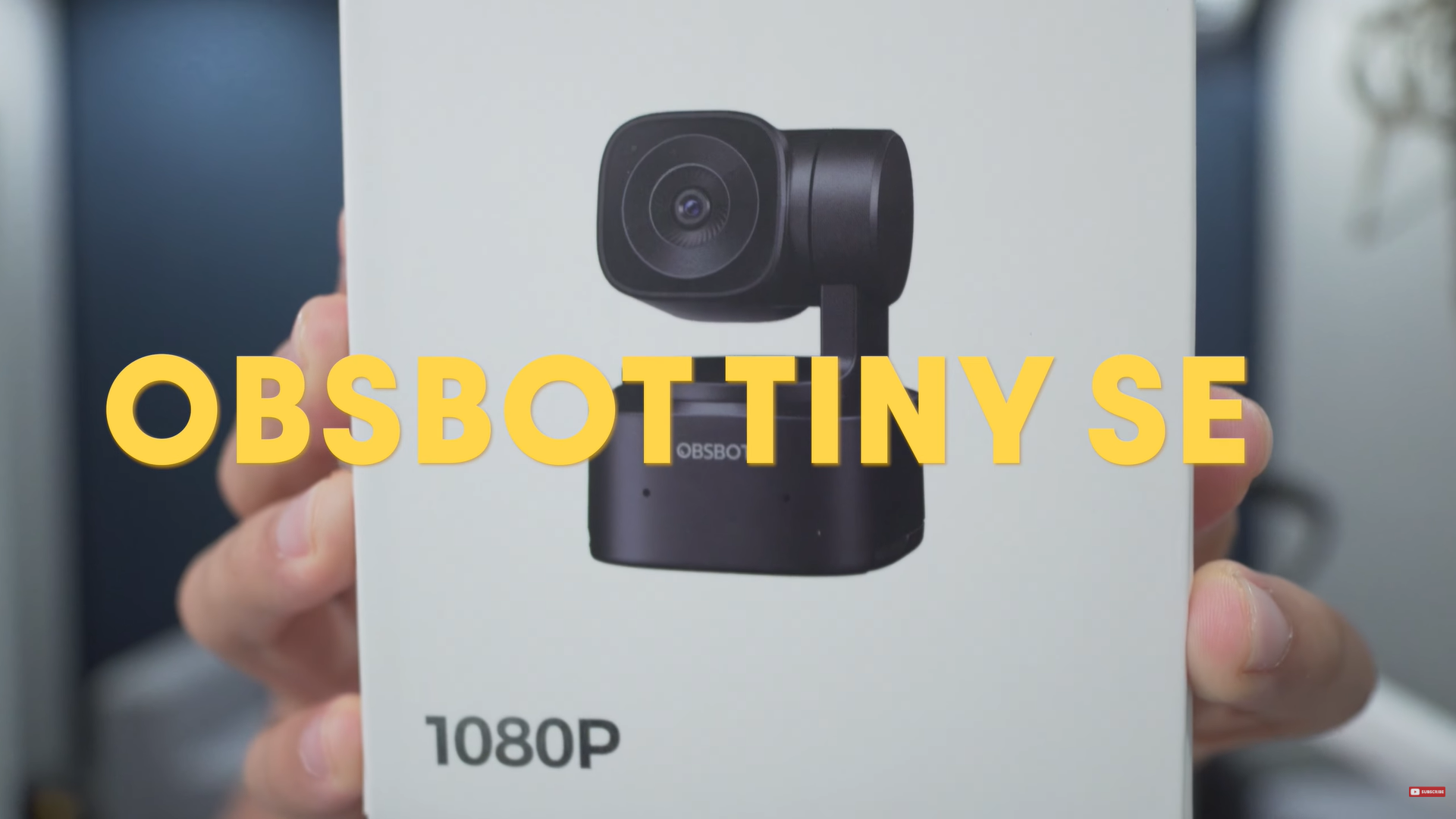
Is this a true upgrade from your built-in camera? There’s only one way to find out. Let the unboxing begin.
Disclaimer, Obsbot did send me the Obsbot Tiny SE for review, but everything I say in this video are my thoughts only.
Unboxing
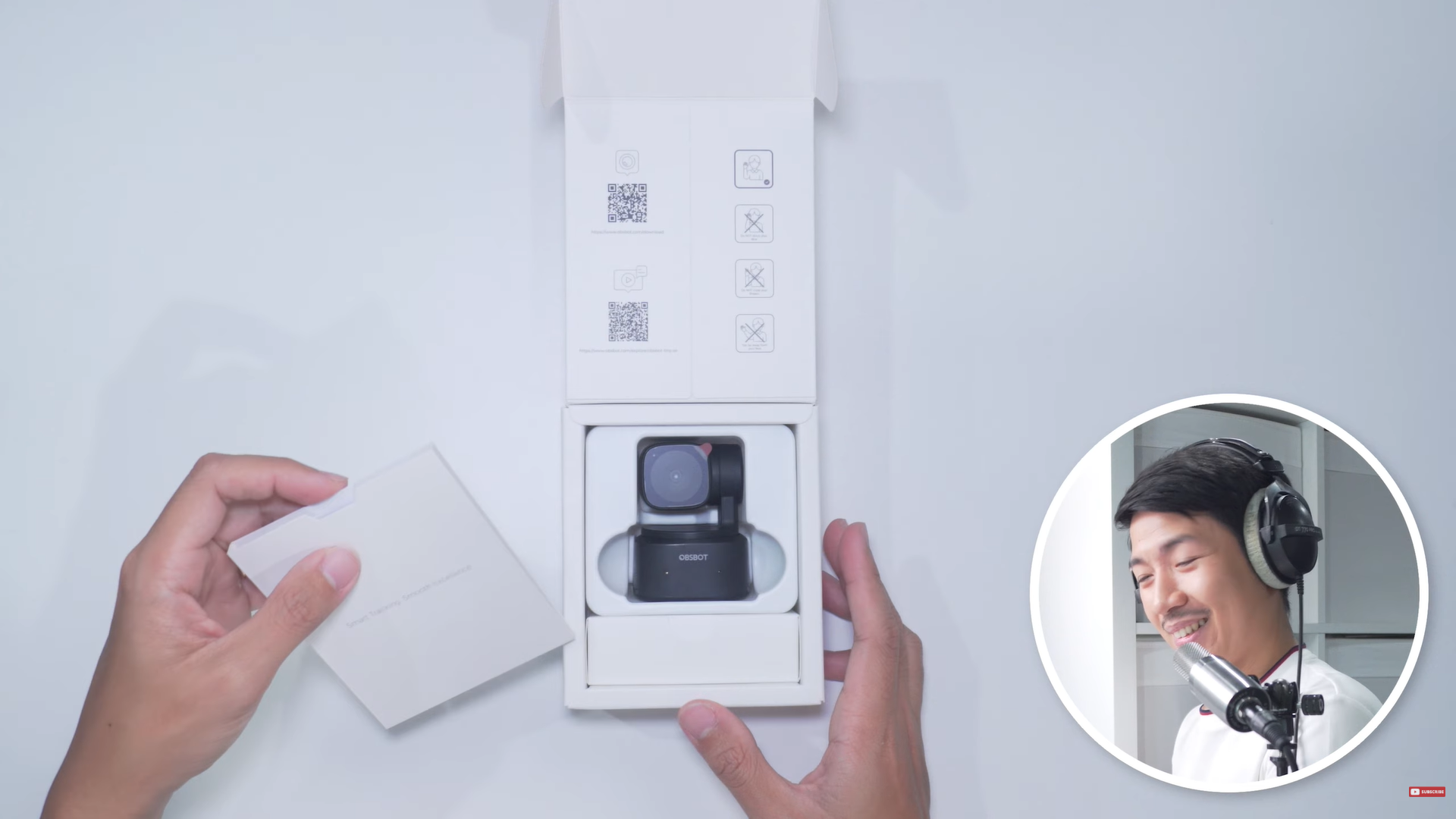
Let’s open the box. So far this is feeling very premium for a $99-ish webcam.
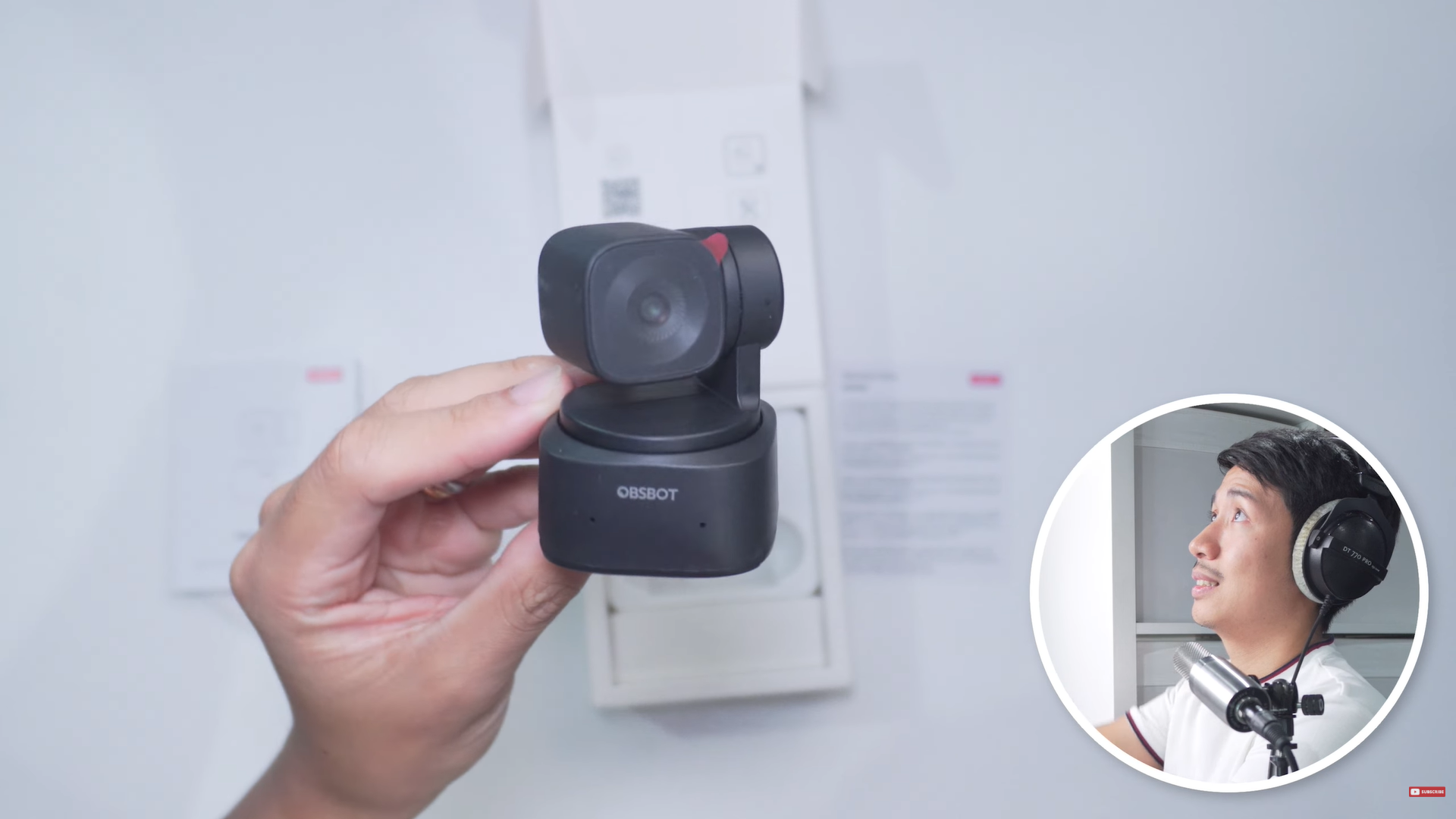
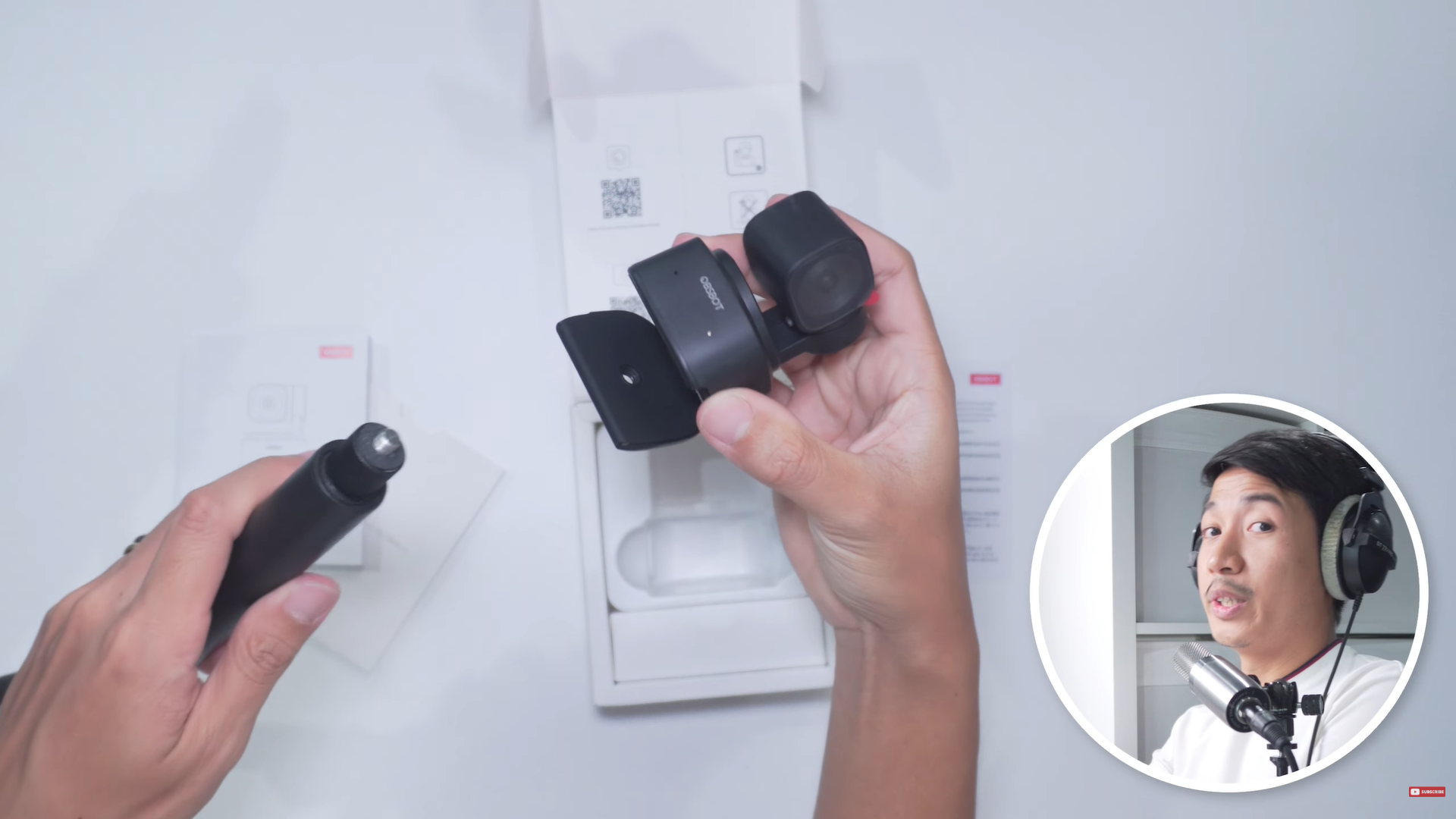
We have a laptop mount right here, where you can also mount it onto a monopod/tripod. It comes with a type-C to type-C USB cable with a type-A adapter. Now let’s try it out.
First Impressions
I think image quality is really good for the price and the sensor size, just what you’re paying for. The camera provides incredible value. Review is far from over, but I like what I see so far.
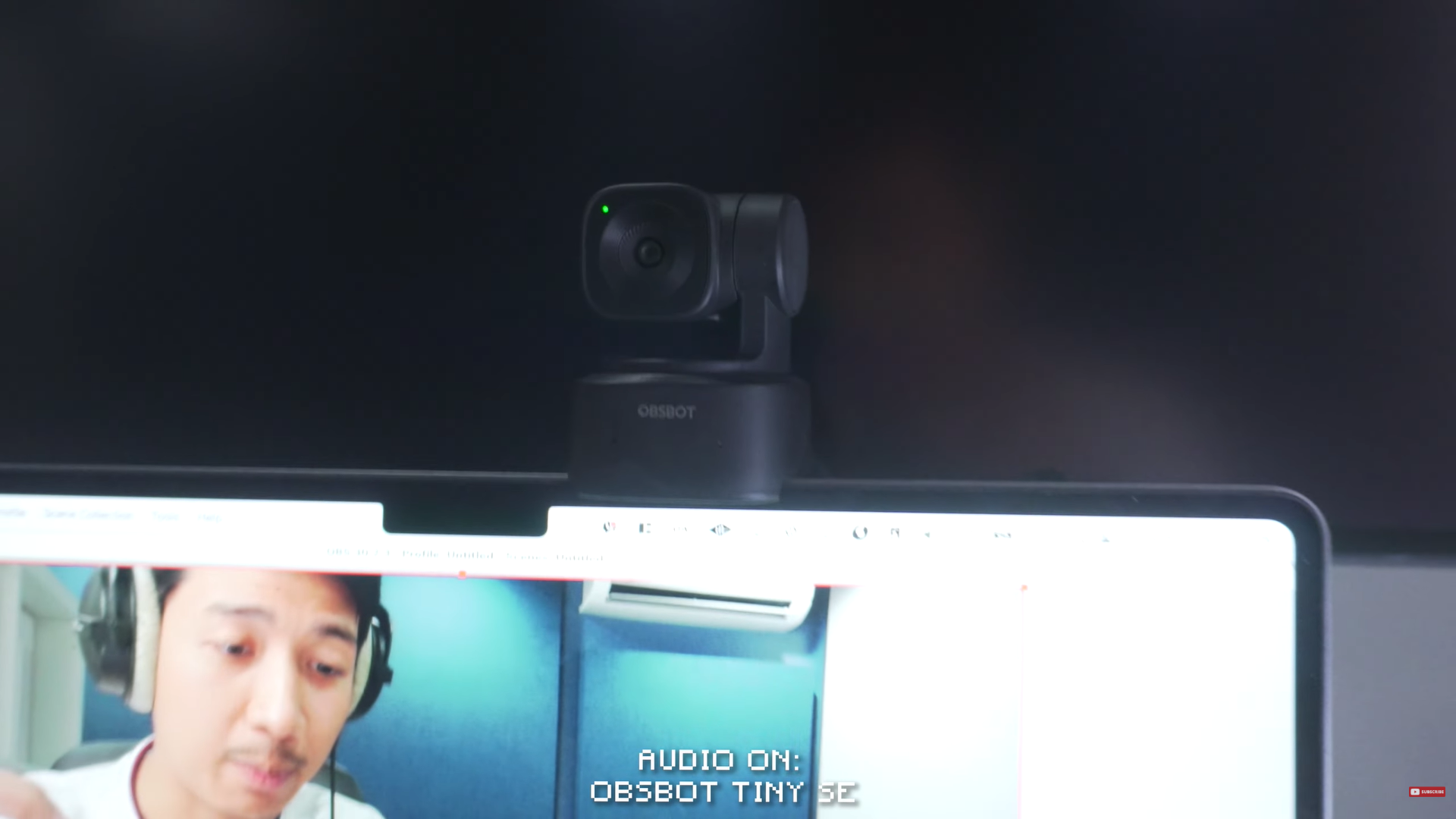
In case you were wondering, this is how the Tiny SE looks mounted on my MacBook Air M2.
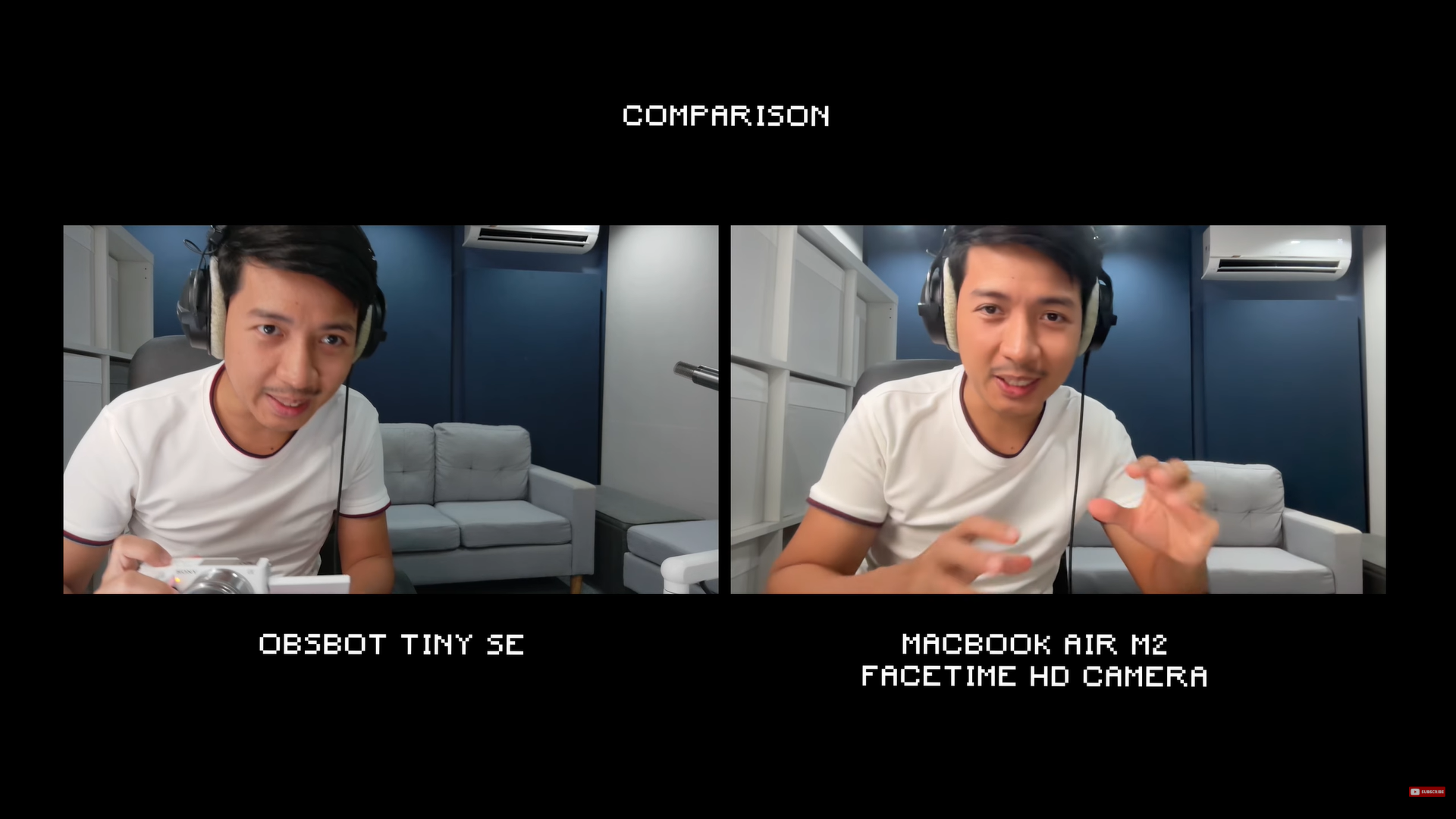
Comparison of the video quality that you get for my MacBook Air M2’s native FaceTime HD and the Obsbot Tiny SE.
Sharpness
So at 1080p, you can’t get a whole lot of sharpness, but I think this is reasonably sharp, especially if I get closer to the webcam.
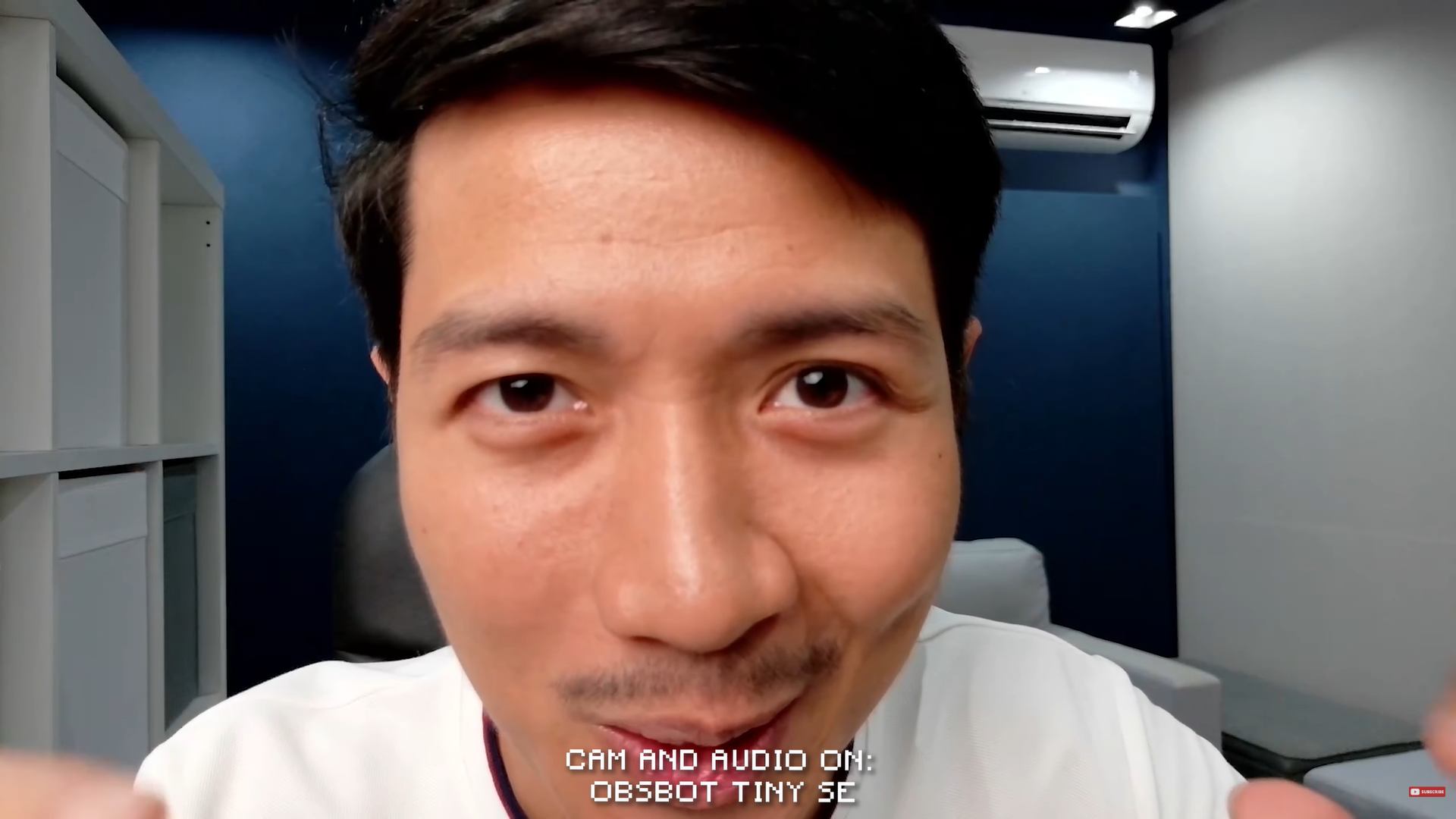
Here you can see all the details on my face. I don’t want that, so I could step back and you are still going to be reasonably sharp.

(Me stepping back from the camera)
I think there’s just enough sharpness for a high level of detail, but not so much that it becomes unflattering.
Dynamic Range
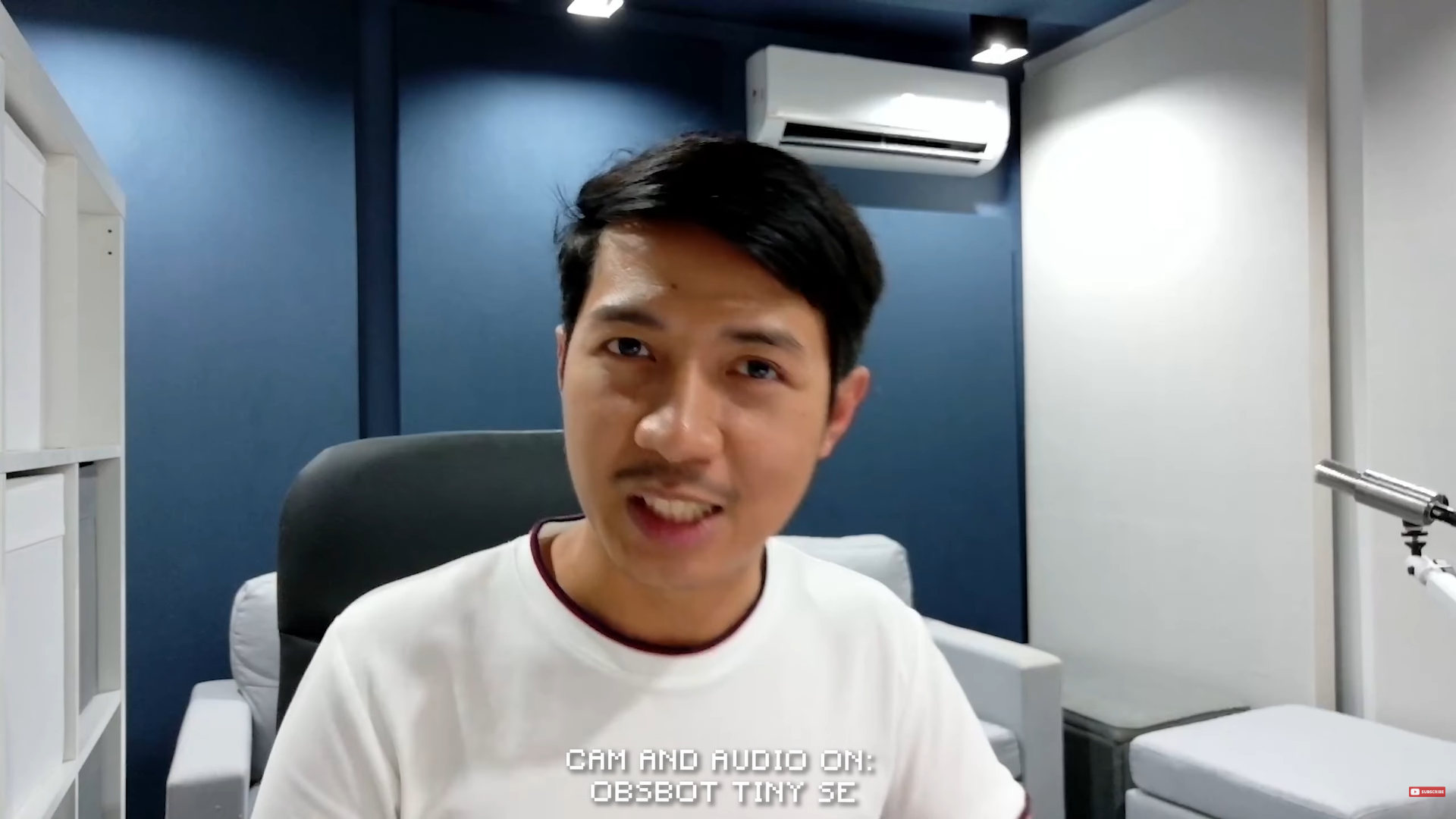
For dynamic range, which involves the highlights and shadows, you can see the actual texture of the fabric on my shirt. With a typical laptop webcam, this is going to be a white blob. Especially this area of the studio with a spotlight tends to be washed out with no detail, but the detail is there.
Low Light and Audio
In terms of low light, I turned off this studio light that I have, and this is probably the kind of lighting most people are going to get. This is semi realistic. By the way, no matter how good your camera is, you are going to need some decent lighting. So, if you can use a window for some sunlight or a lamp, that really goes a long way.
It’s kind of dark, check out the shadows on my forehead. If you look at my hair, it does become jet black, almost void of information, but that’s not bad, especially at this price point.
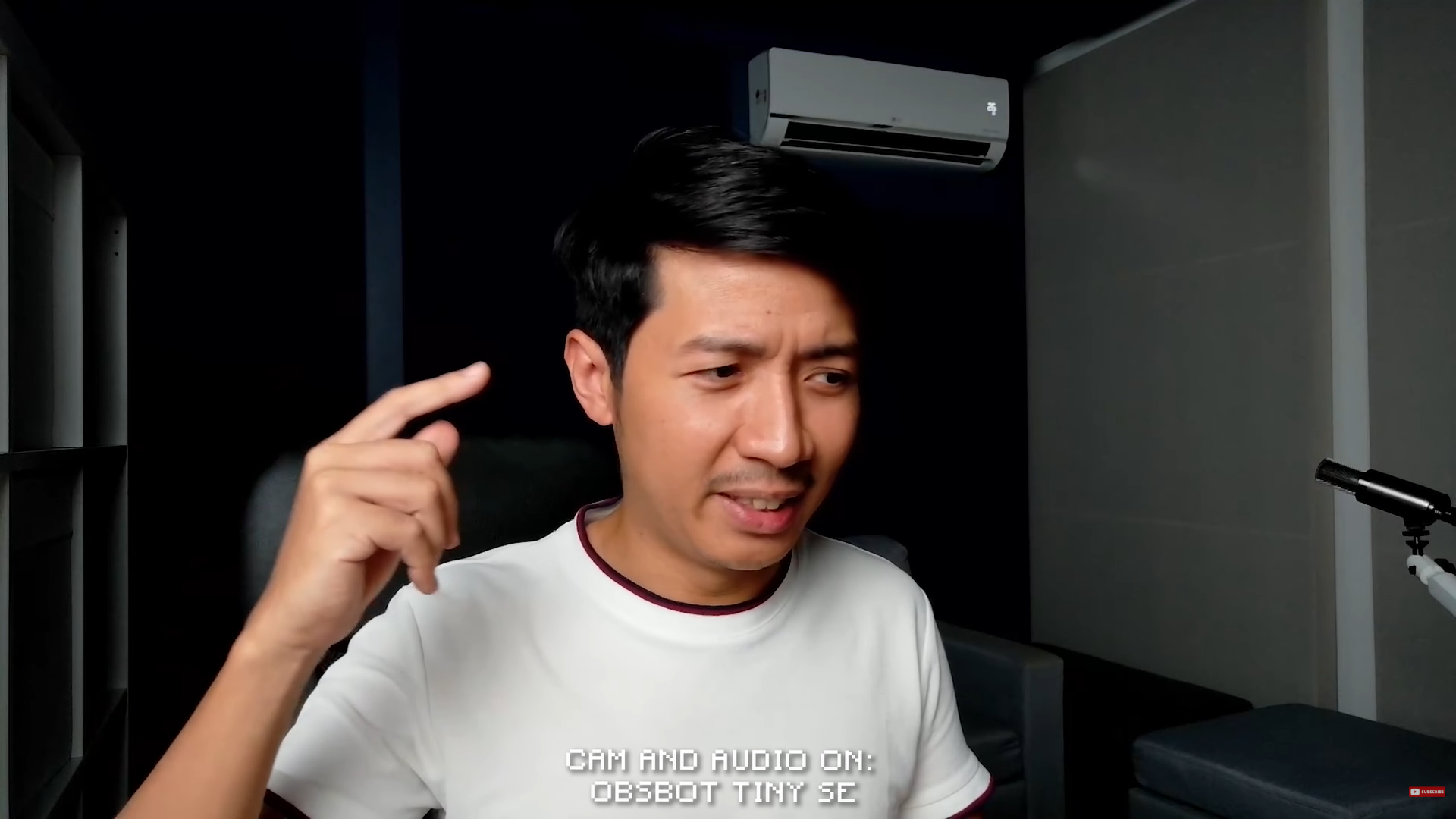
Now, I turned off a few more lights, and this is the kind of quality that you’re going to get (image above). Interesting how you can still recognize your face even with this horrible lighting. And let’s say I just have the studio light on in my laptop, I’d say this is a very dramatic look. I’m kind of popping out of the background, but now you can see a huge loss of detail in this section of the recording.
Audio
By now I have probably grown used to the audio of the Tiny SE, and suffice to say, it wasn’t that impressive. It’s probably a bit better than your laptop’s built-in microphone, but even if it were better, I wouldn’t say it’s that much worth of an upgrade that it’s noticeable.
Background Blur
Obviously, for a sensor size this small, you can’t expect a whole lot of bokeh or background blur. You can see that my background is still very very clear. I would probably need to get much closer to the webcam to even get a semblance of blur, but then your framing becomes awkward.
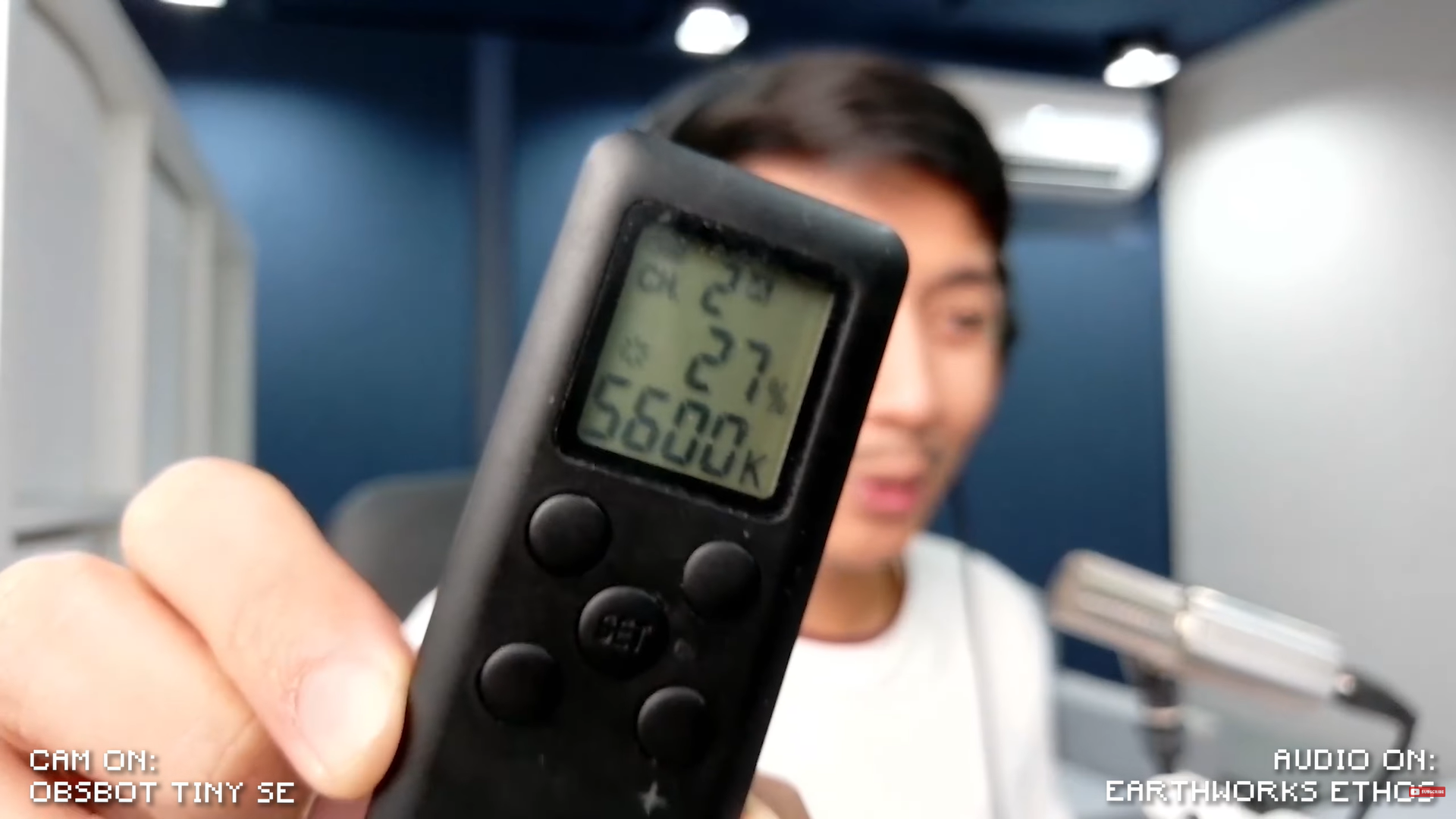
Now, you can put smaller objects in front of the webcam, and it is going to blur the background quite a bit. You can blur smaller objects, but people not so much.
I do have to say that the autofocus isn’t that snappy. It took a full second for the autofocus to adjust from a smaller object to my face. But unless you’re using this webcam to review products, the autofocus is perfectly fine. Especially if you just need to stay in focus yourself, you can move back and forth and you are still going to be in focus because there’s not a whole lot of blur. The more background blur, the harder it is to keep you in focus. So less blur is actually a good thing for this webcam. All of that, of course, is the optical built-in blur in the webcam.
Software Blur
We can actually add blur with software. All we have to do is open the Obsbot Center app, then select blur over here.
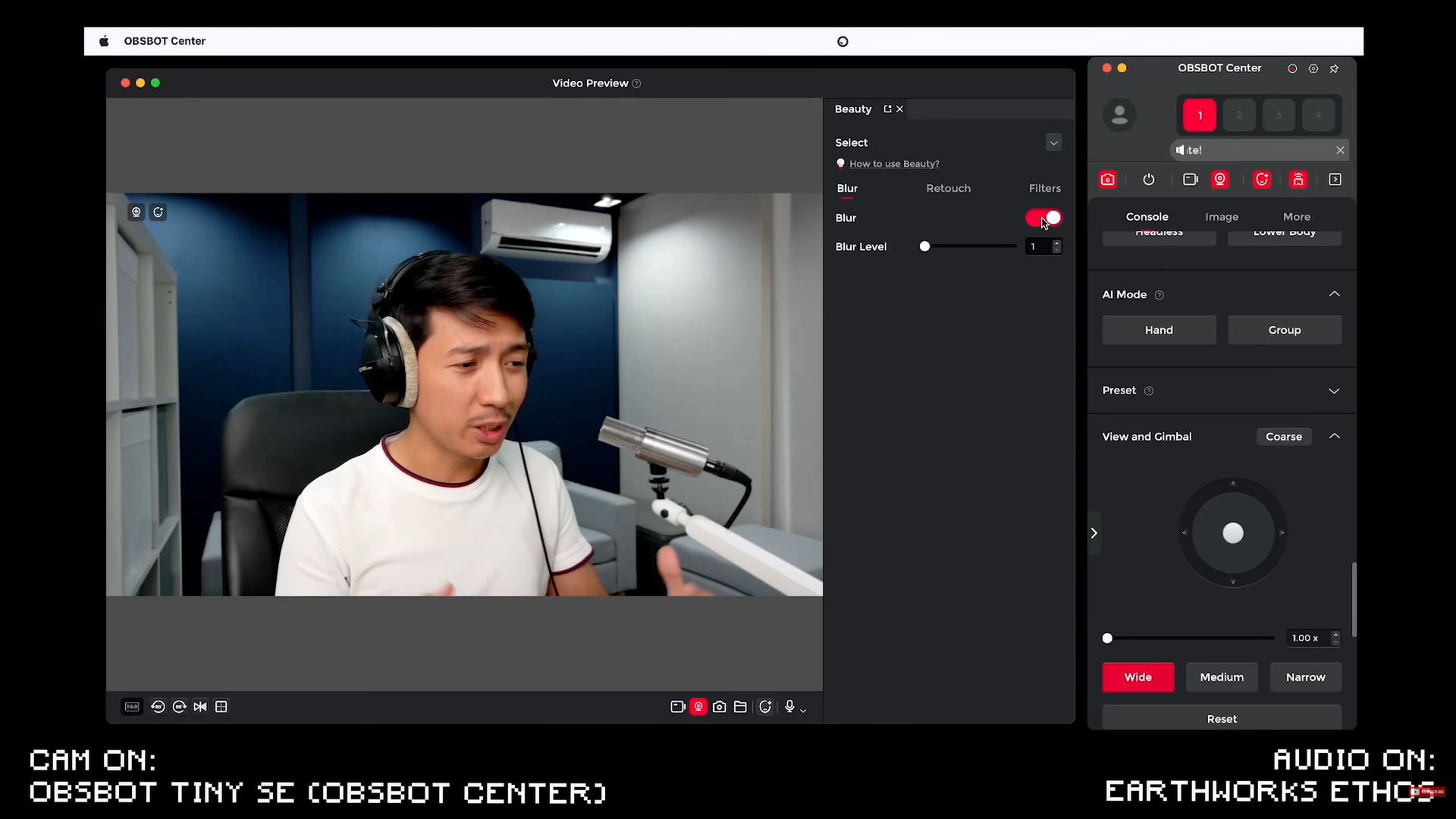
First, we are using blur level one, which is not a whole lot of blur, but the most natural looking digital blur.
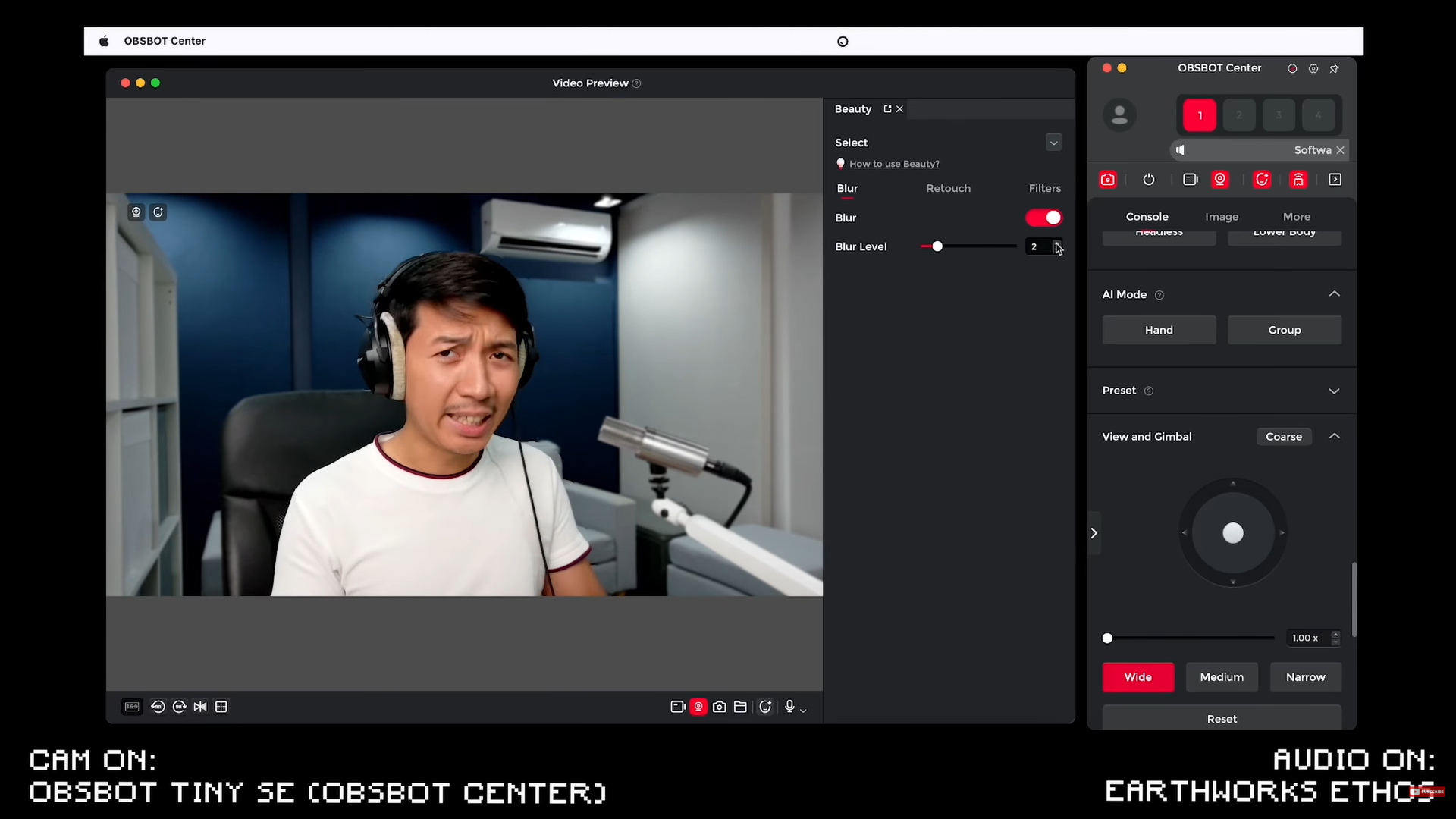
We can take that up a notch by going to blur level two. Now the blur is a bit more noticeable, but maybe the lag is also a bit more noticeable. Again, I am using a MacBook Air M2 here. So, this is a reasonably professional office device at least. And now you can see that my Earthworks ethos is blurred. And the moment I put my hands here, the blur disappears. Take my hands away, blur comes back.
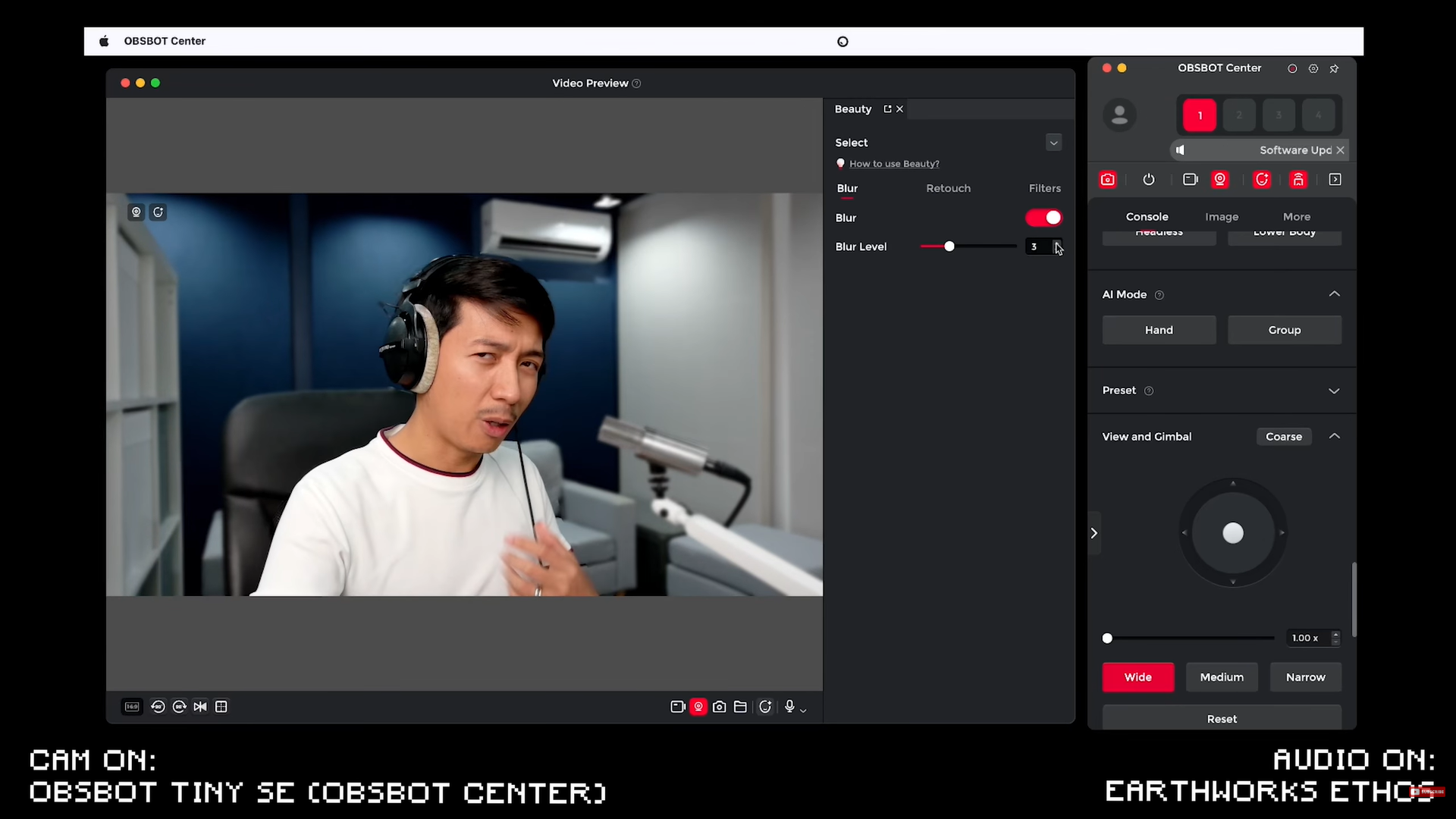
Blur three is a bit more artificial looking, but it is also more intense. And of course, we can drag that up and up and up, but I personally wouldn’t use anything more than three. Maybe not more than two.
Retouch
While you have blur on, you can actually use retouch.
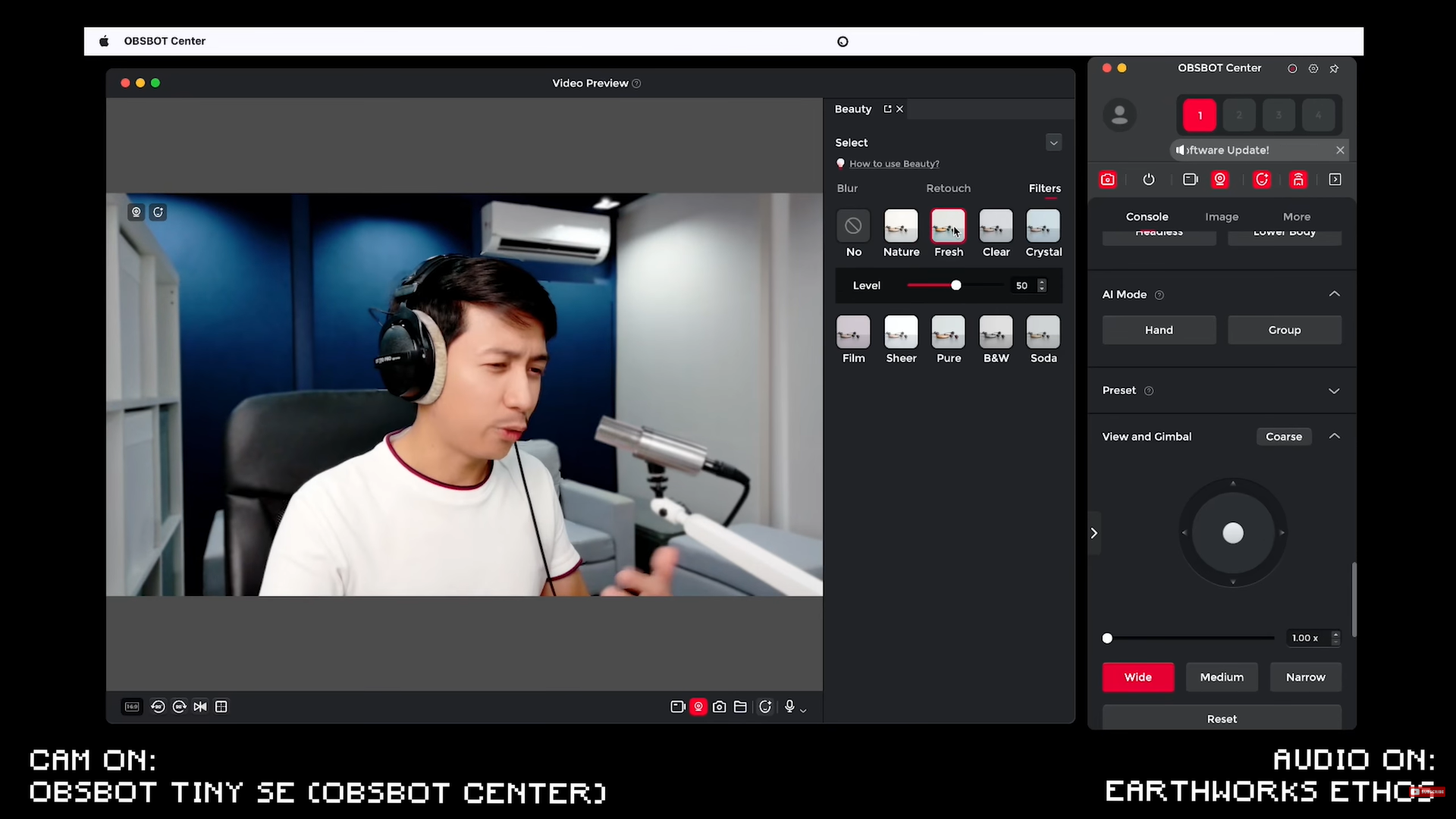
I want to look more like a man, so I’m going to use the man retouch. You have different sliders to increase your smoothness, you can make your face slimmer. You can edit your face more, even your body and your makeup. But what I personally find useful are the filters.
There is the nature filter, the fresh filter, a clear filter, and the film filter, where you can also adjust the varying intensities.
Tracking and Gestures
For tracking, it begins to track me wherever I go and it has a reasonable speed for tracking. It doesn’t make you dizzy. It is a very confident filmic smooth type of panning which I love.
Zoom
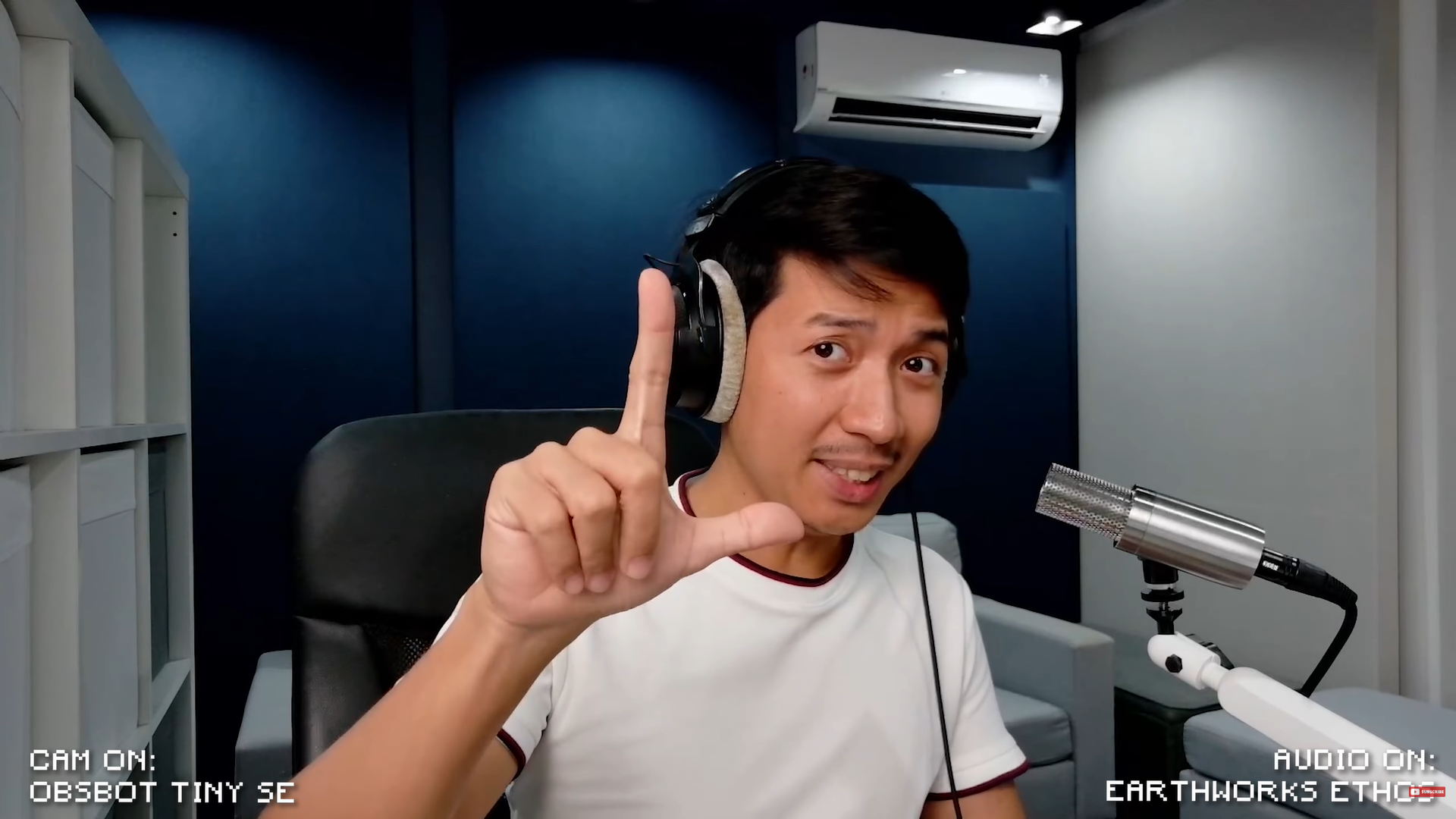
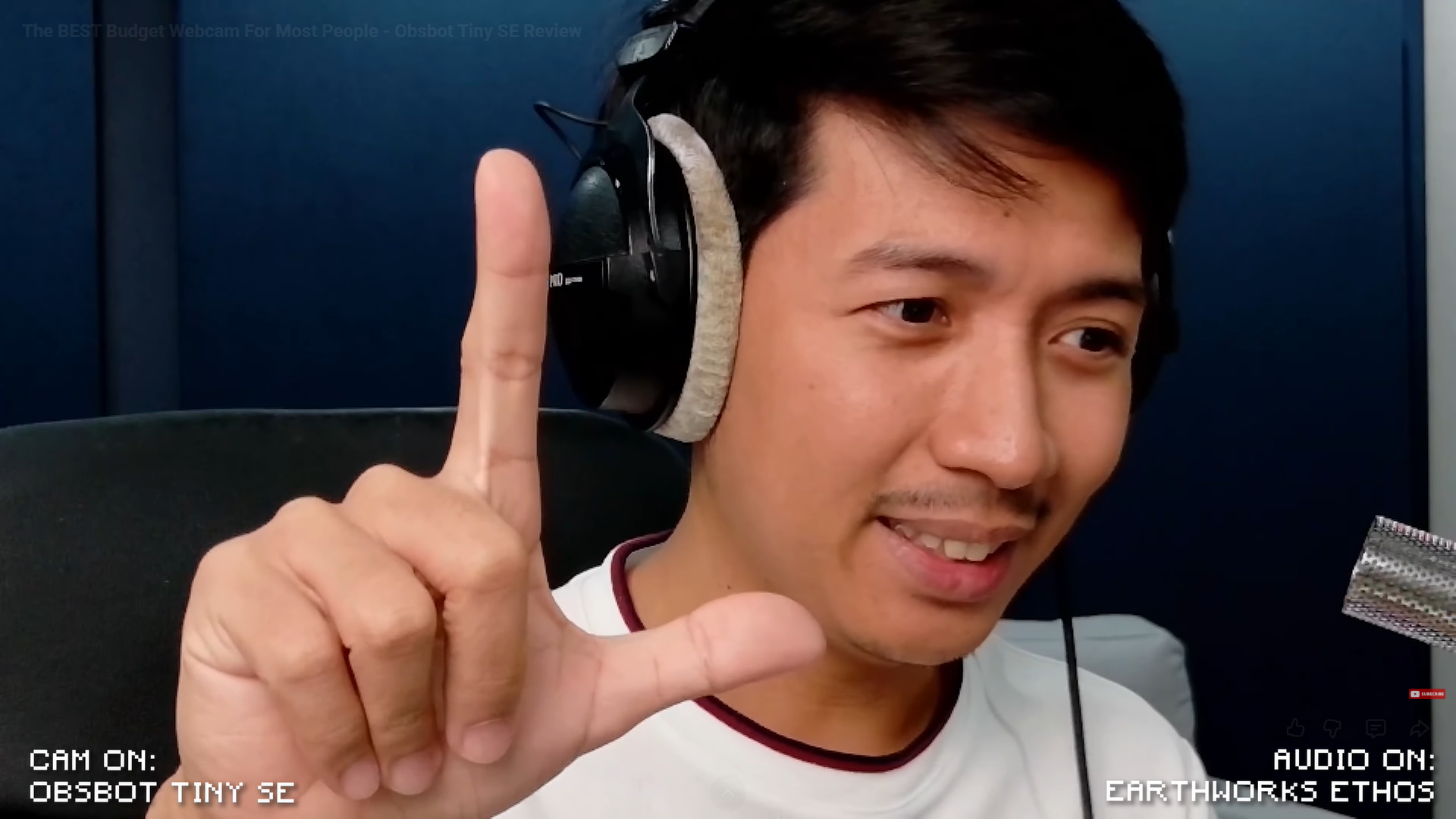
Taking out your finger like this causes it to zoom in. (L- shape) Doing that one more time causes it to zoom out.
Overall Thoughts
Just some thoughts on the Obsbot Tiny SE. I think this is a great little webcam for the price. I’d say it performs at about 90% of the quality of the more expensive Obsbot Tiny 2 and Obsbot Tiny 2 Lite, but it is also significantly cheaper. I know that $99 is still a significant amount of cash, but if you want a real upgrade from your built-in webcam, this is probably the first true upgrade.
Yes, there are cheaper upgrades from brands like Rapoo and Logitech, but I think you get significantly more value from the Obsbot Tiny SE. It is just more future-proofed than other webcams. I think something worth noting is that the Tiny SE has practically the same body as the Tiny 2 Lite, but the Tiny 2 Lite has a larger sensor and has a lot more going on inside of it, which means that the Tiny SE has a smaller sensor, but it has a body that is designed to withstand the thermals of a larger sensor, which explains why throughout this whole video, the Tiny SE only warmed up ever so slightly, but it did not get hot.
Overall, the Obsbot Tiny SE is a great value for money webcam. Whether you’re going to use it for content creation, gaming, or even just average everyday user use, you can benefit from the Obsbot Tiny SE.
By the way, you can grab your Obsbot Tiny down below: