

We’ve known EMEET for making incredible value for money webcams such as the EMEET S800 and the adorable EMEET Pico, but this baby now has a bigger brother. I’d like to present the EMEET PIXY.
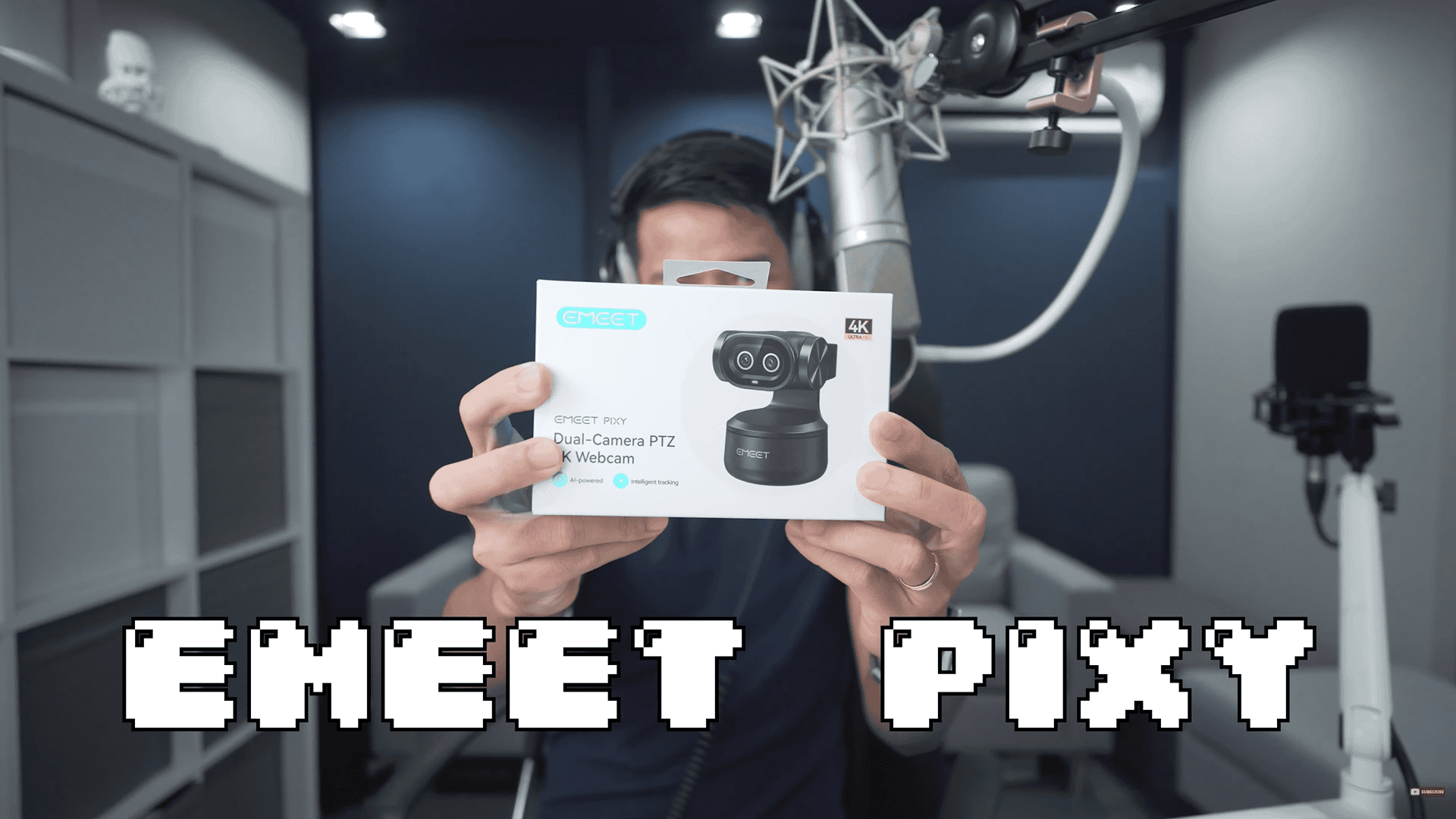
Like the Pico Plus, this has two cameras, is 4K, but this time it’s PTZ. Question is, is it actually any good or is all of this marketing hype? There’s only one way to find out. Let the unboxing begin.
Disclaimer: This video is sponsored by EMEET, and they did send me the PIXY for review, but everything I say in this video are my thoughts only.
Unboxing

The camera almost looks like a figurine.
It also comes with a type-C to type-C cable, and the type A adapter.
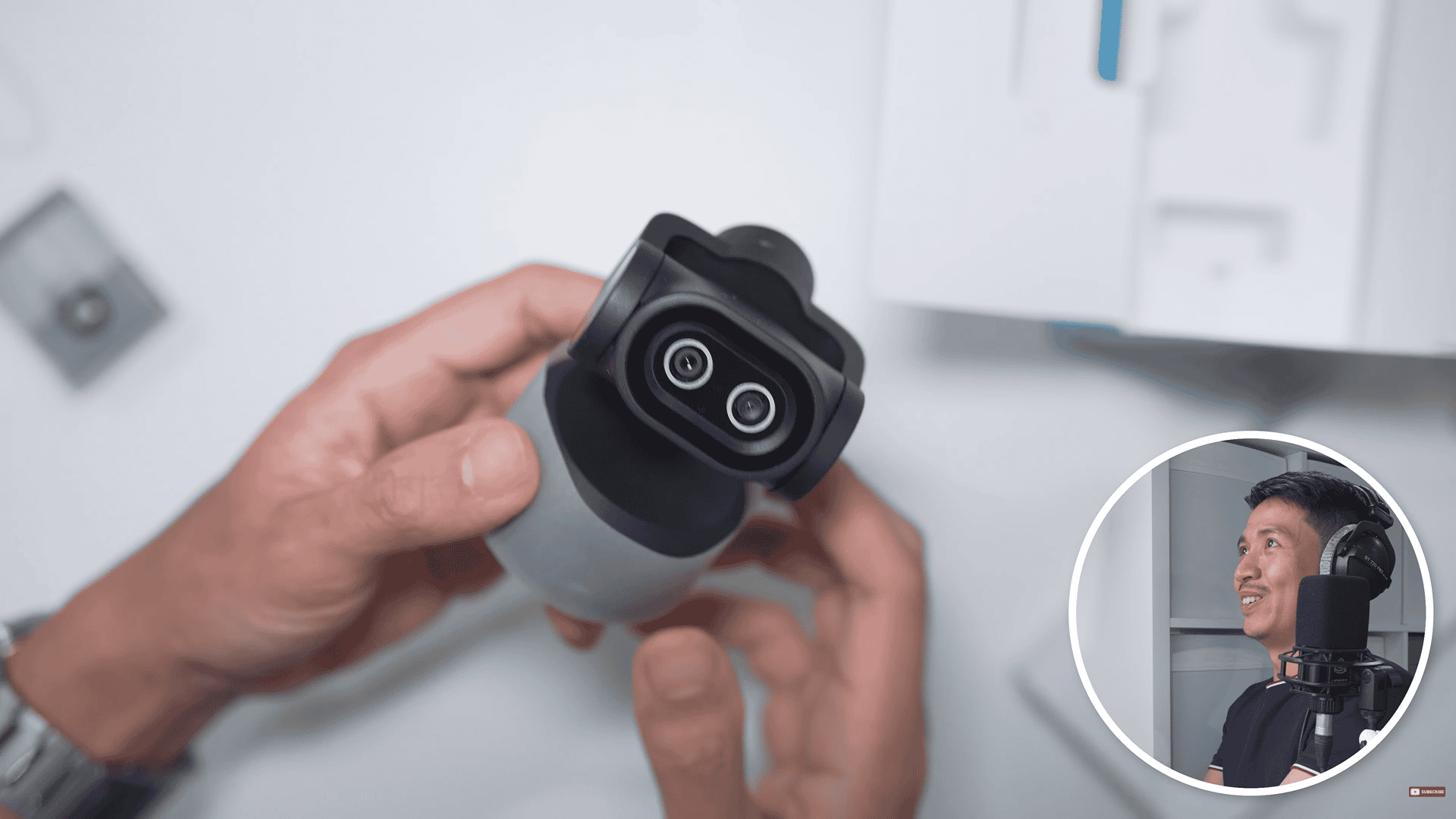
We have the mount and the webcam itself.
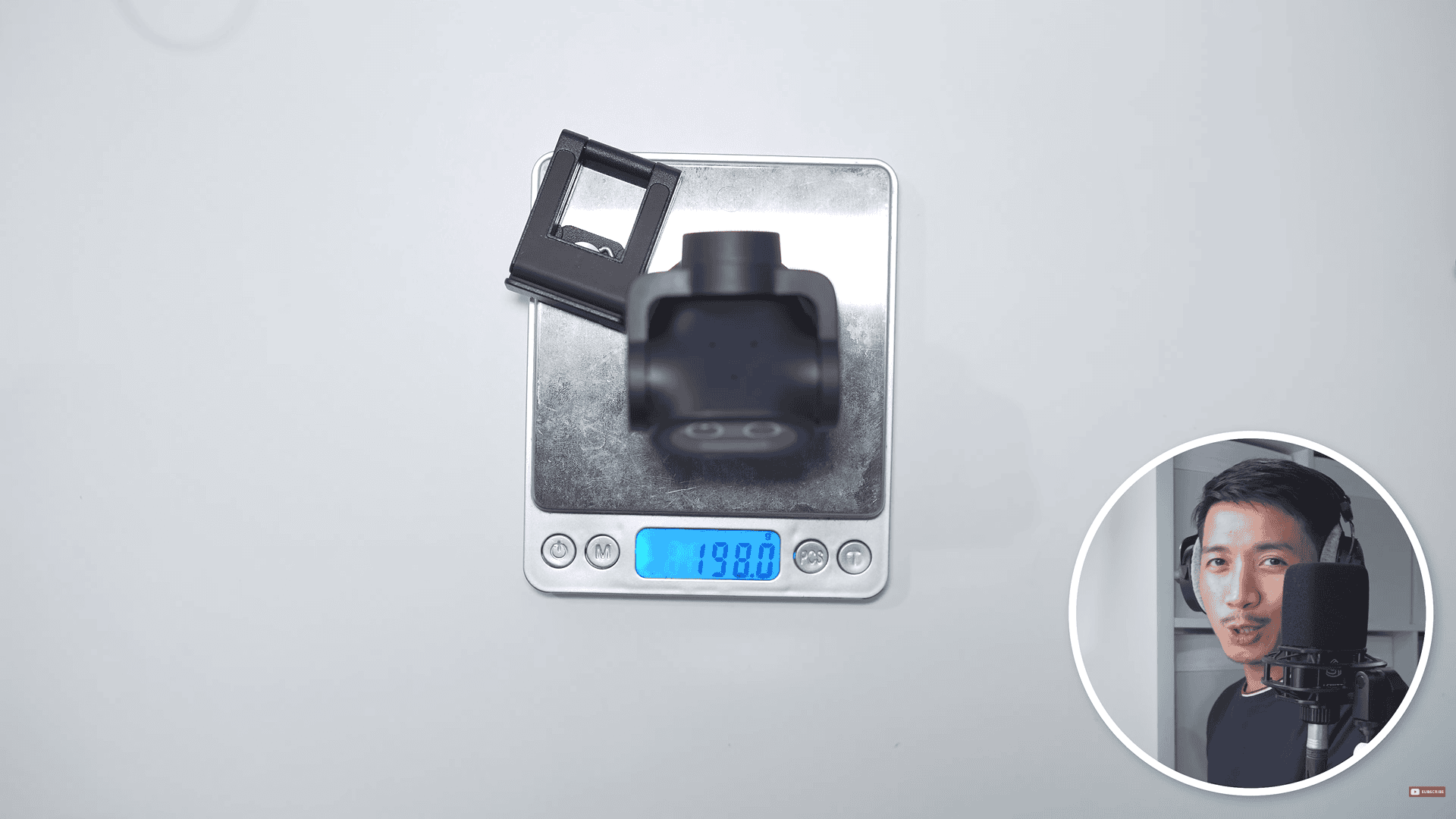
Now, I have my cute little AI webcam friend. So, it got two cameras here, that is PTZ. I love that it swivels all the way up and all the way down. Regarding the weight, the webcam weighs 120 g. Add the mount and that is almost 200 g (198 g).
Video quality
So let’s tackle how the EMEET PIXY looks in different video quality. First is in 1080pwhere you’ll notice that without the studio light, there’s this sort of HDR effect going on. For 1080p 60fps, it looks silky smooth in 60fps. This is for you gamers and streamers out there. They also have 2K 30fps, which is a nice middle ground for quality, and of course, 4K 30fps.
Bokeh / Background Blur
Under typical bust shot framing, you won’t exactly see DSLR or mirrorless camera levels of background blur. But when I get close to the camera, you can see just how much blurrier the background gets. I probably wouldn’t use it at this distance. But for product reviews where you put small objects in front of the PIXY, you can really see the background blur more.
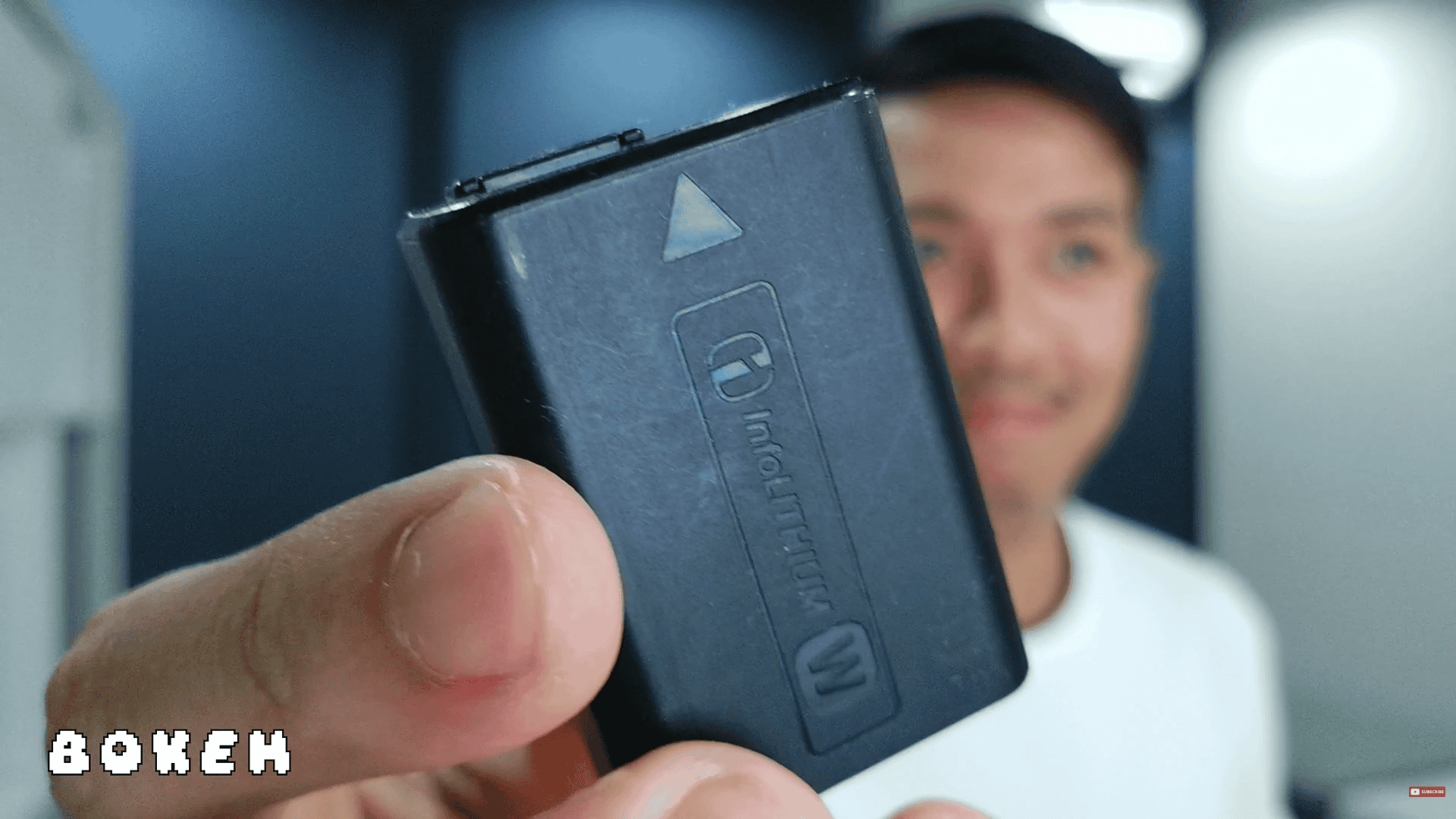
Sample of small objects close to the camera
Autofocus
In terms of autofocus, the PIXY is lightning fast. And it’s not just fast, you can see how confident the autofocus is as it shifts from the smaller object to my face. Very little focus breathing, if any at all. The EMEET Pico did this really well, and I think the PIXY is doing it at least just as great.
Minimum Focus Distance
Now, in terms of minimum focus distance, this is an underrated feature. A lot of professional lenses, such as the one I’m using right now, actually can’t focus that close. So, for the EMEET PIXY to be able to zoom in with near macro shots, that is a great feature to have.
Tracking
In terms of tracking, the PIXY was flawless. Super fast, super smooth, and very reliable. I don’t know if having two cameras helps with that, but I just found that even though I tried to hide behind my chair and go up and down and just go all over the place, it would lose me for a while, but then it would eventually find me again. I’m really digging the PIXY for tracking.
Gestures
For gestures, they were mostly seamless. The only instances wherein the PIXY wouldn’t be able to detect the gestures were when my hand was far away. Actually, I’m about 2 m away from the PIXY right now, and the gestures are still working, but it’s kind of struggling a bit. So, it was able to track me all the way to the back of my room, but the response time wouldn’t be as snappy.
Mic
As for the PIXY microphones, it has three modes.
First is the original sound mode, which keeps your audio 100% intact. Second is the live mode, which reduces static noises such as fan noises. The third and last is the noise-cancelling mode, which also reduces sudden dynamic noises.
Unfortunately, I can’t say that the microphones in the PIXY are an upgrade. Compare all that to my MacBook Air’s audio.
Software (In General)
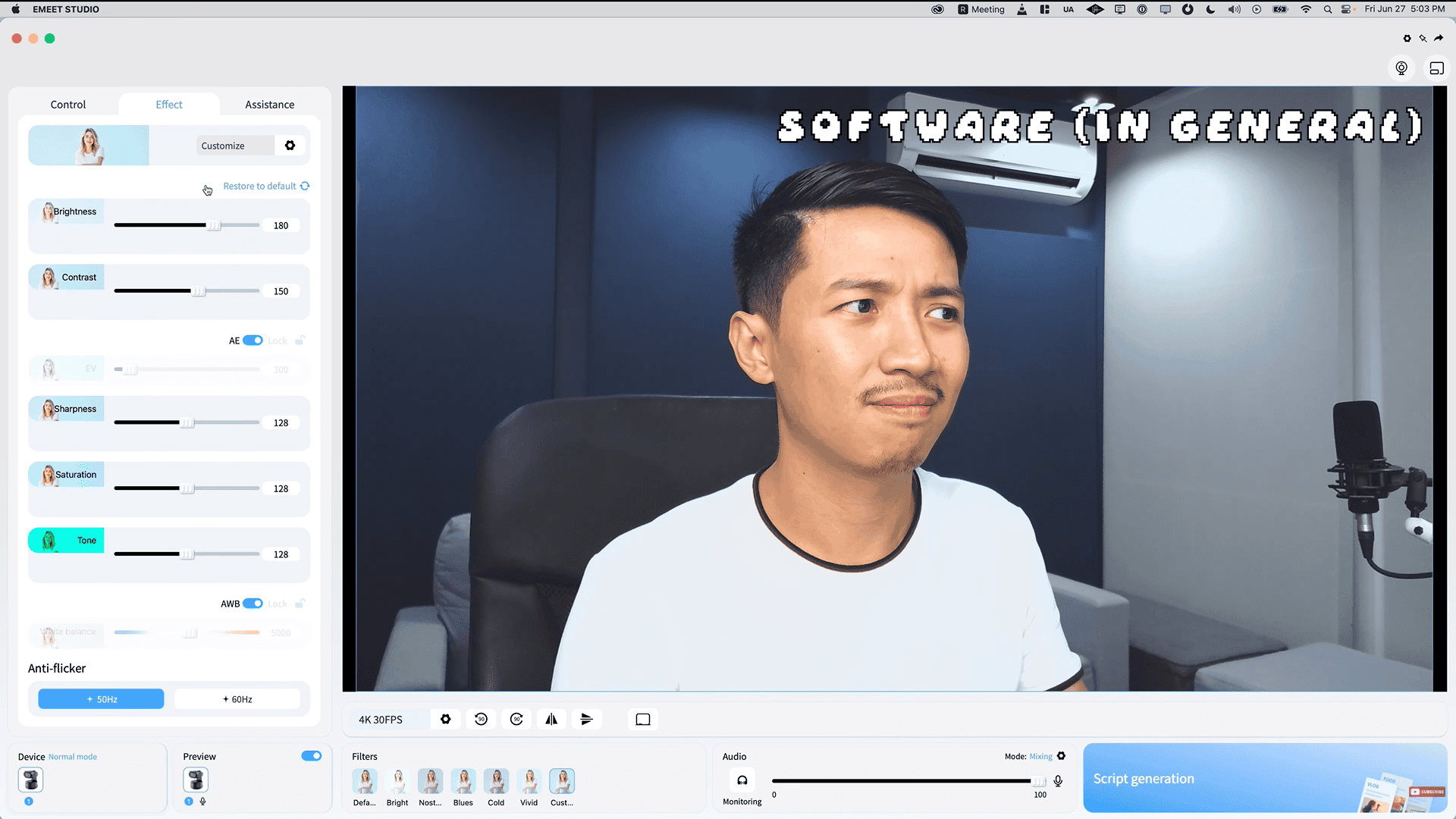
Now, let’s talk about the EMEET Studio software in general. Compared to other webcam software, I wouldn’t say it’s that fully featured. You got the basics, such as filters, brightness, zooming in and out, things like that. And I actually like that simplicity, but they added one feature that wasn’t here for my EMEET Pico review, and that is AI-generated scripts.
Software (Script Writing)
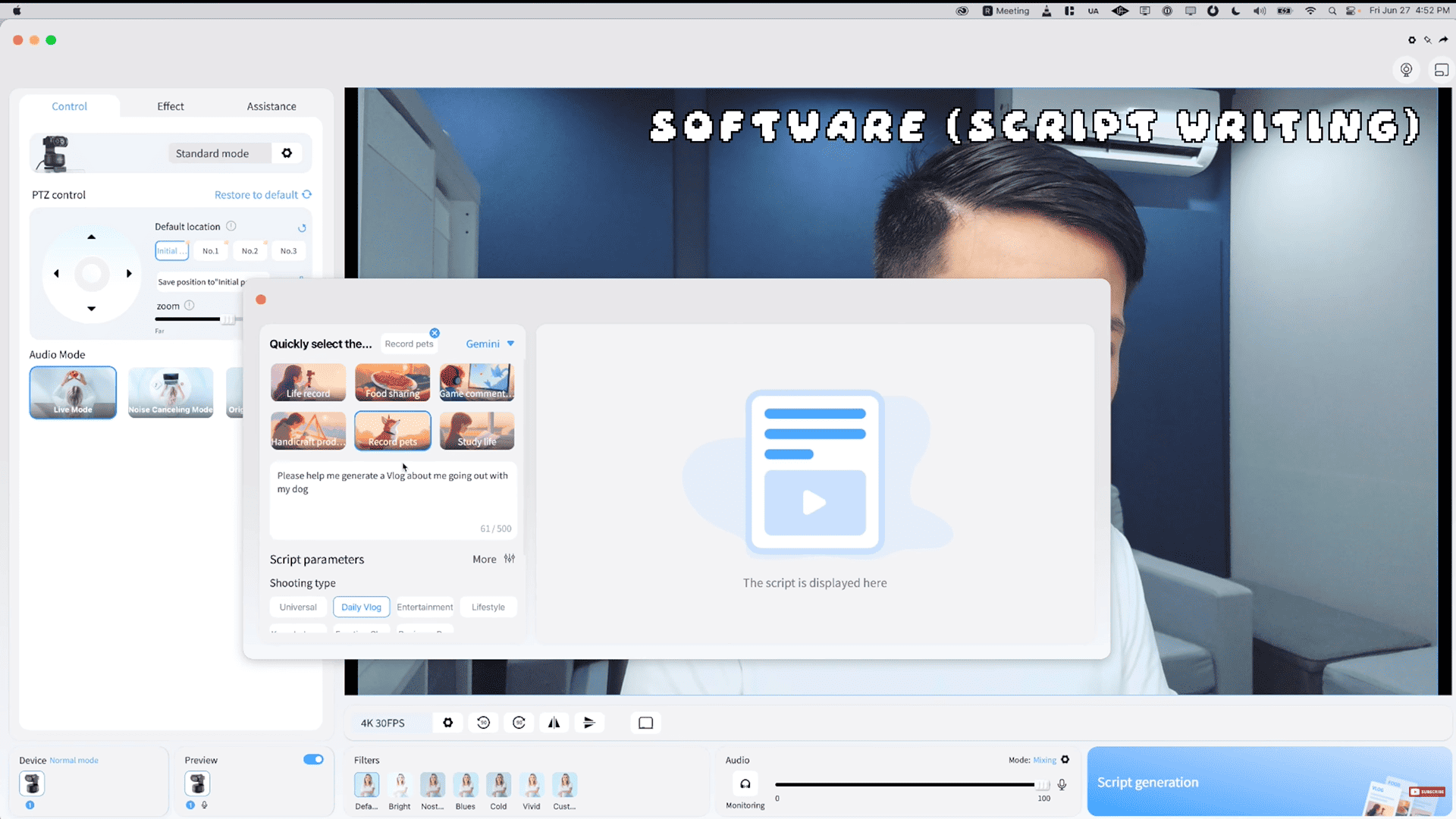
I’m assuming that this is a feature that’s supposed to help content creators, but when I gave it a shot, it failed. And the second time, I did get some results. The layout does seem very script-like, but with all the AI writing tools out there, I’m finding this feature rather unnecessary.
Software (Initial Position)
The software is also great for setting your initial position. So, the PIXY tracks you and with a push of a button, it takes you back to your initial framing.
Whiteboard Mode (Portrait Mode)
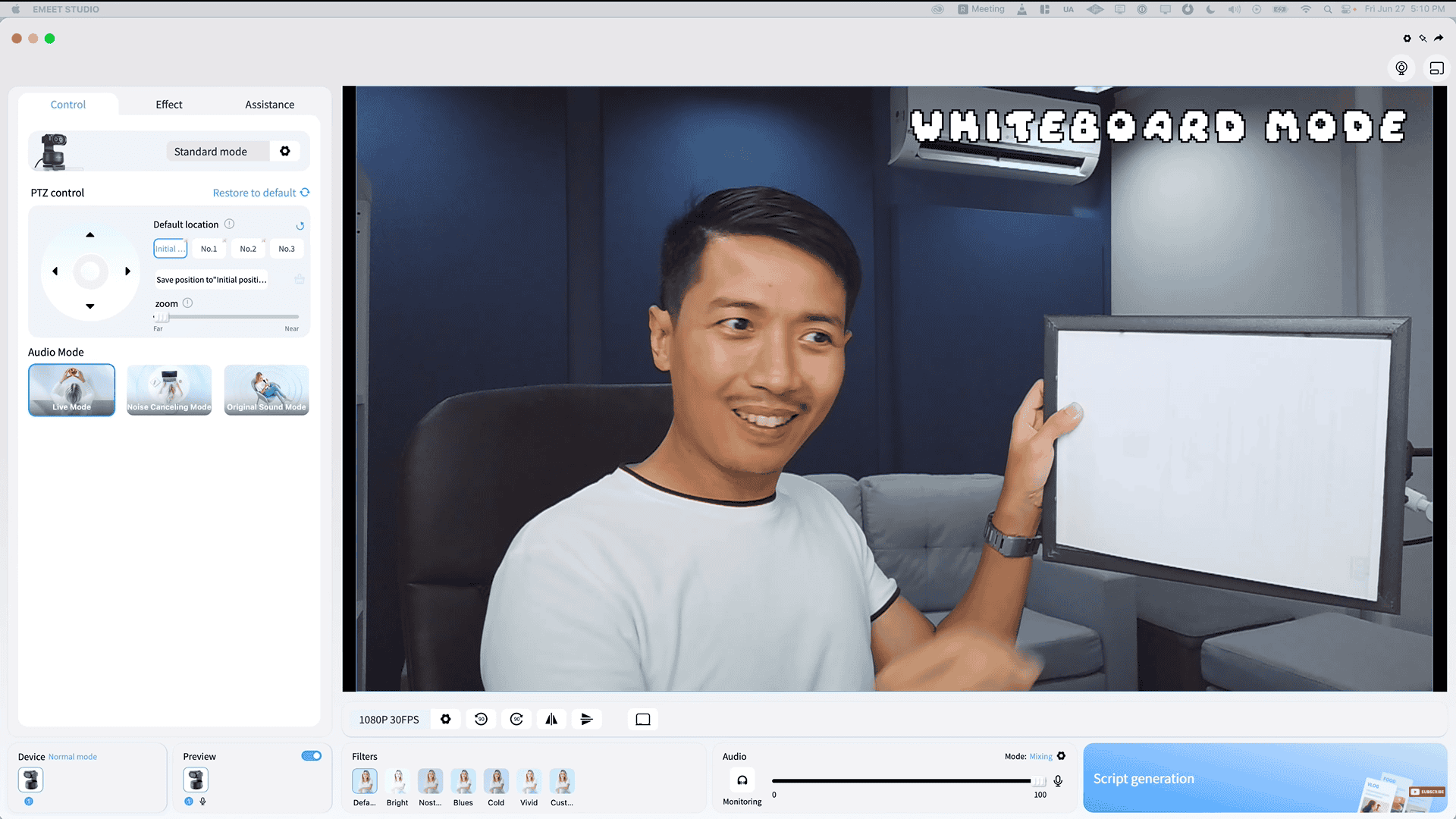
One thing I like about the PIXY is the new whiteboard mode. Now, I didn’t have an actual whiteboard. I just had a sheet of paper at the back of a frame and the PIXY was able to detect this as a whiteboard. And what that does is it zooms into the whiteboard and flattens it out. In case it doesn’t detect a whiteboard, you can map out your own points to kind of spell to the camera where the whiteboard is.
For you vertical content creators, the PIXY has portrait mode. You basically turn the PIXY to its side and apply rotation in the software. I have to say, the quality looks really good.
Stuttering
Now, for stuttering, the PIXY is actually one of the least stuttery webcams I’ve used in the past year. What I found strange was that the EMEET Studio Preview would show some stuttering, but then the actual rendered video would not have stuttering. So, it didn’t actually stutter. If you’ve watched my previous webcam reviews, you’d find that there would be a bit of stuttering across the various tests.
Thermals
In terms of thermals, I think the EMEET PIXY is a home run. I’ve had it set to 1080p 60fps for an entire day, and it isn’t even warm. Granted, it is 26° C in my studio with my AC, but that didn’t stop other webcams from heating up. For 4K 30fps, I find that it would get mildly warm after about an hour, but it would never really get hot.
Low Light

Here’s how the PIXY looks in low light.
We’re getting this sort of HDR effect and the shadows and darker portions of the video become a bit brighter. Honestly, for casual daily use, I love that. If I’m in content creator mode, sure, I’m going to use my massive studio light. But when I’m just getting on meetings, I like the look that the PIXY gives you when you’re not using a key light. On the other hand, when you are using a key light, I find that my face seems to be a little overexposed. And maybe some people wouldn’t notice this, or some might even prefer it, but it’s not to my liking personally.
Conclusion
Overall, the EMEET PIXY is a reliable PTZ webcam with two cameras. Though the sensor size at 1/2.55 in is smaller than the competitions, having one camera as an imaging camera and the other as an AI assistant camera appears to be helping the EMEET PIXY where it matters most for webcams. Image quality, autofocus, tracking, even temperature.
The fact that it has the biggest webcam body among webcams I’ve reviewed in a while might be helping with its thermals. Overall, the EMEET PIXY is one of the best webcams for its price.
If you want to get your EMEET PIXY, check out the link in the description below.