

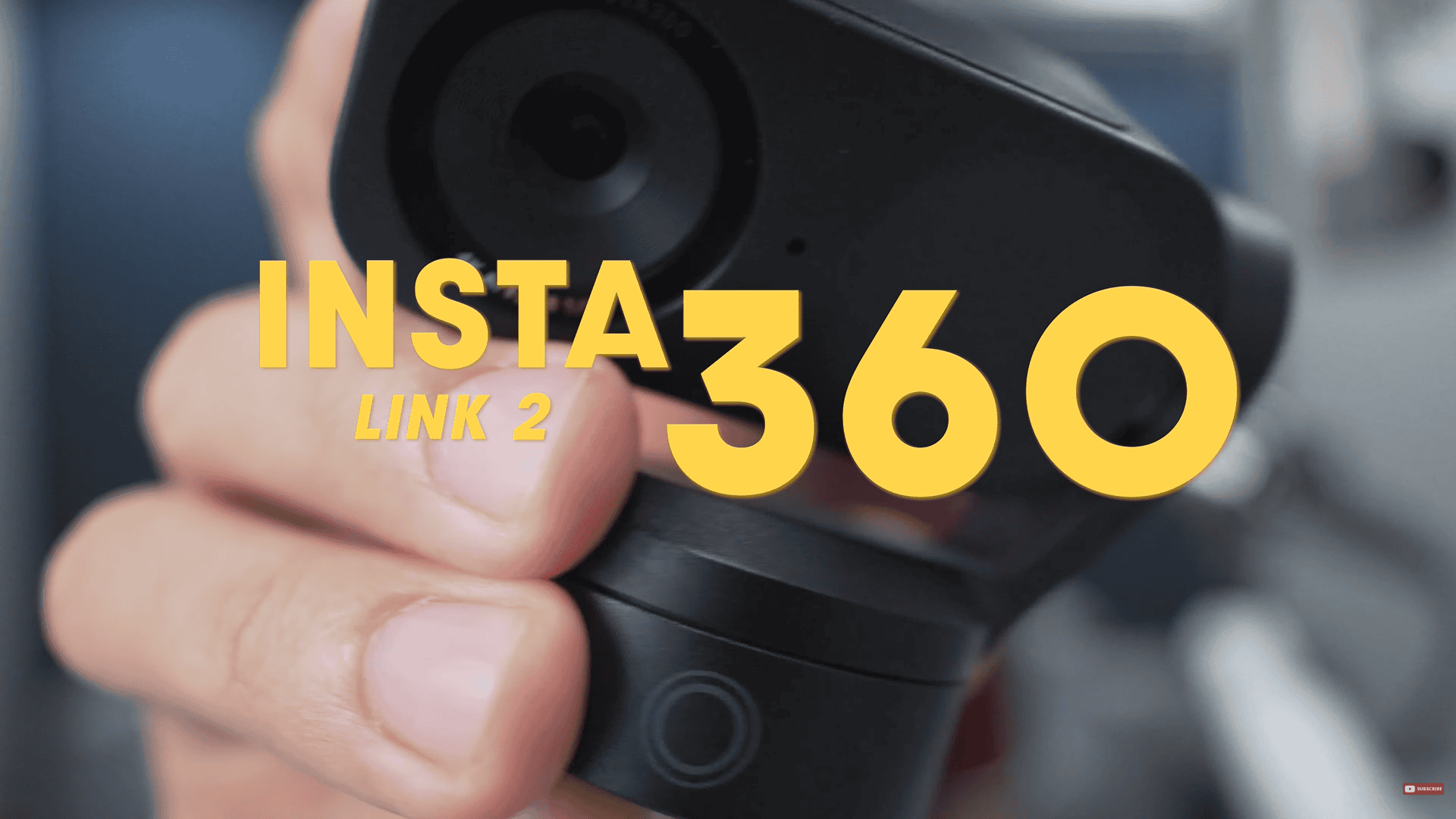
The Insta360 Link 2: It’s 4K, has a half inch sensor, and it packs a lot of features. It is known as the official successor to the wildly successful Insta360 Link.
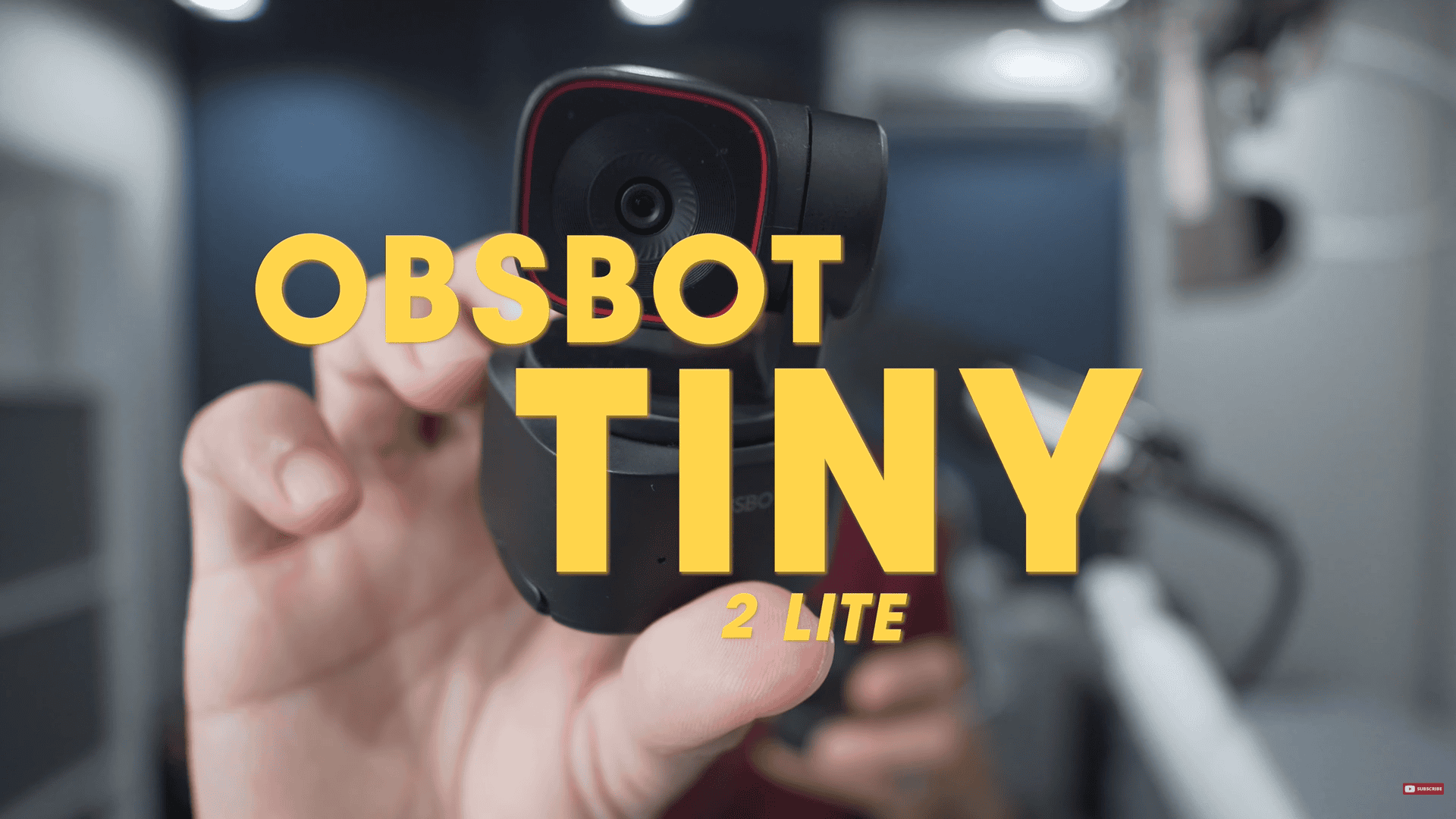
On the other hand, the Obsbot Tiny 2 Lite, which is also 4K and also packs a half-inch sensor, and a lot of other features.
The question is, which of these webcams is the better deal? Let’s find out in this webcam duel.
Disclaimer: This video is not sponsored, and everything I say here are my thoughts only.
Round 1 – Weight
So, the Insta360 Link 2 weighs 101 g on its own, but that goes up to 166.6 g when you factor in this mount. In comparison, the Obsbot Tiny 2 Lite weighs 93 grams. That’s about 70 grams lighter. That means if either of these are mounted on your laptop and they crash onto your keyboard, the Tiny 2 Lite is going to deal the lighter blow. It’s also easier to take it with you. The winner of this round is the Obsbot Tiny 2 Lite.
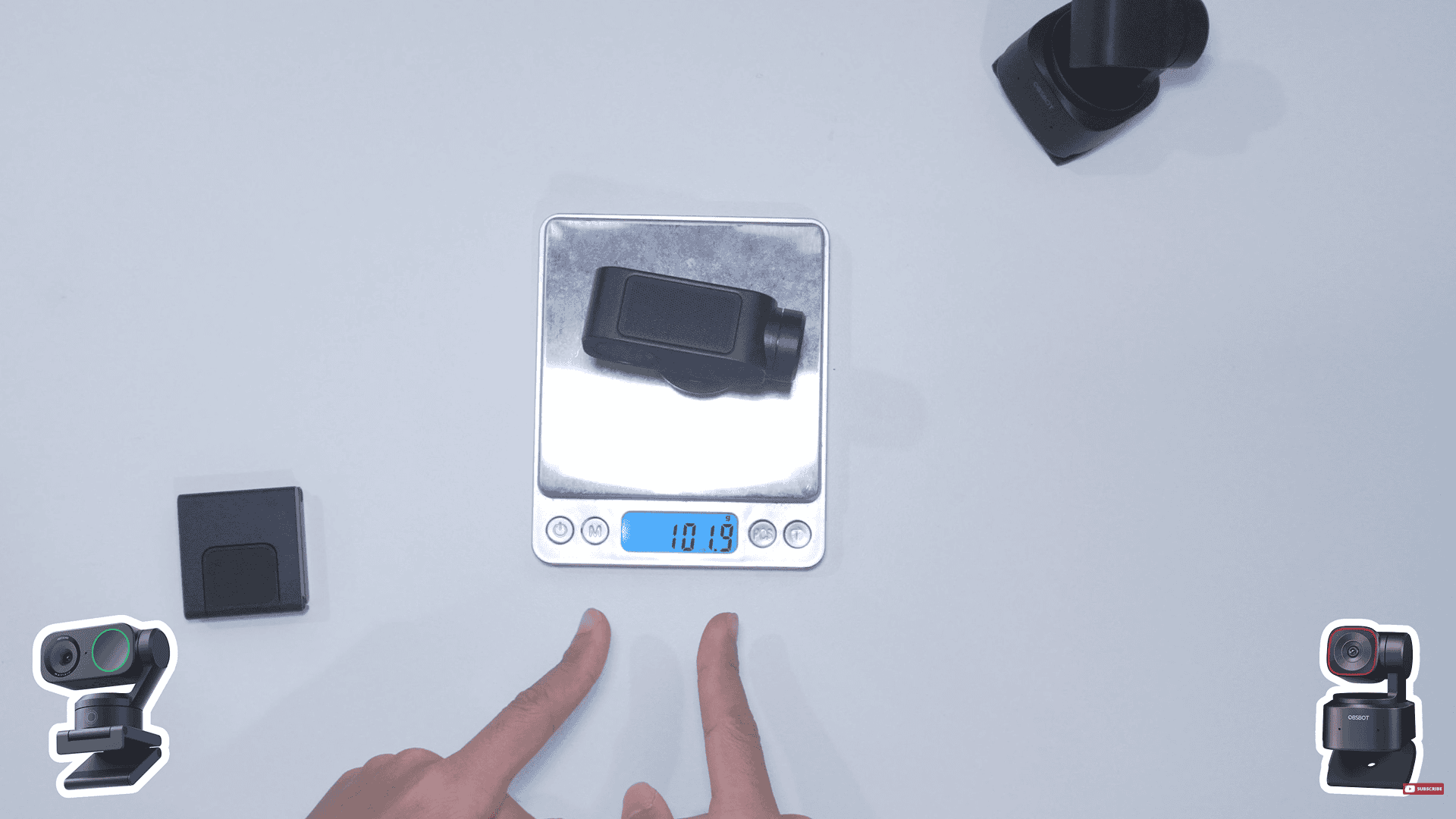
Insta 360’s weight without the mount
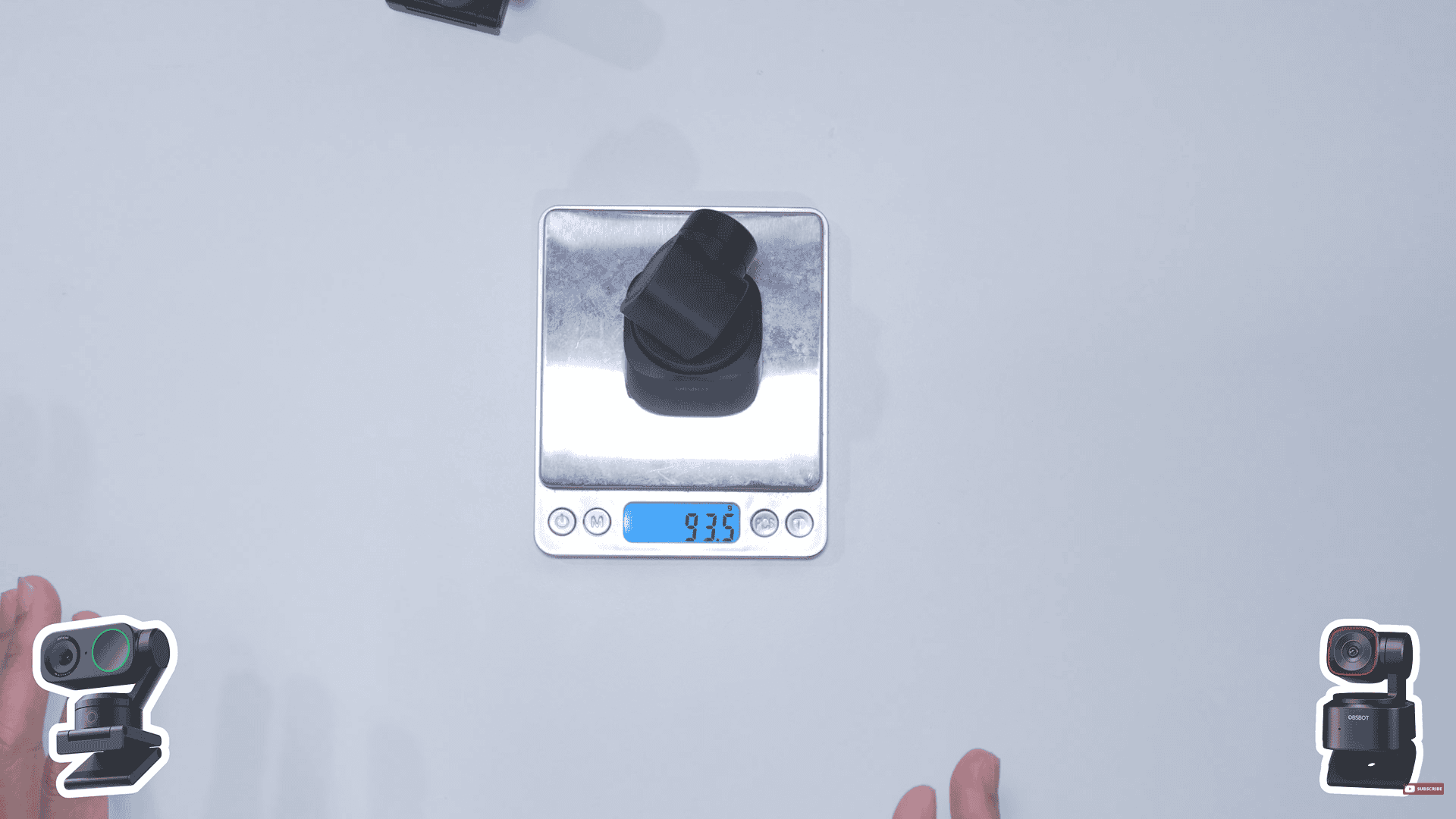
Obsbot’s weight
Round 2 – Build Quality
For build quality, I think both of these are well-built webcams. Both of them seem to be made of some sort of plastic. However, there is something about the Tiny 2 Lite that makes it feel a little cheap.
A section is hollow with the Obsbot, but I’m not getting that feeling from the Link 2, even the side of the webcam is made of metal, which we can tell using a magnet.
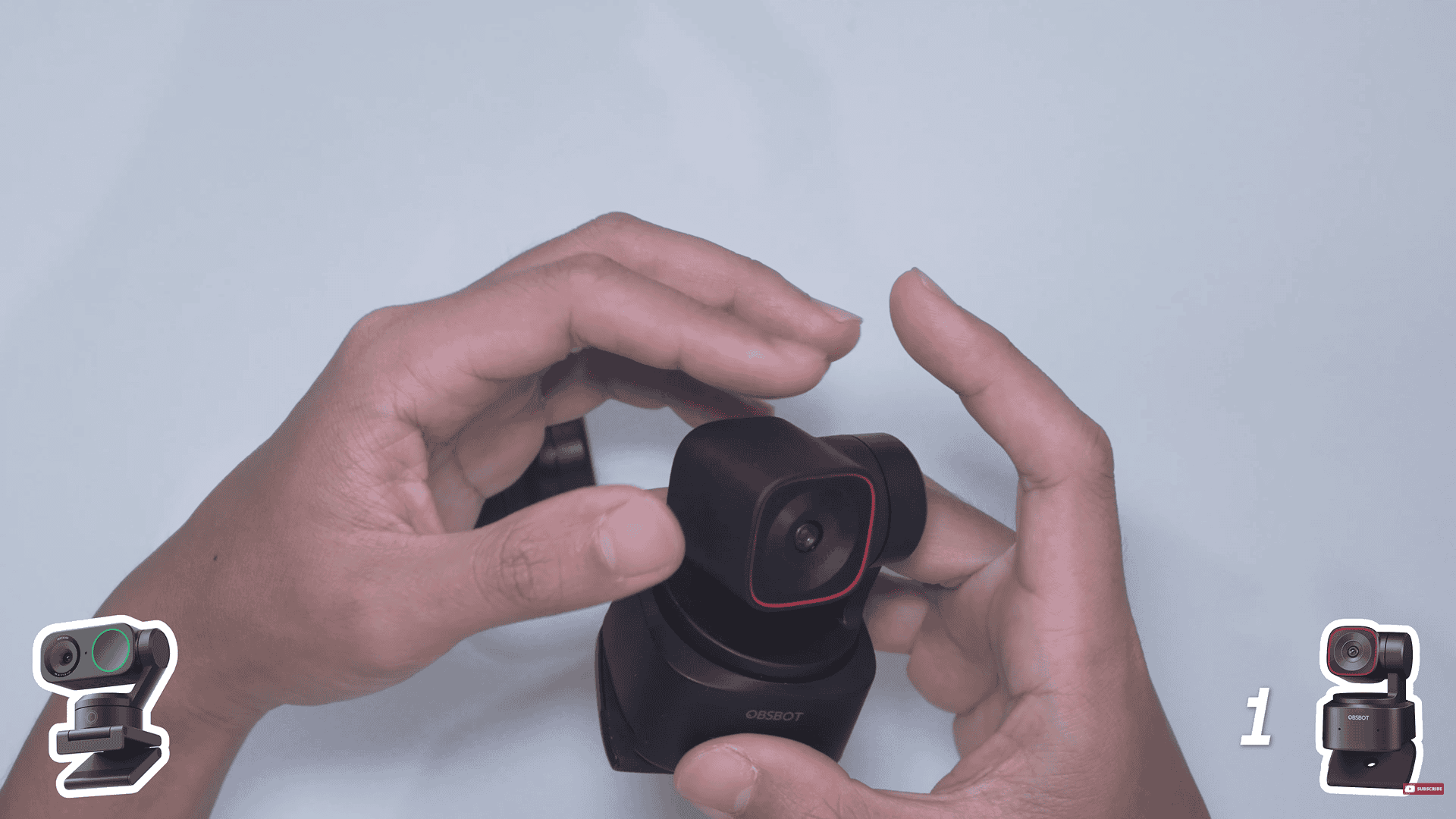
The hollow section in the Obsbot.
The mount on the Tiny 2 Lite feels very sturdy. Its hinge is rock solid. Wherever you set it, it just stays there and it won’t budge. The Link 2 does have a sturdier feeling base.
Now, this isn’t an objective decision whatsoever, but nonetheless, I still do feel that the Link 2 has a bit more polish and is a bit more well-built. This round goes to the Insta360 Link 2.
Round 3 – Image Quality
Since both the Link 2 and the Tiny 2 Lite have 1/2 inch sensors, both of them already have incredible sharpness and have great dynamic range.
One thing you get from great dynamic range is even if it’s bright, you can still see the texture of the fabric of my shirt. And the brighter portions are called the highlights. You can also see the wall of my studio where there’s a bit of a spotlight that would normally become a white blob, but the dynamic range keeps the color and both of them did an excellent job here. Now, the shadows, the darker portions of the video, also retain a fair level of detail.
So, both webcams have great sharpness and great dynamic range. Color-wise, you might find that the Tiny 2 Lite is a bit warmer. Some people like that whereas others like the sharpened look of the Link 2 and it does have a cooler tone. So that part is subjective. So both webcams have great image quality. This round is a draw.
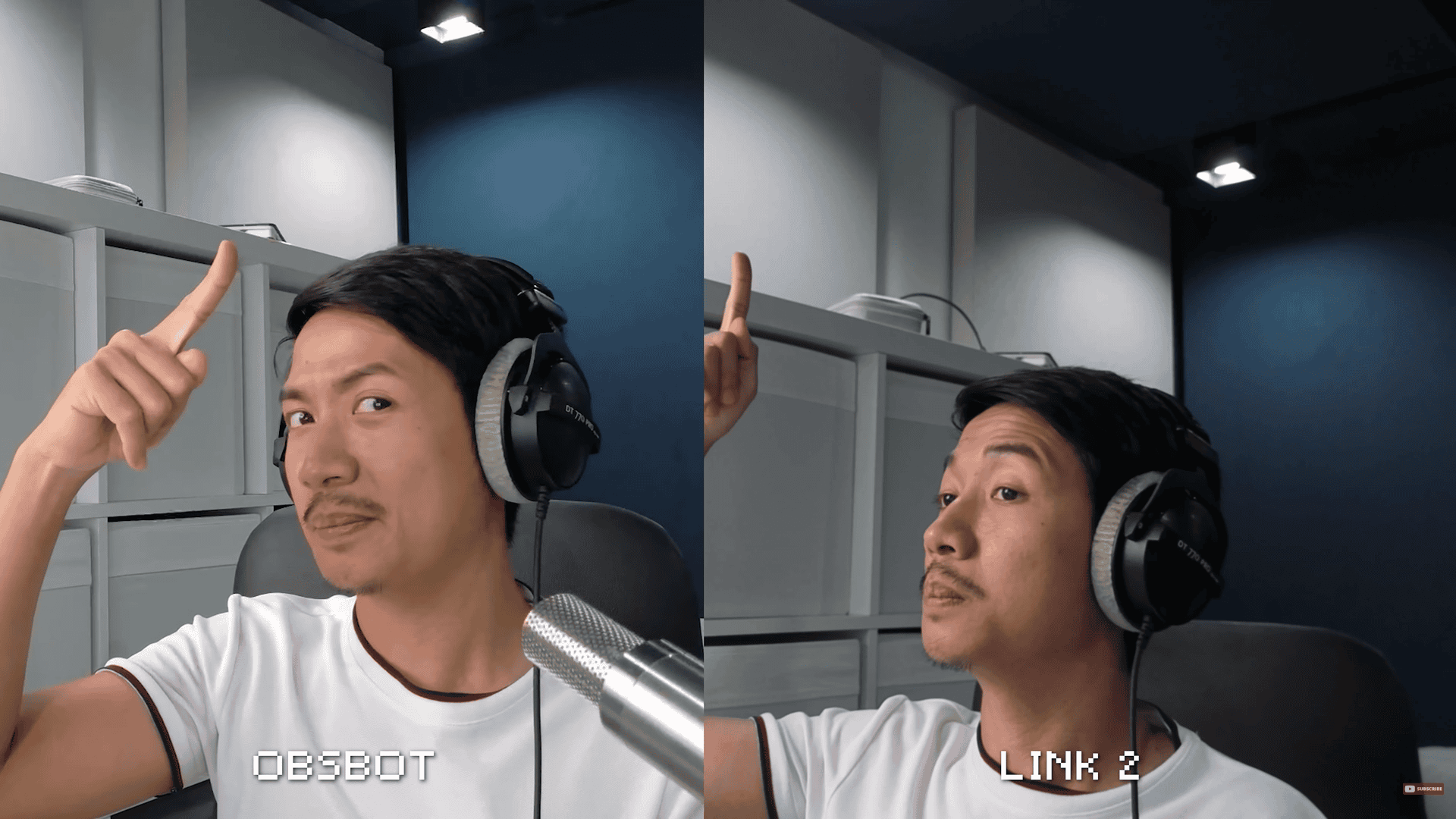
Comparing the image quality of the two
Round 4 – Bokeh / Background Blur
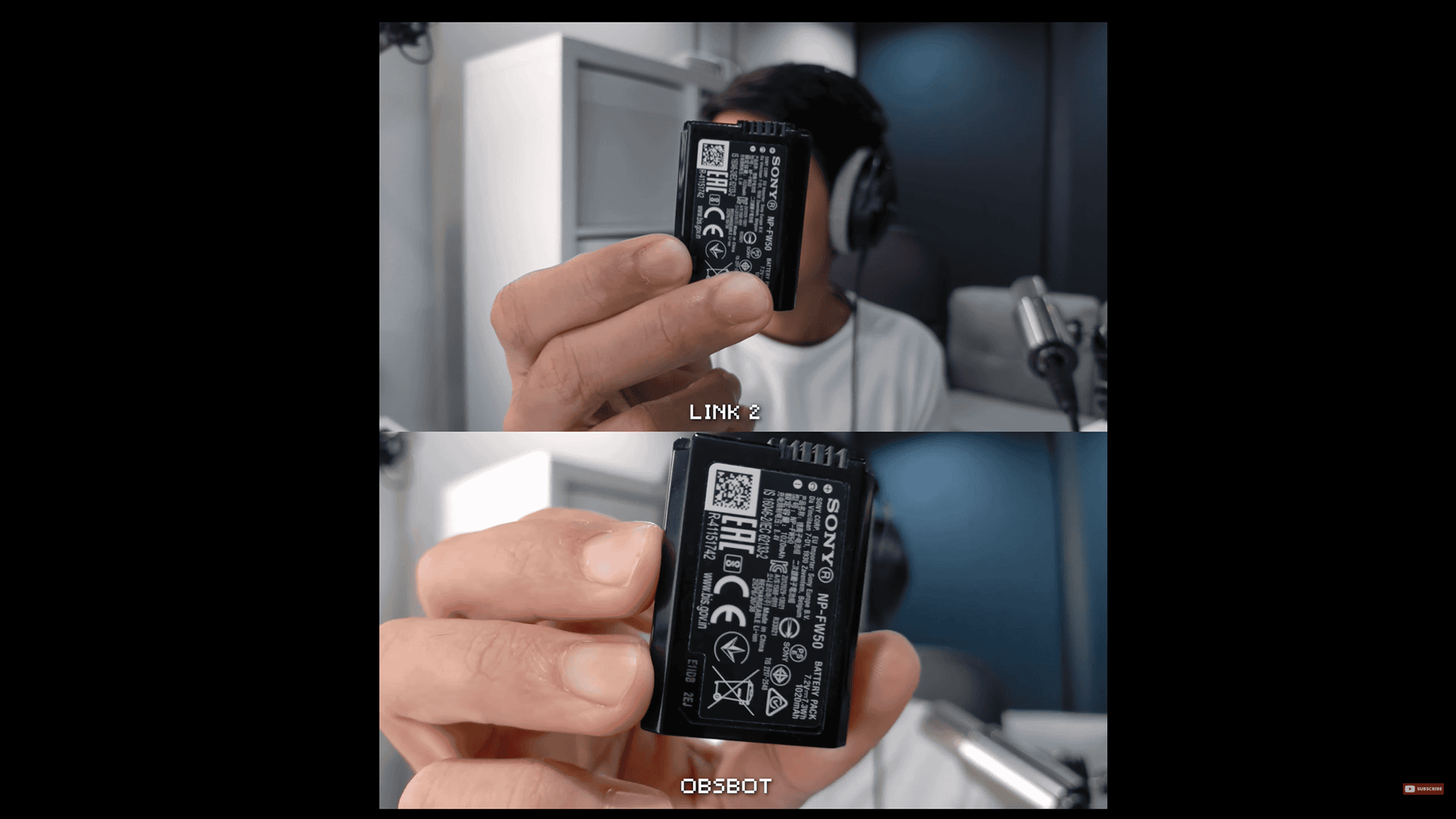
Having the same sensor size. Both of them have a bit of background blur or a shallow depth of field, but not so much that it blows the background out, especially if you have a half-body framing.
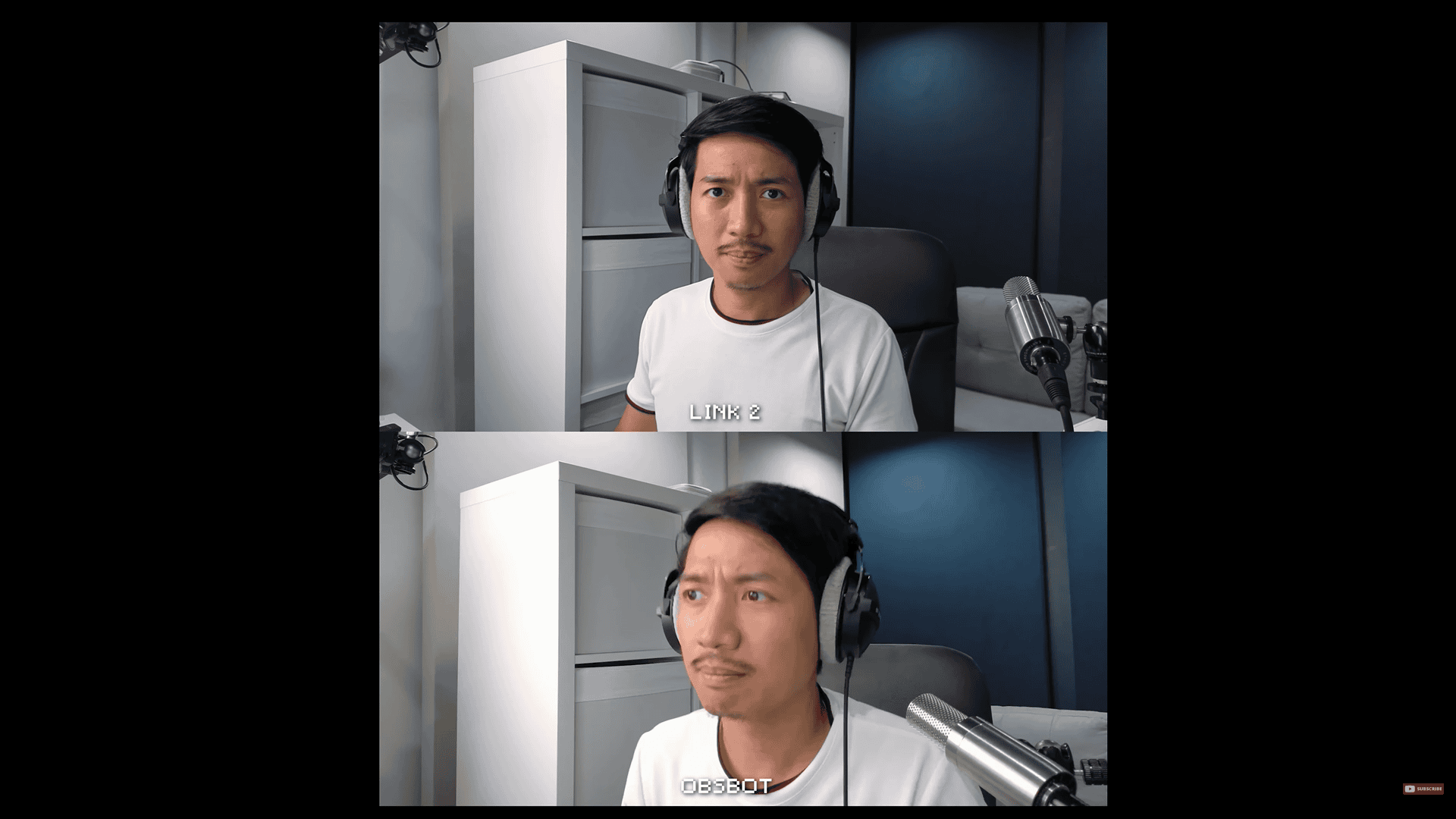
But the moment that your face moves closer, the background does become a bit more blurred, but then you get this awkward framing and you kind of distort your face.
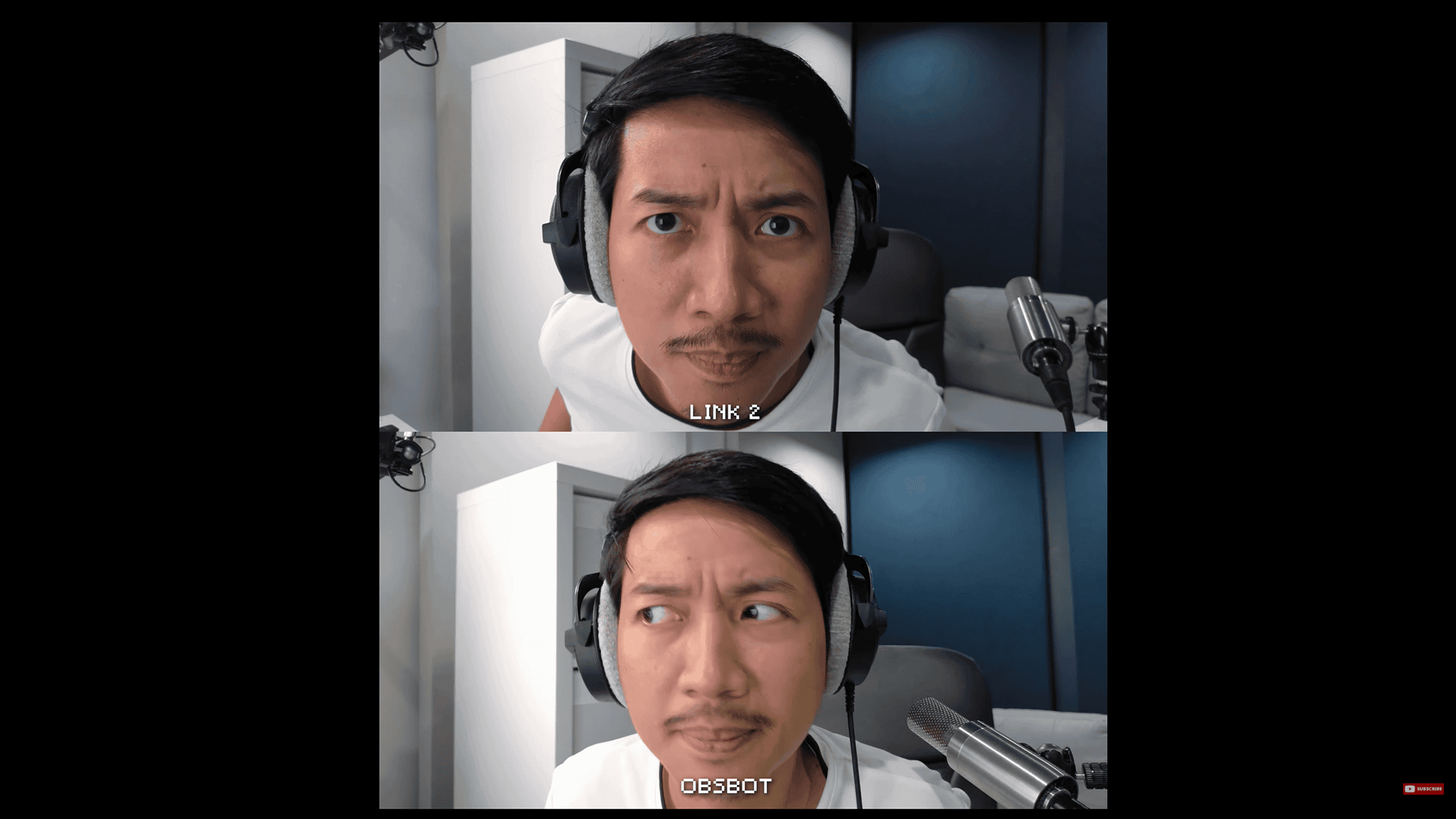
When showcasing tinier objects closer to the webcams, it now has more of a background blur. So, in terms of natural bokeh or background blur, they’re equal.
But what about the virtual bokeh? Using their included software, these are the kinds of results that you’re going to get with each webcam. I personally found that the Insta360 Link controller app just had a more natural look to its bokeh, whereas the Obsbot one kind of struggled with my headphones and especially with foreground objects like my microphone. This round goes to the Link 2.
Round 5 – Chromatic Aberration
I had to make this round specifically because the Obsbot Tiny 2 Lite has some chromatic aberration. If you look at the grill of my Earthworks ethos in the webcam footage, you’re going to see that there’s this purple fringing going on that is not supposed to be there. As a result, this round goes to the Link 2.
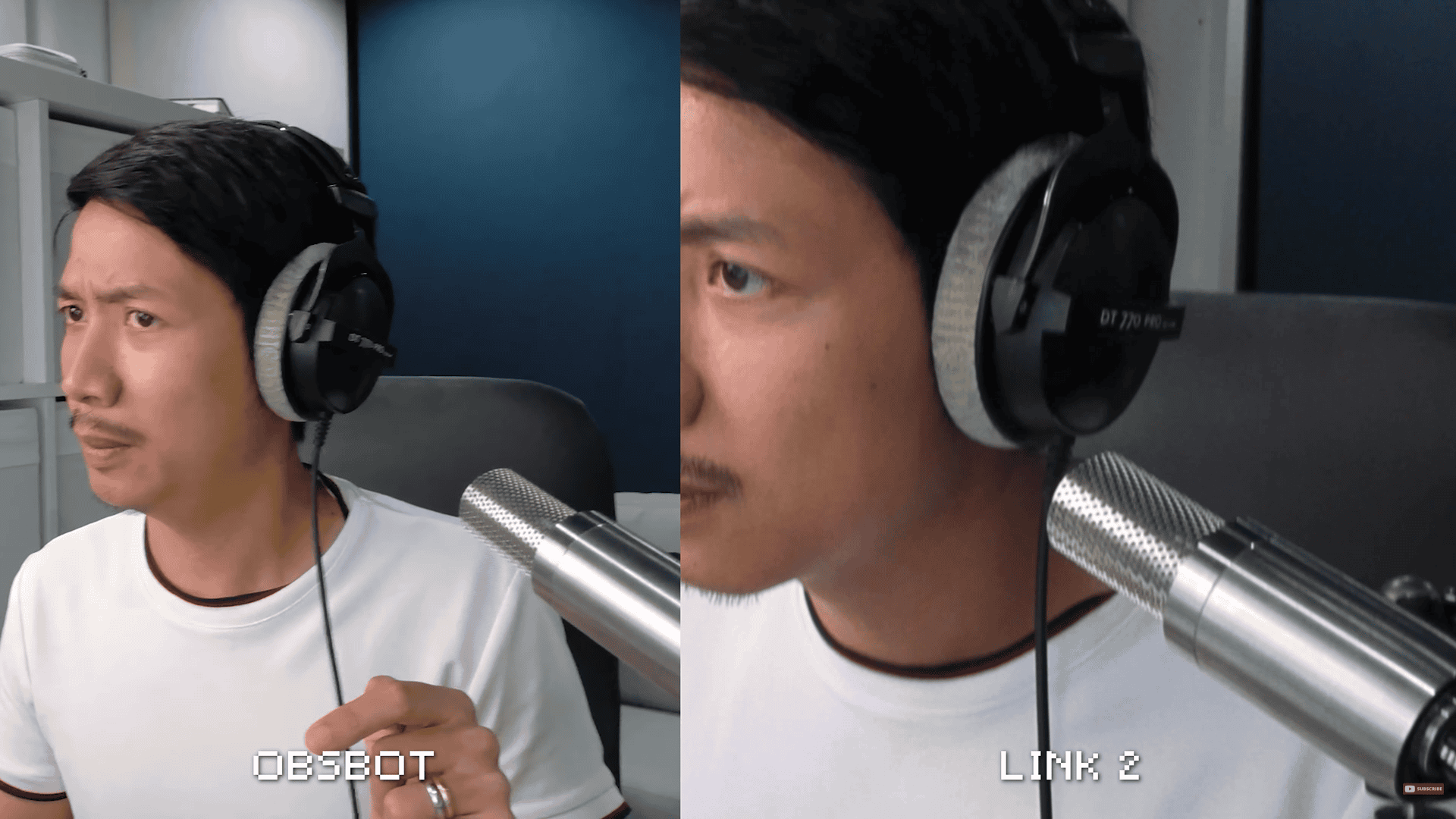
The Purple fringing mentioned earlier
Round 6 – Tracking
I like that the Insta360 Link 2 had different tracking speeds. It had slow, ordinary, and quick.
Kind of weird wording if you ask me. Why not just slow, medium, fast?
Whereas the Obsbot has normal tracking and motion tracking presumably for fast motion. Now, I found that the Link tracking was incredibly snappy. It followed me no matter how fast I was.
The Tiny 2 Lite, on the other hand, was no slouch. I think it was a bit slower in terms of tracking, but I loved how smooth and gradual the tracking was overall. So, they both have their good characteristics, which means this round is a draw.
Round 7 – Autofocus
Both of these webcams have great autofocus. They have the same autofocus technology as some mirrorless cameras. Now, I found that the Link 2 hesitated ever so slightly longer than the Tiny 2 Lite. The Tiny 2 Lite also hesitated, but I found that it had this nice gradual autofocus. This round goes to the Obsbot Tiny 2 Lite.
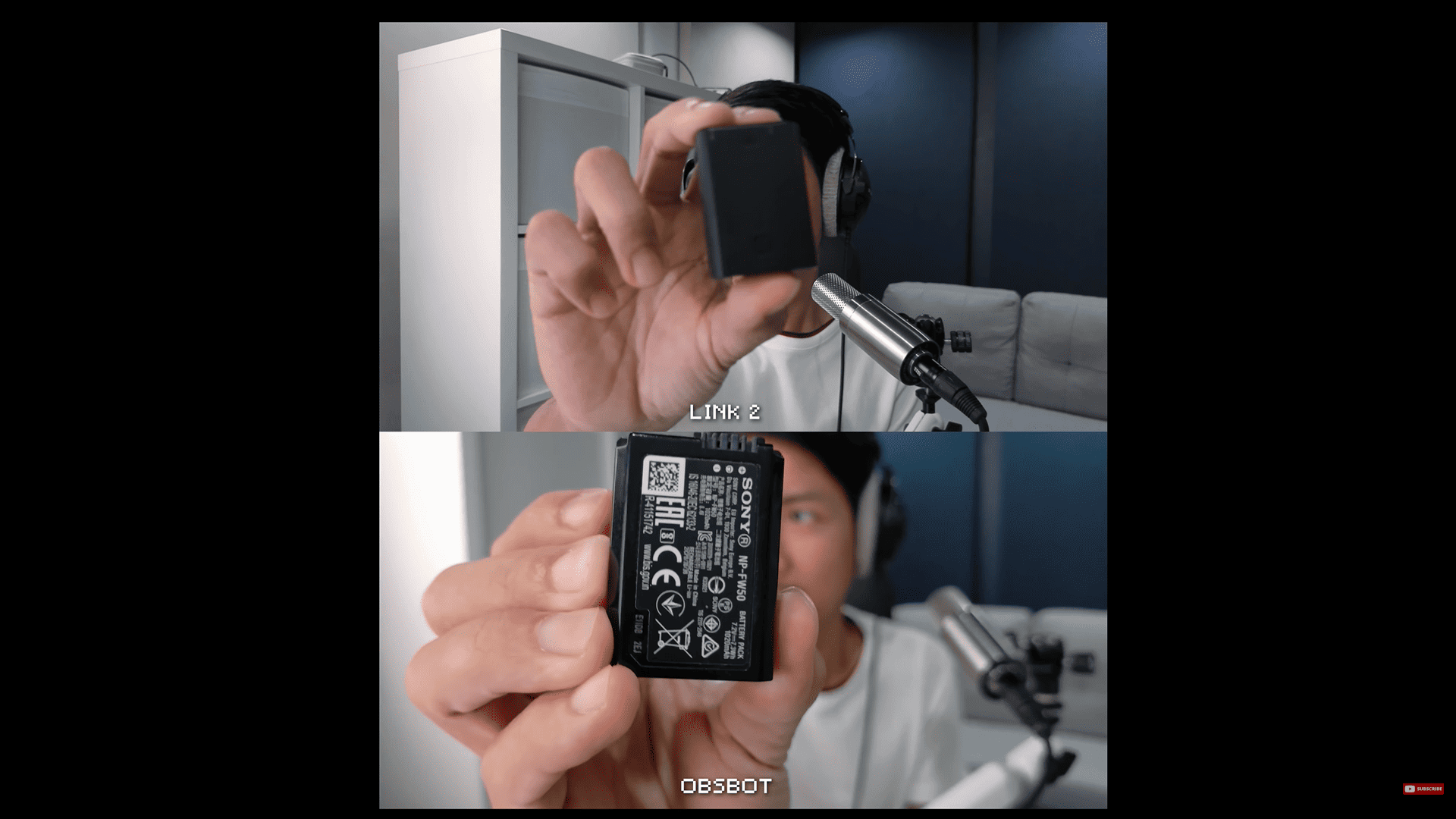
Comparing the autofocus of the webcams
Round 8 – Software
Both the Obsbot app and the Insta360 app pack a lot of features, but I get this feeling that the Obsbot app isn’t that optimized. I find that it tends to lag more compared to the Insta360 app. This round goes to the Link 2.
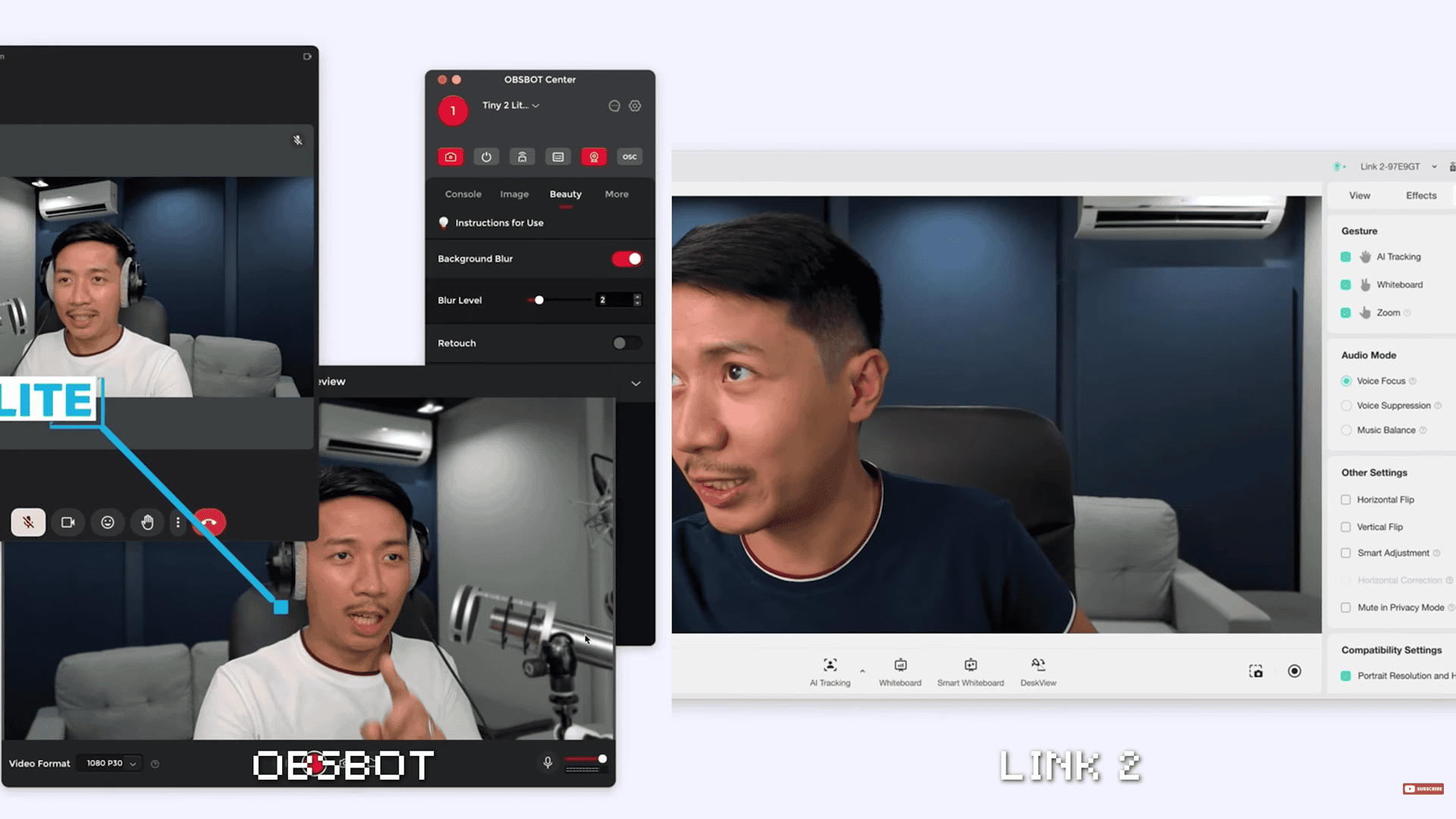
Glimpse of the software of both cameras
Round 9 – Microphones
I noticed that the Link 2 had more warmth and depth. Could be explained by this built-in microphone array, whereas the Obsbot only has these two tiny holes in front. The winner of this round is the Link 2.
Round 10 – Stuttering
Most of the Tiny 2 Lite’s footage has so much lag when recording in 4K. And yes, even with a direct connection to my MacBook Air M2.
On the other hand, the Link 2 was fairly smooth even when it was connected to a hub. In the end, the Link 2 stutters way less. This round goes to the Link 2.
Round 11 – Thermals
Both of them get warm with prolonged use of 4K, but also both of them hardly get warm with prolonged use of 1080p. So, the thermals round is a draw.
Round 12 – Low Light
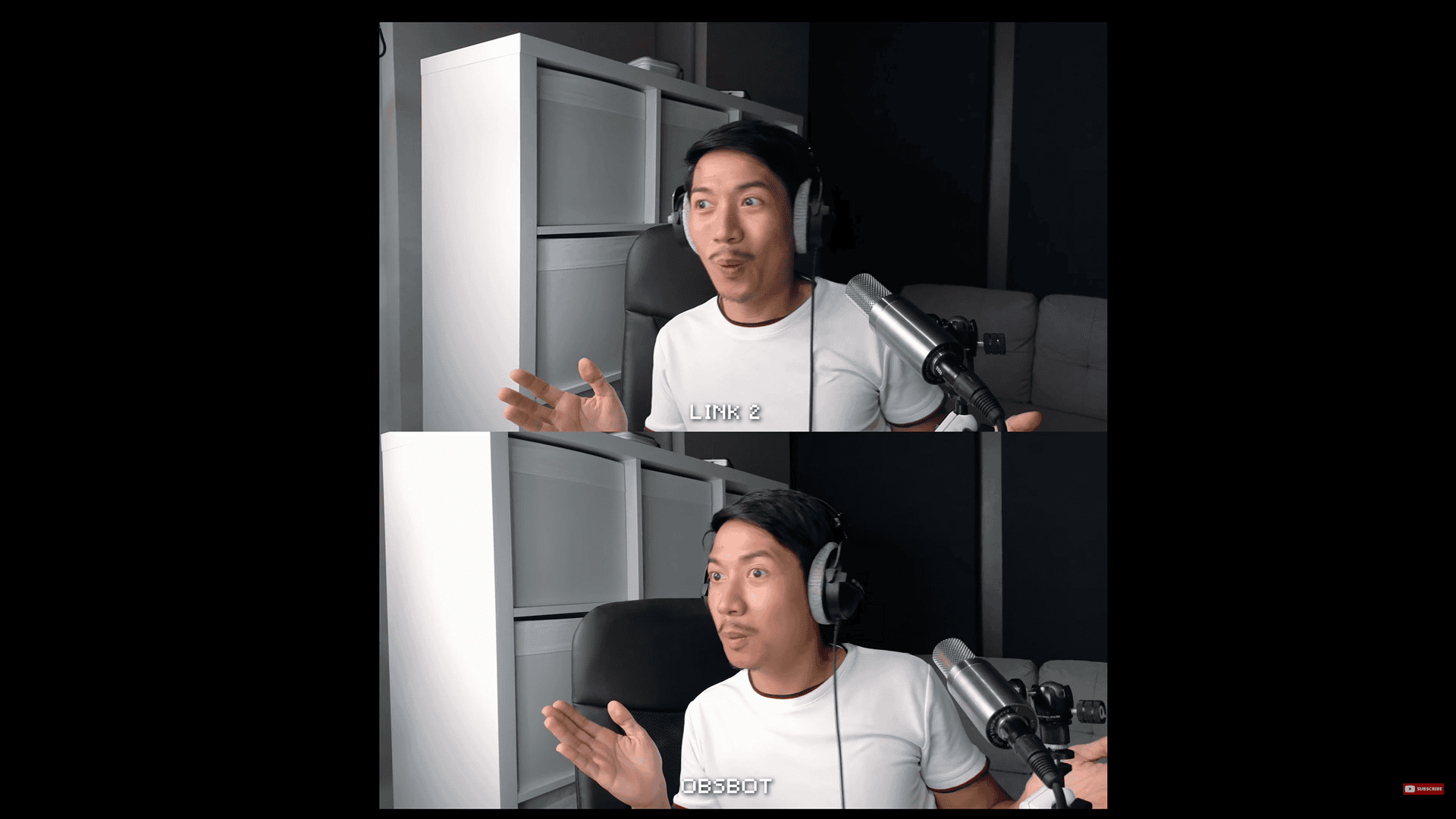
This is how both of these webcams perform in low light. I turned off one light at a time, including my large umbrella softbox light, until I was only left with light coming from my monitor, and to me, they seem equal. This round is a draw.
Round 13 – Price to Performance
As of this video, the Tiny 2 Lite costs $169, whereas the Link 2 costs $199 or $30 more, and both of them are half-inch sensors. But just for the fact that the Link 2 is more reliable than the Tiny 2 Lite in my experience, that already makes it worth way more. If you’re paying $169, you kind of expect this thing to work flawlessly.
Also, the Link 2 has a great set of microphones. I’m not saying that the Link 2 has better audio than something like my mic right now or this budget mic over here, but the audio that you get from this is actually a step up for most of the audio that comes from laptop microphones. The winner of this round is the Link 2.
Conclusion
And so, the winner of this microphone duel is the Insta360 Link 2. And of course, the results of this duel are my personal opinion. But which webcam did you think won? Leave your answer in the comments down below. I’ve also left links to purchase these webcams in the description. So, if you use those affiliate links, it really helps support me.
Insta360 link: https://link.davesoltura.com/Insta360footer
Osbot tiny 2: https://link.davesoltura.com/OsbotTiny2footer